

Speechify Review
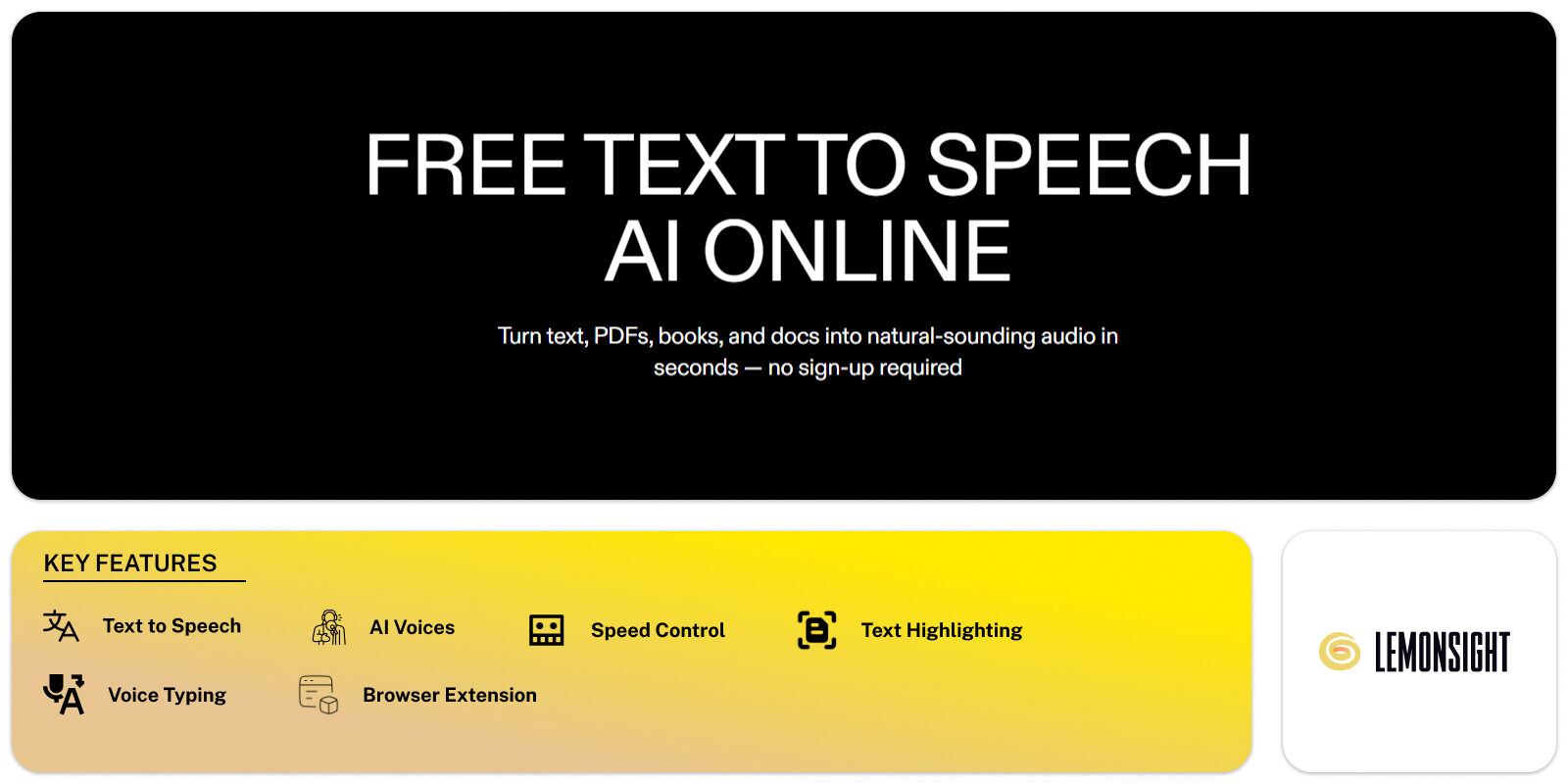
An AI text-to-speech app that turns documents, PDFs, web pages, and books into natural spoken audio — 1,000+ voices across 60+ languages, up to 4.5× speed.
Is Speechify Worth It?
Speechify is worth $139/year for heavy readers, students, and accessibility users who listen to documents, PDFs, web pages, and books daily — and less worth it for casual readers. Premium delivers natural AI voices at up to 4.5× speed across 60+ languages, backed by a 4.7 App Store rating across 435k+ ratings and an Apple Design Award.
About Speechify
Speechify is an AI text-to-speech app that converts text into spoken audio using AI voices, with 55M+ reported users. It takes input from documents, PDFs, web pages, emails, and scanned images, then reads each aloud through one of 1,000+ AI voices across 60+ languages. Sign in at speechify.com, install the Chrome/Edge extension or the iOS, Android, Windows, or Mac app, add text by pasting or scanning, pick a voice and set the speed from 1× to 4.5×, then press play to hear it read aloud with synced highlighting.
✅ Worth it if you
- Read heavy loads of documents, PDFs, or books daily
- Are a student or professional listening on the move
- Rely on listening for dyslexia, ADHD, or low vision
- Want one cross-device reader
🤔 Look elsewhere if you
- Mainly consume short-form content casually
- Want voice cloning for content creation
- Prefer monthly billing over an annual plan
- Need per-second/word generation pricing
Our Verdict
Pros
Voice naturalness supports long-form listening without fatigue|312
Strong accessibility fit for dyslexia, ADHD & low vision|288
Consistent across web, Chrome/Edge, iOS, Android, Windows & Mac|174
Reading speed scales to 4.5× for fast review passes|141
Cons
Premium is annual-only at $139/yr — no monthly plan|263
3-day free trial auto-renews into the annual charge|301
Free tier limited to standard voices & basic speed|119
Scan & Listen OCR struggles on curved spines & handwriting|97
How It Works
Sign in
At speechify.com with Google, Apple, or email.
Install
Chrome/Edge extension, or iOS, Android, Windows, Mac.
Add text
Paste or scan, or open a doc, PDF, web page, or email.
Pick voice & speed
Choose a voice and set speed 1×–4.5×.
Press play
Reads aloud with synced highlighting.
Speechify Features
| Feature | What it delivers | Hands-on result |
|---|---|---|
| Reads Text Aloud | Natural-sounding AI voices on web, mobile & desktop | Low-fatigue listening at conversational pace |
| Speed Control | Reading speed up to 4.5× | Comfortable at 1.5–2.5×, breakneck at 4.5× |
| Scan & Listen (OCR) | Camera-scan reading of print, PDFs & images | Strong on flat print, weak on spines & handwriting |
| Text Highlighting | Synced highlight follows the spoken word | Helps reading retention |
| Voice Typing | Dictation that converts speech to text | Acceptable accuracy, accent-dependent |
| AI Assistant | Summary, quiz & recap of the active text | Quick study-mode shortcut |
| AI Podcasts | Short-form audio from ideas or text | Single-voice output, casual |
| Books, PDFs, Docs, Web & Email | Broad input format coverage in one app | Cross-format consistency |
Natural AI voices
Closer to studio narration than robotic TTS, reducing fatigue across long sessions.
Speed to 4.5×
Fine increments; most users settle at 1.5–2.5× for comprehension.
Scan & Listen
Point a camera at a page and hear the text. Best on flat print.
AI Assistant
Summaries, quiz questions, and recaps — active recall, not passive listening.
Synced highlighting
Highlights the spoken word so the eye follows the ear.
Voice Typing
Speech-to-text dictation; best on neutral US English.
Speechify Pricing
- 10 standard AI voices
- Up to 1× reading speed
- Basic reading, limited quota
- Ad-supported on some surfaces
- 30+ premium voices, 60+ languages
- Up to 5× reading speed
- AI Assistant & Scan & Listen
- Voice cloning gate & priority support
Who Is Speechify Best For?
Heavy academic loads. Scan & Listen for print, 4.5× for review, AI Assistant for quiz & recap. Student discount via verification.
Contracts, briefs & emails on the move via the extensions, desktop client, and cross-device sync.
Dyslexia, ADHD & low-vision users who listen alongside or instead of reading.
Speechify Alternatives
| Tool | Best for | Price | Notes | Compare |
|---|---|---|---|---|
| NaturalReader | Daily readers wanting cheaper monthly billing | From ~$9.99/mo | Natural neural | vs → |
| ElevenLabs | Creators wanting high-fidelity voices & cloning | From $5/mo | Studio-grade | vs → |
| Murf | Marketers & e-learning voiceover at scale | From $19/mo | Polished studio | vs → |
| PlayHT | Voiceover producers wanting per-word pricing | From ~$31.20/mo | Strong neural | vs → |
| Speechify — this review | Heavy readers, students & accessibility | $139/yr | Natural AI |
vs NaturalReader
NaturalReader runs cheaper with monthly billing Speechify doesn't offer; Speechify holds stronger voice naturalness and a deeper feature set.
vs ElevenLabs, Murf & PlayHT
Creator tools for voice generation, not daily reading. Buyers needing both often pair Speechify with one of them.
Speechify FAQ
Is Speechify worth the money?
Worth it for heavy readers, students, and accessibility users who listen daily.
How much is Speechify?
Premium costs $139/year (~$11.58/month) on annual billing only.
Is Speechify free?
Freemium — a free tier with standard voices and 1× speed, then $139/year for Premium.
Does Speechify offer a free trial?
Yes — a 3-day trial on Premium that auto-renews into the $139/year charge unless cancelled.
Is there a student discount?
Yes, through verification on the Speechify pricing page.
How many voices does it offer?
1,000+ advertised on the brand site; directories list 200+ named voices.
What devices does it work on?
Web, Chrome and Edge extensions, plus iOS, Android, Windows, and Mac.
Is Speechify legit and safe?
A legitimate company with 55M+ users, a 4.7 App Store rating, and an Apple Design Award.
Ready to try Speechify?
Start free, or take the trial to explore premium features across all your devices.
Visit Speechify →Related Tools

An enterprise conversational AI platform that autonomously resolves customer issues by executing actions directly in backend order and CRM systems.

A B2B conversational marketing and sales chatbot platform that qualifies leads, books meetings, and personalizes web engagement in real time.

Microsoft's free AI search chatbot that combines GPT-4 with live Bing search results, citations, and built-in DALL-E 3 image generation.

A live chat and AI chatbot platform for ecommerce that combines Lyro AI automated responses with a visual chatbot builder and native Shopify/WooCommerce integration.
A character-driven mobile app for voice and text conversations with custom AI personas, with a creator studio and community character feed.

An AI chatbot by Writesonic that integrates real-time Google Search to generate up-to-date text and images for marketers, writers, and researchers.