

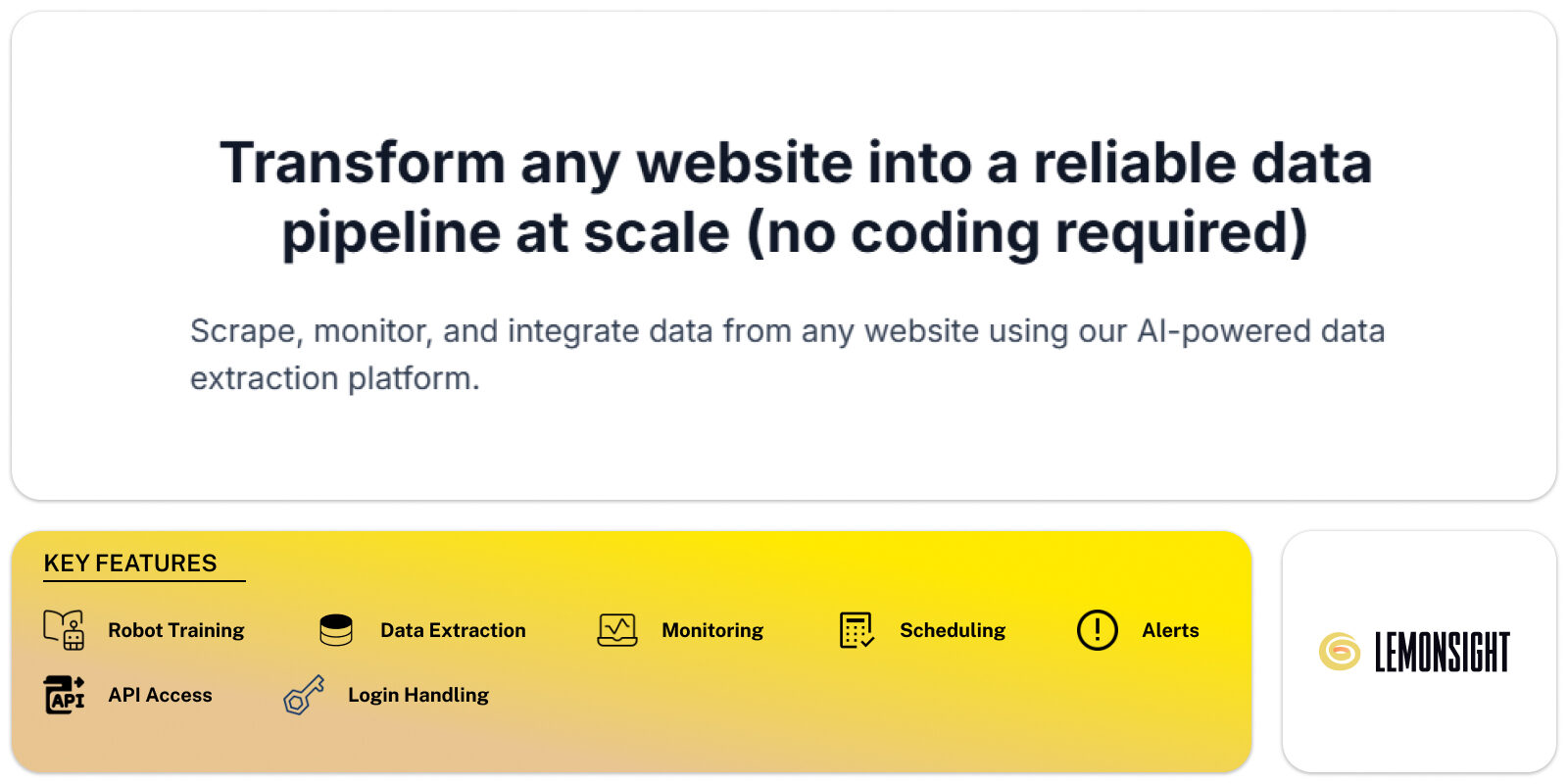
Browse AI is a no-code web data extraction platform that converts websites into structured datasets and monitored data feeds for business operations. The platform processes user-defined browser interactions and records page elements for repeated extraction. Browse AI serves ecommerce teams, investors, analysts, recruiters, and operations staff who require recurring website data without scripting. The system contains robot training, scheduled monitoring, spreadsheet exports, API access, and browser-based execution. Browse AI records clicks, scrolls, pagination paths, and element selectors through a Chrome-based interface. The platform outputs tables, alerts, and webhooks for downstream systems. Browse AI operates through cloud execution and local browser training. The tool category covers no-code scraping, change detection, and website automation for structured data collection.
Browse AI Core Functionality
Browse AI operates through recorded workflows that replicate user interactions inside a browser session. Users train a robot by selecting page elements, navigation steps, and extraction targets. The robot stores selectors, page structure references, and navigation logic. Browse AI executes robots on a schedule or on demand through cloud runners. The system detects page updates by comparing stored element states across runs. Browse AI exports results as spreadsheets, JSON feeds, or API endpoints. The platform uses computer vision, DOM parsing, and rule-based automation rather than generative text models. Browse AI handles pagination, login sessions, and conditional page flows through predefined actions. Execution logs record run status, errors, and data changes.
| Plan | Monthly |
|---|---|
| Free | $0 |
| Personal | $19 |
| Professional | $69 |
| Premium | $500 |
There are no reviews yet. Be the first one to write one.