

Suki AI Review
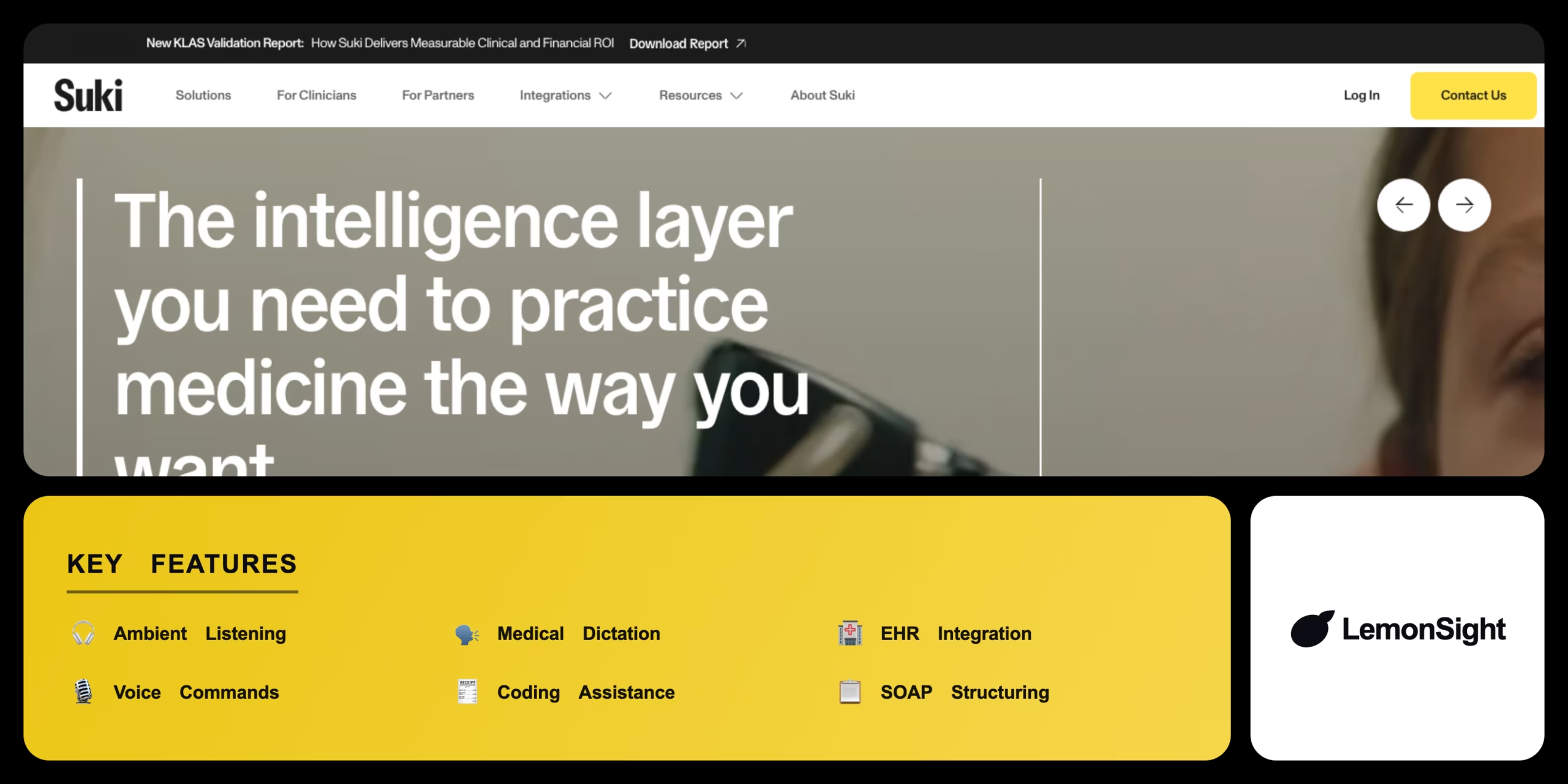
An AI voice assistant for clinicians that uses ambient listening to generate SOAP notes and push clinical documentation directly into the EHR.
Is Suki AI Worth It?
Suki AI is worth it for physicians and health systems drowning in charting. Its ambient listening turns patient encounters into structured SOAP notes, pushes them into Epic, Cerner, and Athenahealth, and suggests ICD-10/CPT codes. Pricing is enterprise-only with a required HIPAA BAA — there’s no public self-serve plan.
About Suki AI
Suki AI is an AI-powered voice assistant that automates clinical documentation, dictation, and EHR data entry for healthcare professionals. It uses ambient listening to capture patient-doctor conversations and generate structured clinical notes, targeting physicians and health systems aiming to reduce administrative charting burden.
Suki runs on mobile, desktop browsers, and Windows, transcribes natural exam-room conversation, understands clinical terminology and pharmacology, and integrates with major EHRs like Epic, Cerner, and Athenahealth. Medical-tuned LLMs structure transcripts into SOAP format, filter out casual conversation, and adapt to each physician’s style over time, with voice commands for data retrieval and ICD-10/CPT coding assistance.
Our Verdict
Pros
- Ambient listening auto-generates SOAP notes
- Deep EHR integration (Epic, Cerner, Athenahealth)
- Understands clinical terminology and pharmacology
- Voice commands and ICD-10/CPT coding help
- HIPAA-compliant with a BAA
Cons
- Enterprise-only — no public pricing
- Requires a formal HIPAA BAA
- No self-serve consumer signup
- Geared to health systems and practices
- Onboarding and EHR setup required
How It Works
Open
Open Suki on mobile or desktop.
Select patient
Select the patient from the EHR schedule.
Activate
Activate Ambient Listening at the visit start.
Conduct
Conduct the encounter naturally.
Review
Review the auto-generated SOAP note.
Dictate
Use Medical Dictation for final adjustments.
Approve
Approve the note to push it into the EHR.
Suki AI Features
Ambient Listening
Generates notes from patient encounters.
Medical Dictation
Transcribes clinical dictation accurately.
EHR Integration
Pushes notes into patient charts.
Voice Commands
Retrieves labs, codes, and templates.
Coding Assistance
Suggests ICD-10 and CPT codes.
SOAP Structuring
Formats transcripts into SOAP notes.
Suki AI Pricing
Who Is Suki AI Best For?
Cut charting time with hands-free notes.
Standardize documentation across clinicians.
Accurate ICD-10/CPT coding from notes.
Suki AI Alternatives
| Tool | Best for | Price | Notes | Compare |
|---|---|---|---|---|
| Nuance DAX | Microsoft-integrated ambient AI | Enterprise | No | vs → |
| Freed AI | Consumer-style ambient scribe | $99/mo | Free trial | vs → |
| DeepScribe | AI + human-in-the-loop | Enterprise | No | vs → |
| Suki AI — this review | Ambient scribe + EHR | Enterprise / custom | No |
Suki AI vs Nuance DAX
Nuance DAX offers ambient clinical intelligence deeply tied to Microsoft workflows; Suki AI is a flexible voice assistant with broad EHR integration and voice commands. Microsoft-centric → DAX; flexible assistant → Suki.
Suki AI FAQ
How much does Suki AI cost?
Suki AI does not publish standardized pricing. It sells per user or per site through direct enterprise sales, with pilot programs to evaluate ROI before deployment.
Is Suki AI HIPAA-compliant?
Yes — Suki AI requires a formal Business Associate Agreement (BAA) to maintain HIPAA compliance for protected health information.
Which EHRs does Suki AI integrate with?
Suki AI integrates with major EHRs including Epic, Cerner, and Athenahealth, pushing completed notes directly into patient charts.
How does Suki AI work?
Suki uses ambient listening to transcribe the patient encounter, structures it into a SOAP note with medical-tuned LLMs, and pushes the approved note into the EHR.
Ready to try Suki AI?
Start free, or take the trial to explore premium features across all your devices.
Visit Suki AI →Related Tools

Abridge is an enterprise-only ambient AI medical scribe that drafts clinical notes in real time and integrates directly with Epic.

An online therapy platform that matches patients with licensed therapists via a clinical algorithm, accepting commercial insurance for hybrid video and in-person care.

A fitness tracking app and social network for runners and cyclists that records GPS activities, analyzes performance, and adds competitive Segments.

A smart mattress cover with active water-cooling and biometric sensors that auto-regulates each sleeper's temperature via the Autopilot algorithm.

A nutrition and exercise tracking app that logs daily food, calories, and macros across a 14M+ food database.

An online therapy platform that connects users with licensed therapists through messaging, live chat, phone, and video sessions.