

Kittl Review
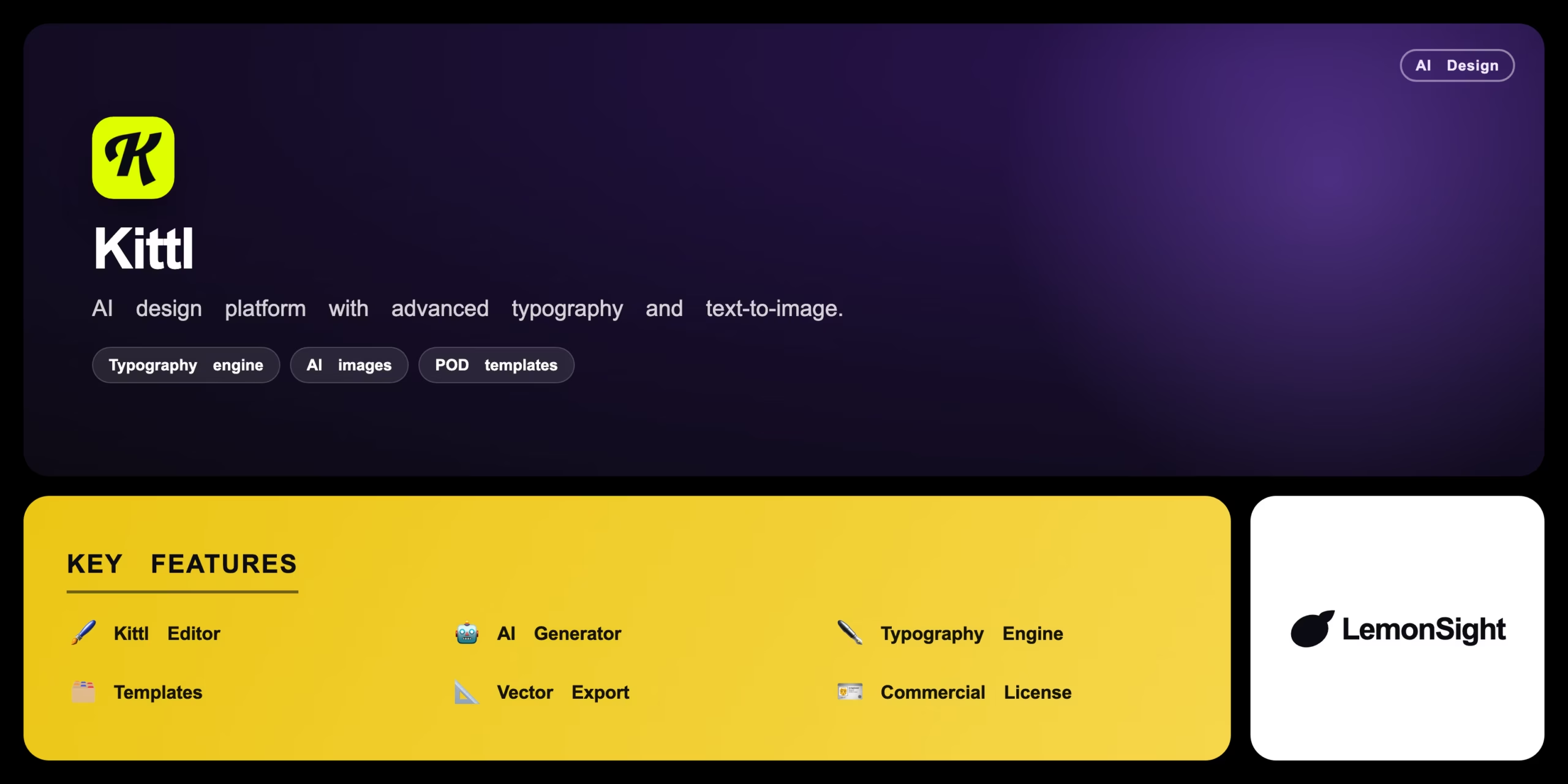
A browser-based AI design platform that pairs advanced typographic controls with text-to-image generation for print-on-demand and commercial creators.
Is Kittl Worth It?
Kittl is worth it for merchandise creators, apparel designers, and marketers who need scalable, high-quality visual assets. It blends a vector editor, AI text-to-image, and a standout typography engine in the browser. The free plan requires attribution and limits export resolution; Pro from $10/month unlocks commercial licensing and more AI credits.
About Kittl
Kittl is a browser-based graphic design platform that integrates AI generation tools with advanced typographic controls for commercial creators and print-on-demand businesses. It provides vector manipulation, pre-built templates, and AI image generation in a single interface, targeting merchandise creators, apparel designers, and digital marketers.
Users work on a central canvas, dragging vector elements, applying complex text transformations, and altering color palettes globally. Machine-learning models generate background images or vector icons from text prompts, and designs export as high-resolution PNG, JPG, PDF, or SVG.
Our Verdict
Pros
- Standout typography engine with warping and shading
- AI text-to-image directly on the canvas
- Print-on-demand templates and presets
- High-resolution PNG, PDF, and SVG export
- Runs in the browser — no install
Cons
- Free plan requires attribution
- Free export resolution is limited
- Fewer general templates than Canva
- AI credits capped by tier
- Niche focus on POD/merch design
How It Works
Sign up
Create a free Kittl account.
Template
Pick a template or start a blank canvas.
Add elements
Add text, elements, or AI-generated images.
Typography
Apply warping and shading to text objects.
Color
Adjust the global color palette.
Finalize
Finalize the layout on the canvas.
Export
Export in your chosen format and resolution.
Kittl Features
Kittl Editor
Canvas for vector graphics, images, and text.
AI Generator
Raster and vector images from text prompts.
Typography Engine
Warping, shading, and bounding-box distortion.
Templates
Pre-built layouts for common projects.
Vector Export
High-res PNG, PDF, and SVG output.
Commercial License
Full commercial rights on paid plans.
Kittl Pricing
- $15/mo billed monthly
- Full commercial licensing
- No attribution
- More AI credits
- $30/mo billed monthly
- Unlimited vector exports
- Maximum AI credits
Who Is Kittl Best For?
Design scalable, print-ready vector artwork.
Produce on-brand graphics with AI assets fast.
Craft logotypes with the typography engine.
Kittl Alternatives
| Tool | Best for | Price | Notes | Compare |
|---|---|---|---|---|
| Canva | General-purpose design | $10/mo | Free tier available | vs → |
| Adobe Illustrator | Pro vector editing | $22.99/mo | No | vs → |
| Vexels | POD vector library | $19.99/mo | Free tier available | vs → |
| Kittl — this review | AI design & typography | Free + paid | Free tier |
Kittl vs Canva
Canva offers a broader library of general marketing templates; Kittl wins on advanced vector typography warping and POD-focused design with AI generation. General templates → Canva; typography & merch → Kittl.
Kittl FAQ
Is Kittl free?
Kittl offers a free plan with editor access, but it requires attribution and limits export resolution. Pro from $10/month (annual) removes attribution and adds commercial licensing.
What is Kittl used for?
Kittl is used to design merchandise, apparel graphics, logos, and marketing assets, combining a vector editor, AI image generation, and a powerful typography engine.
Does Kittl offer commercial licensing?
Yes — paid Pro and Expert plans grant full commercial licensing and remove the free-tier attribution requirement.
What can I export from Kittl?
Kittl exports high-resolution PNG, JPG, PDF, and SVG files, with unlimited vector export on the Expert plan.
Ready to try Kittl?
Start free, or take the trial to explore premium features across all your devices.
Visit Kittl →Related Tools

Taste is an AI design-taste tool that learns your visual preferences through swipe ratings and extracts colors, categories, and tags from any screenshot.

An AI design generator that turns text prompts into raster images, native vector graphics, icons, and mockups, with brand style control for consistent output.

An AI-powered 3D design platform that builds, animates, and exports interactive 3D scenes from a web browser.
Transforming flat images into mesmerizing 3D animations, one pixel at a time.

Where design meets efficiency, unlocking over 60,000 possibilities with web-based ease.

Streamline and enhance your interior design experience effortlessly.