

Maestra Review
An AI media localization platform that automates transcription, subtitling, and voice-cloned voiceovers across 100+ languages.
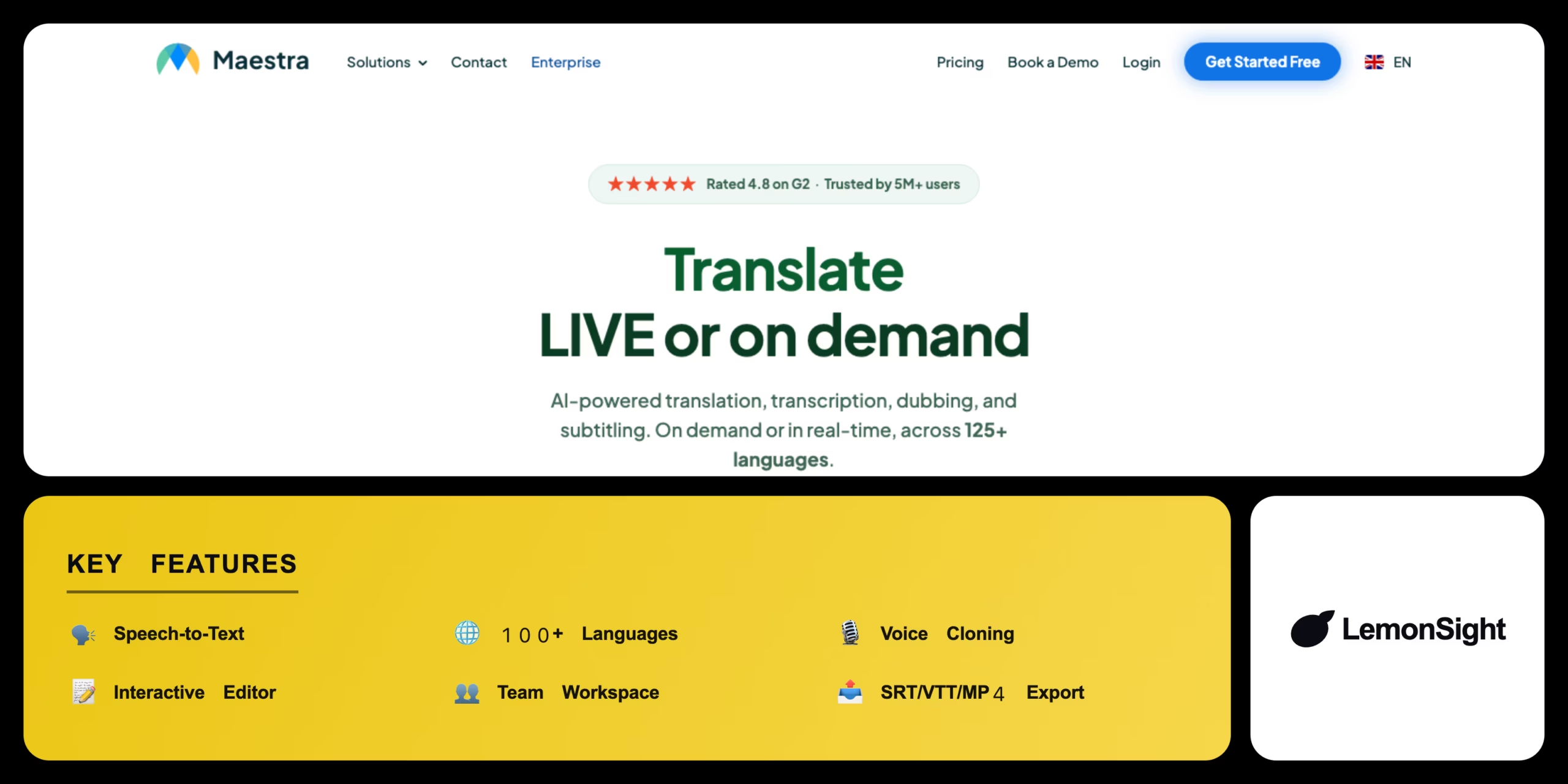
Is Maestra Worth It?
Maestra is worth it for creators who need fast, multilingual subtitles and voiceovers in one workspace. Neural machine translation into 100+ languages plus voice-cloned dubbing that matches the original speaker’s tone drastically cuts localization turnaround. Heavy background noise still trips up transcription accuracy, and there’s no permanent free plan — just a 15-minute trial.
About Maestra
Maestra is an AI-powered media localization platform that automates transcription, subtitling, and voiceovers for video creators and educational institutions. It operates via a web interface to convert uploaded audio and video files into text across 100+ languages, targeting YouTubers, podcasters, and global marketing teams.
Maestra processes media using speech-to-text algorithms, then applies neural machine translation to convert transcripts into dozens of target languages, using voice cloning to match synthesized voiceovers to the original speaker’s tone and cadence. It supports custom vocabulary dictionaries for industry-specific accuracy and direct export of SRT, VTT, and MP4 files.
Is Maestra safe for sensitive content?
Maestra is generally safe, securing files with 256-bit AES encryption and offering automatic file deletion after processing on request, while remaining fully GDPR compliant.
Our Verdict
Pros
- All-in-one suite for transcripts, subtitles, and dubbing
- Intuitive interactive editor for quick corrections
- Excellent collaborative tools for remote teams
- Voice cloning matches original speaker tone
- Custom vocabulary dictionaries improve accuracy
Cons
- Transcription struggles with heavy background noise
- High-volume video processing becomes expensive
- Synthetic voices can occasionally sound robotic
- No permanent free plan, only a 15-minute trial
- Advanced voice cloning locked behind paid tiers
How It Works
Log in
Open the Maestra web platform.
Upload
Add an audio/video file or paste a YouTube link.
Set language
Select the original spoken language.
Transcribe
Wait for the AI to generate the transcript.
Edit
Correct any misspelled words in the editor.
Translate
Generate subtitles in a new language.
Export
Download as SRT or a hardcoded MP4.
Maestra Features
Speech-to-Text
Transcribes audio and video automatically.
100+ Languages
Synchronized subtitles in dozens of languages.
Voice Cloning
AI voiceovers matching the original speaker.
Interactive Editor
Quick corrections with auto-timing sync.
Team Workspace
Collaborative high-volume media processing.
Maestra Pricing
- Voice cloning
- 100+ languages
- Interactive editor
- SRT/VTT/MP4 export
Who Is Maestra Best For?
Multilingual subtitles for wider reach.
Localize internal video libraries fast.
High-volume video localization at scale.
Maestra Alternatives
| Tool | Best for | Price | Notes | Compare |
|---|---|---|---|---|
| Sonix | Podcaster-focused transcripts | $10+/mo | Free trial | vs → |
| Descript | Text-based video editing | Free + $12/mo | Free tier available | vs → |
| Maestra — this review | Transcription + dubbing | Free trial + $29/mo | 15-min free trial |
Maestra vs Descript
Descript lets you edit video by cutting the transcribed text directly, doubling as a full editor; Maestra focuses more narrowly on transcription, subtitling, and AI dubbing across languages. Text-based editing → Descript; multilingual localization → Maestra.
Maestra FAQ
Is Maestra free?
Maestra is not fully free. It offers a 15-minute free trial with a watermark; ongoing use requires Pay As You Go credits or a Premium/Teams subscription.
Is Maestra accurate?
Maestra is generally accurate for clear audio but can struggle with heavy background noise or unusual technical jargon, which the editor helps correct.
How many languages does Maestra support?
Maestra supports subtitle generation and translation across 100+ languages with neural machine translation.
Does Maestra offer AI voiceovers?
Yes. Maestra uses voice cloning technology to synthesize localized voiceovers that match the original speaker’s tone and cadence.
Ready to try Maestra?
Start free, or take the trial to explore premium features across all your devices.
Visit Maestra →Related Tools

An AI text-to-speech platform with 500+ realistic voices across 100+ languages, built for affordable, high-volume voiceover generation.

An AI transcription platform for journalists and media teams with a collaborative text editor, live transcription, and translation into 50+ languages.

An AI audio-recognition app that identifies songs from playback, humming, or singing, with a Houndify-powered hands-free voice assistant.

A free web-based audio tool that uses AI to isolate vocals and extract instrumental tracks from any song in the browser.

An AI music generator with voice cloning, voice conversion, and stem separation for musicians and content creators.

An AI voice platform that converts text to natural speech and clones human voices from short audio samples with emotional inflection controls.