

SoundHound Review
An AI audio-recognition app that identifies songs from playback, humming, or singing, with a Houndify-powered hands-free voice assistant.
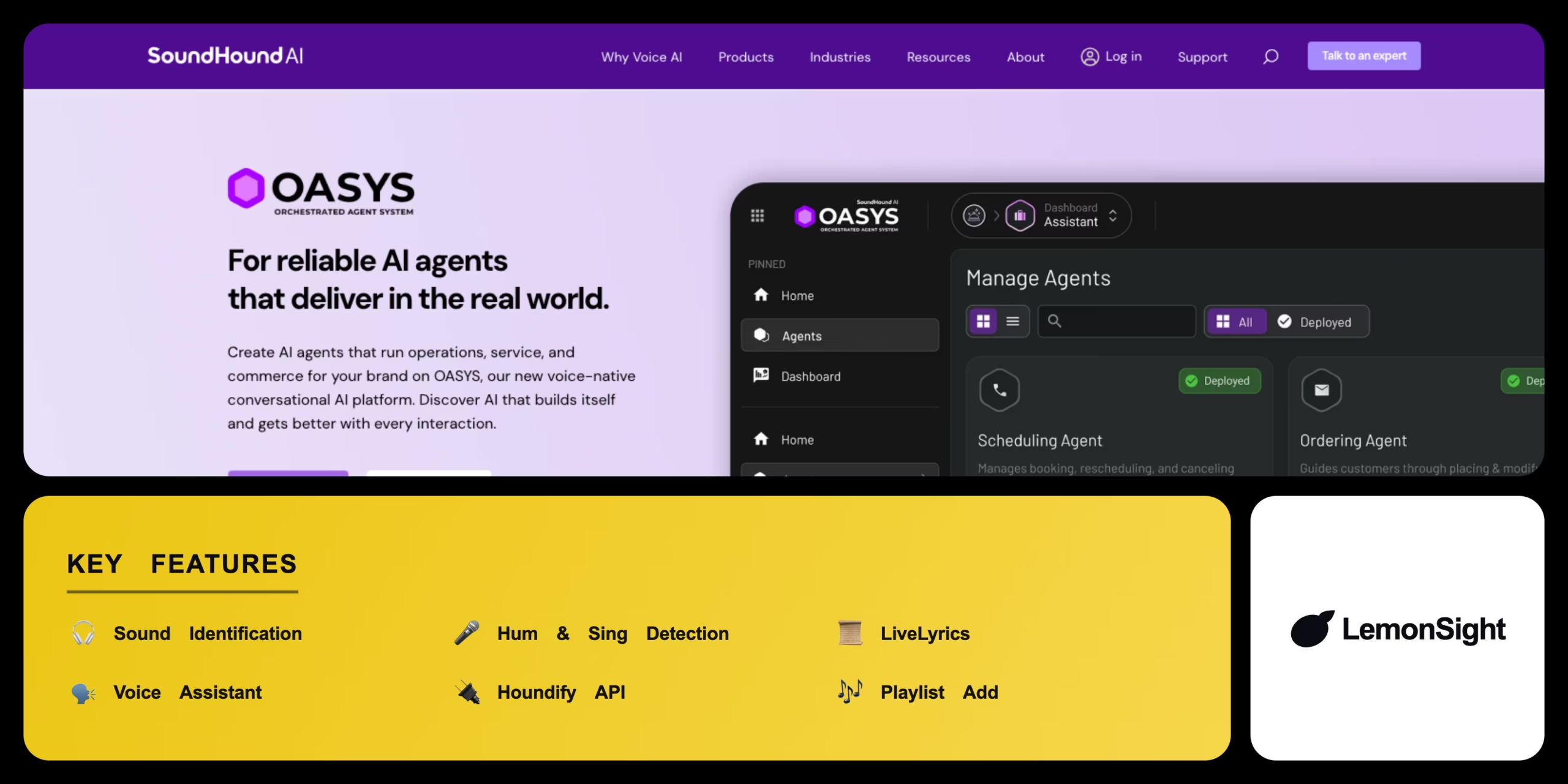
Is SoundHound Worth It?
SoundHound is worth it for anyone who needs to identify a song by humming or singing it, not just playing it. Sound2Sound technology handles hummed melodies impressively well, and the Houndify voice assistant genuinely enables hands-free control while driving. The free version’s ads are intrusive, but a one-time $6.99 purchase removes them permanently.
About SoundHound
SoundHound is an AI-powered audio recognition application that automates music discovery and voice-assisted search for consumers. It operates primarily as a mobile app to identify playing songs, humming, or singing in real time, targeting music enthusiasts who want hands-free navigation and accurate identification.
SoundHound processes ambient audio through the smartphone microphone to match acoustic fingerprints against a global database, using proprietary Sound2Sound technology to identify melodies even when sung or hummed poorly. Houndify AI parses conversational voice queries like “Play the newest song by Taylor Swift,” and the app displays real-time LiveLyrics synchronized with the playing track.
Is SoundHound safe to use?
SoundHound is generally safe, requesting microphone permissions only when actively listening for a song or the wake word, and it adheres to standard consumer data protection regulations.
Our Verdict
Pros
- Unique ability to identify hummed or sung melodies
- Excellent hands-free voice assistant integration
- Real-time synchronized lyrics for karaoke
- One-time purchase removes ads permanently
- Integrates into select automotive infotainment systems
Cons
- The free version features intrusive advertisements
- Interface is heavier and slower to load than Shazam
- Occasionally struggles with very obscure indie tracks
- Less ubiquitous OS-level integration than Shazam
- Voice assistant features add UI complexity for simple ID use
How It Works
Open app
Launch SoundHound on a mobile device.
Tap to listen
Tap the orange SoundHound button.
Play or hum
Hold the phone near audio, or hum/sing the melody.
Identify
Wait for the app to display the song title.
View lyrics
Scroll to see synchronized LiveLyrics.
Save
Tap Spotify or Apple Music to add the track.
Go hands-free
Say "Hey SoundHound" to identify music by voice.
SoundHound Features
Sound Identification
Identifies playing songs within seconds.
Hum & Sing Detection
Recognizes melodies sung or hummed.
LiveLyrics
Real-time synchronized lyrics display.
Voice Assistant
Hands-free search via Houndify AI.
Houndify API
Enterprise voice AI for devices and cars.
SoundHound Pricing
- No advertisements
- One-time payment
- All core features
- Lifetime access
Who Is SoundHound Best For?
Identify melodies stuck in their head instantly.
Hands-free voice search while on the road.
Real-time synchronized lyrics display.
SoundHound Alternatives
| Tool | Best for | Price | Notes | Compare |
|---|---|---|---|---|
| Shazam | Faster, cleaner UI | Free | Free tier available | vs → |
| Musixmatch | Largest lyrics catalog | Free + paid | Free tier available | vs → |
| SoundHound — this review | Hum/sing detection + voice AI | Free + $6.99 one-time | Free tier available |
SoundHound vs Shazam
Shazam offers a faster, cleaner interface for identifying playing audio but can't identify hummed melodies; SoundHound adds hum/sing recognition and a full voice assistant. Speed & simplicity → Shazam; hum detection & voice AI → SoundHound.
SoundHound FAQ
Is SoundHound free?
SoundHound is free with ads. A one-time $6.99 purchase (SoundHound Infinite) removes advertisements permanently.
Is SoundHound accurate?
SoundHound is generally accurate for identifying both playing audio and hummed or sung melodies, though very obscure indie tracks can occasionally stump it.
Can SoundHound identify a song I’m humming?
Yes. SoundHound’s Sound2Sound technology can match melodies even when hummed or sung imperfectly by the user.
Does SoundHound work hands-free?
Yes. Saying “Hey SoundHound” triggers the Houndify-powered voice assistant to identify music or answer conversational queries entirely hands-free.
Ready to try SoundHound?
Start free, or take the trial to explore premium features across all your devices.
Visit SoundHound →Related Tools

An AI text-to-speech platform with 500+ realistic voices across 100+ languages, built for affordable, high-volume voiceover generation.

An AI transcription platform for journalists and media teams with a collaborative text editor, live transcription, and translation into 50+ languages.

An AI media localization platform that automates transcription, subtitling, and voice-cloned voiceovers across 100+ languages.

A free web-based audio tool that uses AI to isolate vocals and extract instrumental tracks from any song in the browser.

An AI music generator with voice cloning, voice conversion, and stem separation for musicians and content creators.

An AI voice platform that converts text to natural speech and clones human voices from short audio samples with emotional inflection controls.