

Wordtune Review
An AI writing companion by AI21 Labs that rewrites sentences, adjusts tone, and summarizes documents from a browser overlay.
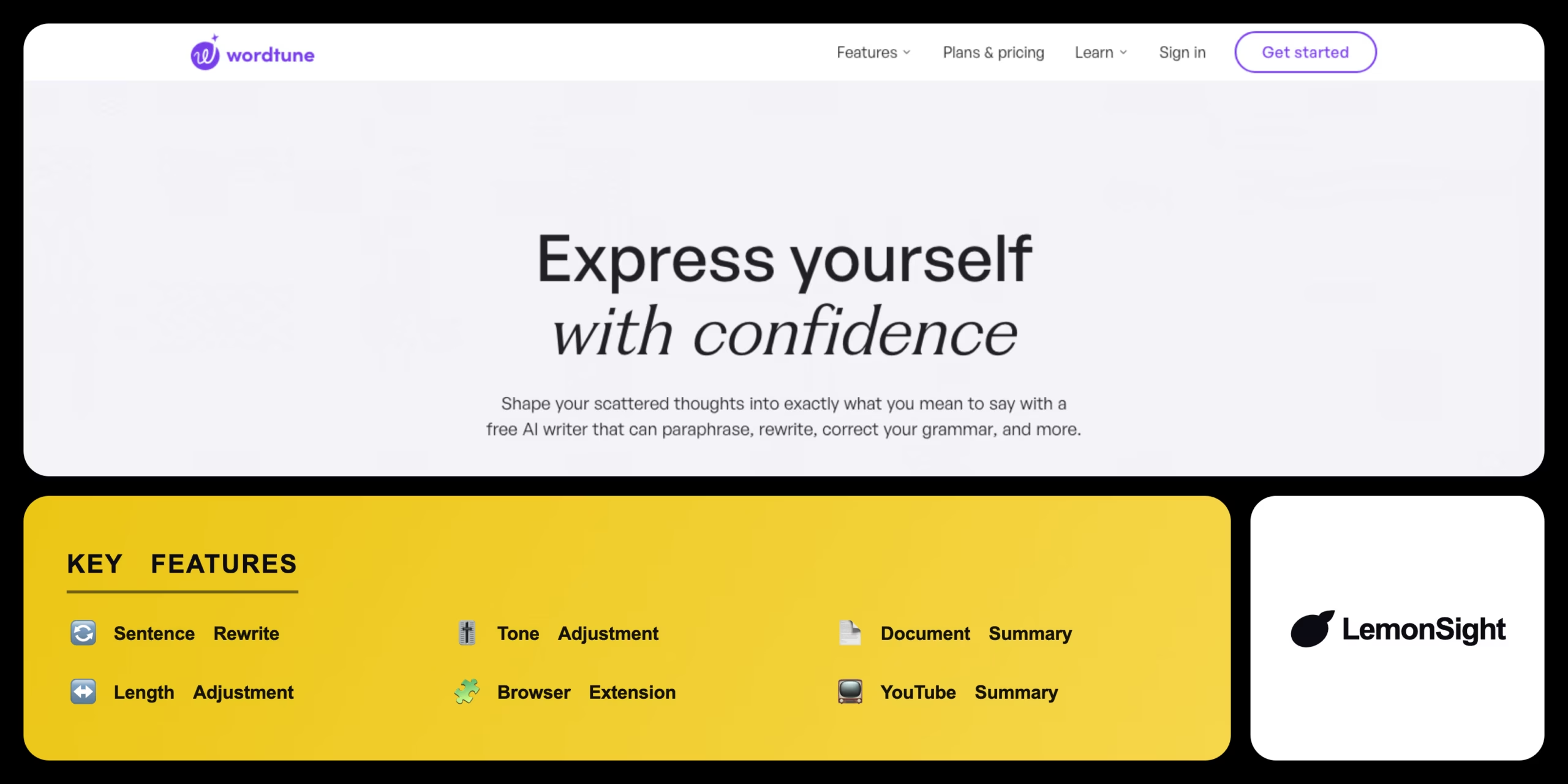
Is Wordtune Worth It?
Wordtune is worth it for users who need frequent, context-aware sentence restructuring and tonal adjustments. It rewrites clunky sentences into fluent, native-sounding English. The free tier’s 10 rewrites/day suits casual users; professional writers justify the premium plan with faster drafting.
About Wordtune
Wordtune is an AI paraphrasing app that uses proprietary natural-language models to rewrite text. It analyzes the semantic meaning of your input and generates multiple phrasing variations that keep the original meaning, working as an overlay inside text editors and browsers.
Core modules include intelligent sentence rewriting, tone adjustment (formal/casual) with expand/shorten options, and the Wordtune Read document summarizer for PDFs, articles, and YouTube transcripts.
Is Wordtune safe and legit?
Wordtune is a legitimate tool developed by AI21 Labs with strict data-privacy standards. It encrypts user text in transit and does not use private data to train public models, complying with standard industry security frameworks.
Our Verdict
Pros
- Excellent rewrites that sound natural and fluent
- Smooth Chrome extension integration
- Summarizes lengthy PDFs and YouTube videos
- Tone adjustment for formal or casual registers
- Expand or shorten text on demand
Cons
- Free plan limited to 10 rewrites/day
- Lacks deep grammar rule-checking of proofreaders
- Relatively high cost for the Unlimited tier
- 3 document summaries/day on free
- Overlay model, not a full editor
How It Works
Install
Download the extension from the Chrome Web Store.
Sign in
Sign in to your Wordtune account in the popup.
Highlight
Highlight text in Gmail, Google Docs, or any web app.
Open
Click the purple Wordtune icon above the text.
Choose mode
Pick Rewrite, Casual, Formal, Shorten, or Expand.
Generate
Generate variations and review the options.
Replace
Click the preferred sentence to replace the original.
Wordtune Features
Sentence Rewrite
Alternative phrasings for highlighted text.
Tone Adjustment
Formal or casual register.
Document Summary
Key points from PDFs and articles.
Length Adjustment
Expand notes or condense long text.
Browser Extension
Works in Gmail, Docs, and more.
YouTube Summary
Summarizes video transcripts.
Wordtune Pricing
- $24.99/mo billed monthly
- Unlimited everything
- Premium support
Who Is Wordtune Best For?
Smooth English syntax and natural phrasing.
Restructure essays and summarize research PDFs.
Refine ad copy and professional emails.
Wordtune Alternatives
| Tool | Best for | Price | Notes | Compare |
|---|---|---|---|---|
| Grammarly | Grammar & spelling | $12/mo | Free tier available | vs → |
| QuillBot | Paraphrasing & citations | $8.33/mo | Free tier available | vs → |
| ProWritingAid | Long-form style reports | $12/mo | Free tier available | vs → |
| Wordtune — this review | Sentence rewriting & tone | Free + paid | Free tier |
Wordtune vs Grammarly
Grammarly leads on rule-based grammar and spelling; Wordtune leads on deep sentence rewriting and tonal control. Grammar-first → Grammarly; rewriting-first → Wordtune.
Wordtune FAQ
Is Wordtune free?
Wordtune offers a free version with basic rewriting, but it’s limited to 10 rewrites and 3 document summaries per day.
How much does Wordtune Premium cost?
Wordtune Unlimited costs $24.99/month billed monthly, dropping to about $14.99/month on an annual plan.
How does Wordtune work?
Wordtune uses AI language models to analyze the semantic meaning of your text and generate alternative phrasings that retain the original intent.
Is Wordtune better than Grammarly?
Wordtune is better for deep rewriting and paraphrasing, while Grammarly is superior for strict grammar and spelling correction.
Ready to try Wordtune?
Start free, or take the trial to explore premium features across all your devices.
Visit Wordtune →Related Tools

An AI writing assistant with a browser AI agent layered on top, using TypeAhead inline autocomplete to suggest, draft, and rewrite text across web apps.

An AI text humanizer that rewrites AI-generated content to bypass detection tools like Turnitin and Originality.ai, with adjustable humanization strength.
A bring-your-own-key AI writing platform with a Story Bible and AI canvas for planning and drafting novels.

An AI content detector and plagiarism checker that scores text originality against major LLMs, with OCR scanning and AI-image/deepfake detection.

An AI writing assistant and grammar checker that corrects text, autocompletes sentences, and detects AI-generated content for customer-facing teams.