

Hostinger Review
An affordable web-hosting platform and AI website builder offering shared hosting, VPS, and domains via the hPanel dashboard.
Is Hostinger Worth It?
Hostinger is worth it for budget-conscious site owners who want fast WordPress hosting with an AI builder. LiteSpeed caching, the hPanel dashboard, and an AI Website Builder make launching simple, and intro pricing is very low. The catch is long-term contracts to get the lowest rates and higher renewal prices.
About Hostinger
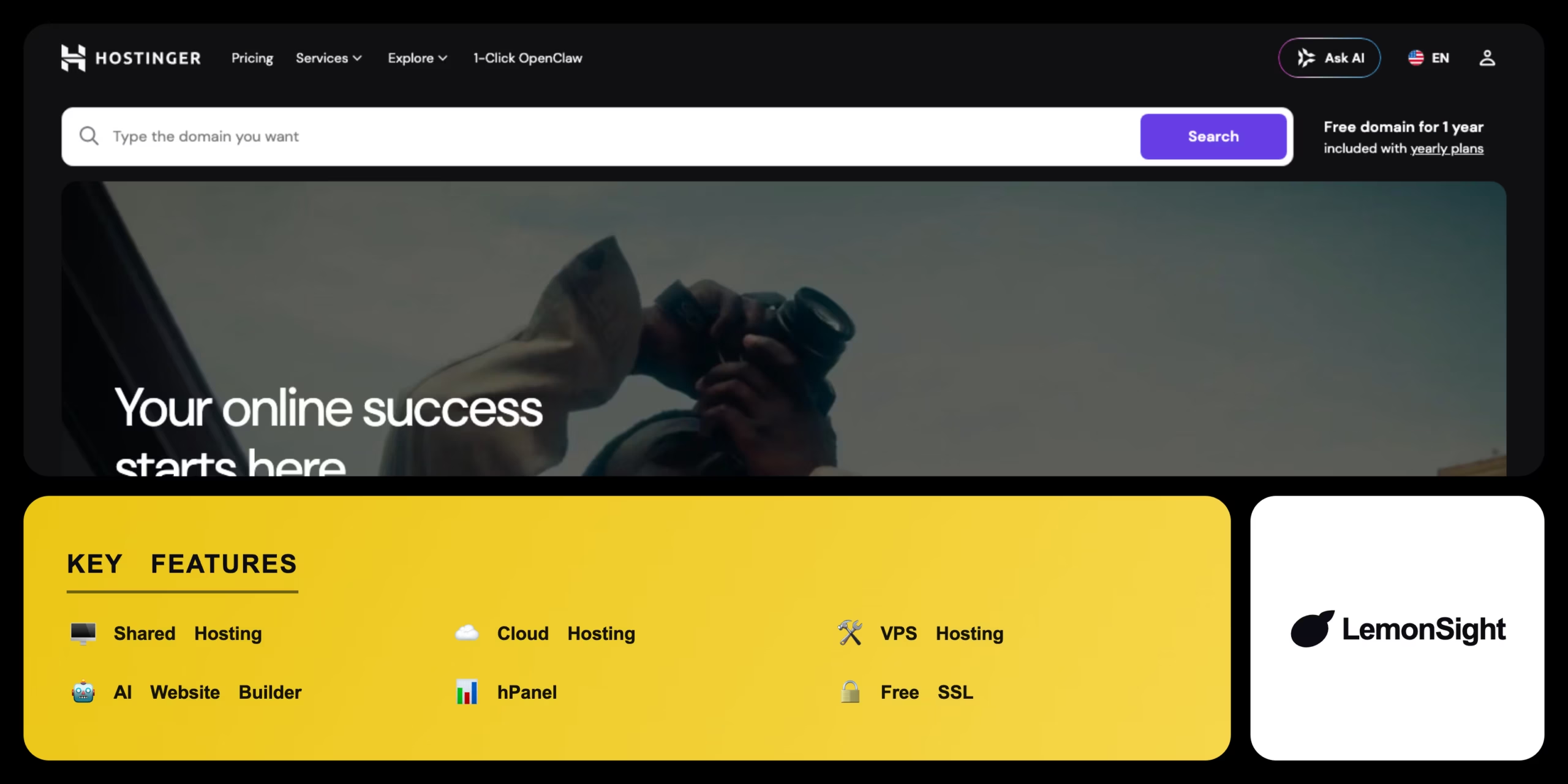
Hostinger is an affordable web-hosting platform and website builder that delivers shared hosting, virtual private servers, and domain registration for individuals and small businesses. It runs a custom control panel called hPanel and targets users who want cost-effective hosting with optimised WordPress performance.
LiteSpeed web-server technology accelerates loading and caching, while a unified dashboard manages domains, SSL, and email. A built-in AI Website Builder generates functional sites from text descriptions, automated backups run on a schedule by tier, and global data centers reduce latency for localised audiences.
Is Hostinger good for WordPress?
Yes. LiteSpeed caching, one-click WordPress installs via Auto Installer, and managed performance make Hostinger a strong, affordable WordPress host.
Our Verdict
Pros
- Very low introductory pricing
- LiteSpeed servers for fast load times
- AI Website Builder for no-code launches
- Clean, custom hPanel dashboard
- 30-day money-back guarantee
Cons
- Lowest prices need 12–48 month commitments
- Renewal rates are higher than intro rates
- No permanent free hosting tier
- Backups only daily on higher tiers
- Phone support is limited
How It Works
Choose a plan
Select a hosting plan and register.
Get a domain
Claim a free domain or connect one.
Open hPanel
Access the hPanel dashboard.
Build the site
Use Auto Installer for WordPress or the AI Website Builder.
Enable SSL
Configure the free SSL certificate.
Add email
Create custom email accounts.
Launch
Upload files or customise the CMS template.
Hostinger Features
Shared hosting
Cost-effective hosting for standard sites.
Cloud hosting
Isolated resources for high-traffic apps.
VPS hosting
Root access and dedicated IPs for developers.
AI website builder
Generates sites from text prompts.
hPanel
Custom dashboard for servers and domains.
Hostinger Pricing
- Daily backups
- Free CDN
- Faster performance
- WordPress optimised
- Isolated resources
- Higher traffic limits
- Dedicated IP
- Priority support
Who Is Hostinger Best For?
Cheap, fast shared hosting to launch a first site.
Cloud hosting that scales as a store grows.
VPS with root access for custom environments.
Hostinger Alternatives
| Tool | Best for | Price | Notes | Compare |
|---|---|---|---|---|
| Bluehost | Official WP host | $2.95+/mo | No free tier | vs → |
| SiteGround | Premium support | $3.99+/mo | No free tier | vs → |
| Namecheap | Budget + cPanel | $1.98+/mo | No free tier | vs → |
| Hostinger — this review | Price + AI builder | From $11.99/mo | 30-day guarantee |
Hostinger vs Bluehost
Bluehost is officially recommended by WordPress but has higher renewals; Hostinger offers lower intro pricing, LiteSpeed speed, and an AI builder. WordPress-recommended → Bluehost; price + speed → Hostinger.
Hostinger FAQ
Is Hostinger free?
No. Hostinger has no permanent free tier. Plans start at $11.99/month, with the lowest effective rates requiring 12–48 month commitments and a 30-day money-back guarantee.
Does Hostinger have an AI website builder?
Yes. Hostinger includes an AI Website Builder that generates complete website structures from text prompts.
Is Hostinger good for WordPress?
Yes. LiteSpeed caching, one-click installs, and managed performance make it a strong, affordable WordPress host.
What is hPanel?
hPanel is Hostinger’s custom control panel for managing domains, SSL, email, databases, and installations instead of standard cPanel.
Ready to try Hostinger?
Start free, or take the trial to explore premium features across all your devices.
Visit Hostinger →Related Tools

Emergent is an agentic AI app builder that turns a plain-English prompt into a deployed full-stack web or mobile application.

A no-code app builder that turns Airtable and Google Sheets into secure, branded client portals with granular row-level access permissions.

An AI application builder that turns natural-language prompts into functional, production-ready React web apps with one-click deployment.

A no-code application builder that translates spreadsheet data from Google Sheets, Excel, or Airtable into functional mobile and web apps.

A visual no-code automation platform (formerly Integromat) that connects apps and builds complex multi-step workflows on a drag-and-drop canvas.

A drag-and-drop no-code platform to design and publish native mobile apps — connecting UIs to databases and APIs without writing code.