

Make Review
A visual no-code automation platform (formerly Integromat) that connects apps and builds complex multi-step workflows on a drag-and-drop canvas.
Is Make Worth It?
Make is worth it for operations teams, marketers, and developers who need flexible, branching automations at a low cost. Its drag-and-drop scenario canvas handles complex routing that linear tools can’t, and operations-based pricing starts from $9/month. The free plan gives 1,000 operations and 2 active scenarios to learn on.
About Make
Make is a visual integration platform as a service (iPaaS), formerly known as Integromat, that lets users design and automate complex digital workflows by connecting APIs without code. It targets operations managers, marketers, and developers needing scalable automation, and executes user-defined logic paths called scenarios.
Users drag application modules onto a freeform canvas and link them with routing paths. Make authenticates with external software via API keys, and when a trigger fires it retrieves the data packet, applies formatting or conditional logic, and pushes the result to the destination app. A Webhook Listener captures instant requests and an Execution History Log records every run for debugging.
Our Verdict
Pros
- Visual canvas handles complex, branching logic
- Operations-based pricing is cost-efficient
- Webhooks for real-time triggers
- Execution history for easy debugging
- Thousands of app connectors
Cons
- Steeper learning curve than linear tools
- Free plan caps at 1,000 ops / 2 scenarios
- Operations can deplete on heavy workflows
- Advanced log search needs higher tiers
- More technical than Zapier for beginners
How It Works
New scenario
Open the Make dashboard and create a new scenario.
Trigger
Click the plus icon to select a trigger app.
Authenticate
Authenticate the trigger with your API credentials.
Actions
Add action modules and connect them with the router.
Map data
Map data variables from trigger to action inputs.
Test
Click "Run once" to test the flow.
Activate
Toggle scheduling to run the automation.
Make Features
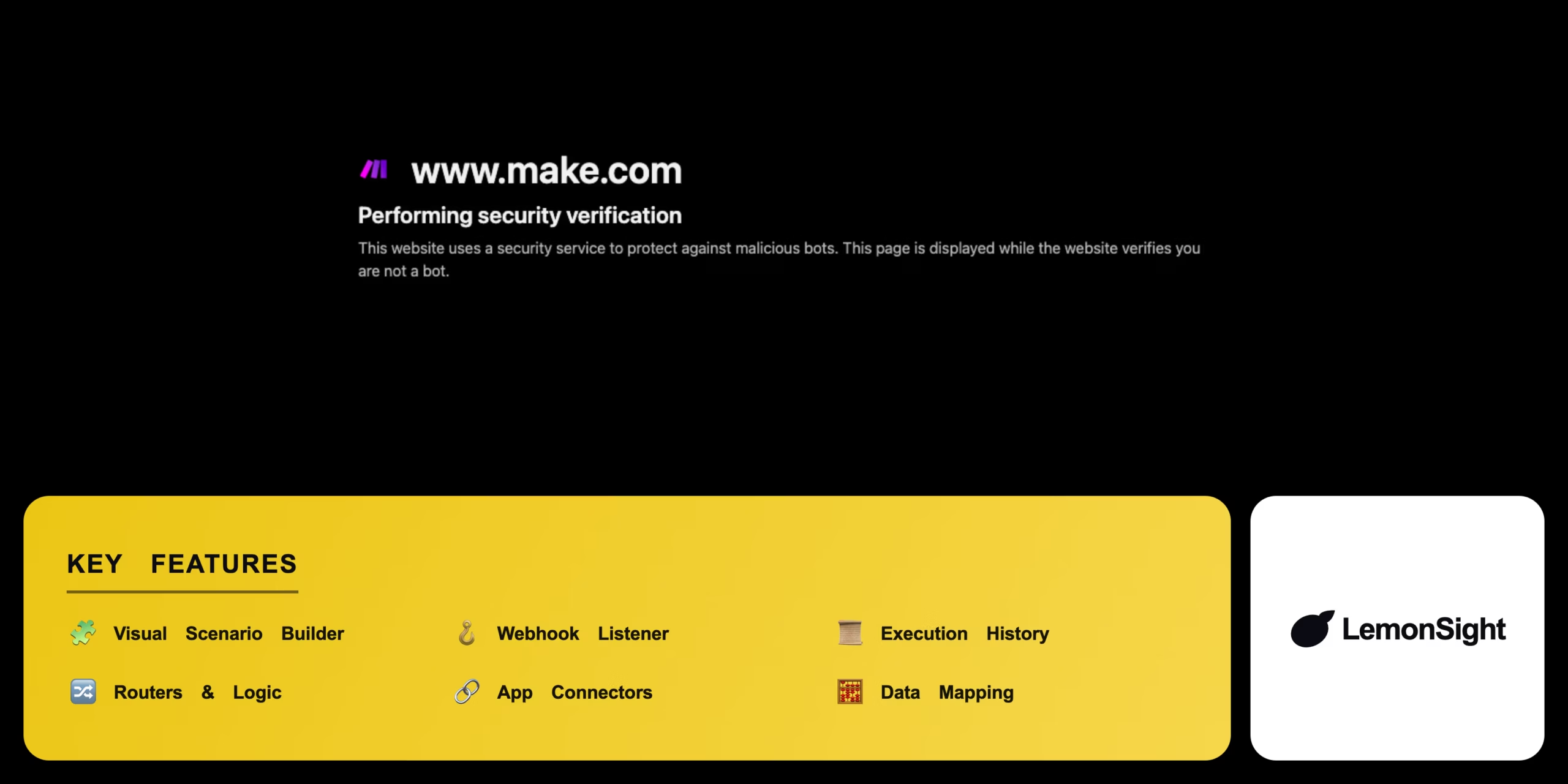
Visual Scenario Builder
Drag-and-drop canvas for data flows.
Webhook Listener
Captures instant HTTP triggers.
Execution History
Logs every run's payload and status.
Routers & Logic
Branches and conditional paths.
App Connectors
Thousands of native integrations.
Data Mapping
Transforms data between modules.
Make Pricing
- $10.59/mo billed monthly
- 10,000 operations/month
- Unlimited active scenarios
Who Is Make Best For?
Automate cross-app processes with branching logic.
Sync leads, enrich data, and trigger campaigns.
Build webhook-driven integrations without servers.
Make Alternatives
| Tool | Best for | Price | Notes | Compare |
|---|---|---|---|---|
| Zapier | Linear, beginner-friendly | From $19.99/mo | Free tier available | vs → |
| n8n | Self-hosted & technical | $20/mo | Free tier available | vs → |
| Microsoft Power Automate | Office 365 workflows | $15/mo | Free tier available | vs → |
| Make — this review | Visual branching automation | Free + paid | Free tier |
Make vs Zapier
Zapier offers a simpler, linear step-by-step builder that's easier for beginners; Make provides a visual canvas with complex routing at a lower cost per operation. Easy setup → Zapier; complex logic & value → Make.
Make FAQ
Is Make free?
Make offers a free plan with 1,000 operations per month and 2 active scenarios. The Core plan from $9/month (annual) raises this to 10,000 operations and unlimited scenarios.
Is Make the same as Integromat?
Yes — Make is the rebranded name for Integromat, with the same visual automation engine and an expanded interface.
How does Make pricing work?
Make uses operations-based pricing — each module action in a scenario consumes one operation, and your plan sets a monthly operations allowance.
Make vs Zapier — which is cheaper?
Make is generally cheaper per operation and better for complex branching workflows, while Zapier is simpler for linear automations.
Ready to try Make?
Start free, or take the trial to explore premium features across all your devices.
Visit Make →Related Tools

Emergent is an agentic AI app builder that turns a plain-English prompt into a deployed full-stack web or mobile application.

A no-code app builder that turns Airtable and Google Sheets into secure, branded client portals with granular row-level access permissions.

An AI application builder that turns natural-language prompts into functional, production-ready React web apps with one-click deployment.

A no-code application builder that translates spreadsheet data from Google Sheets, Excel, or Airtable into functional mobile and web apps.

An affordable web-hosting platform and AI website builder offering shared hosting, VPS, and domains via the hPanel dashboard.

A drag-and-drop no-code platform to design and publish native mobile apps — connecting UIs to databases and APIs without writing code.