

Zapier Review
A no-code workflow automation tool that connects 6,000+ web apps to automate repetitive tasks with triggers and actions.
Is Zapier Worth It?
Zapier is worth it for small businesses and operations teams that connect multiple web apps. Its visual builder creates integrations without developers, and paid plans start from $19.99/month. The free plan covers 100 single-step tasks; high-volume operations may find the task-scaling costs steep versus Make.
About Zapier
Zapier is a no-code workflow automation tool that connects different web services through their APIs. Wade Foster, Bryan Helmig, and Mike Knoop co-founded Zapier in 2011, and it operates from San Francisco, California, serving small businesses, operations managers, and software developers.
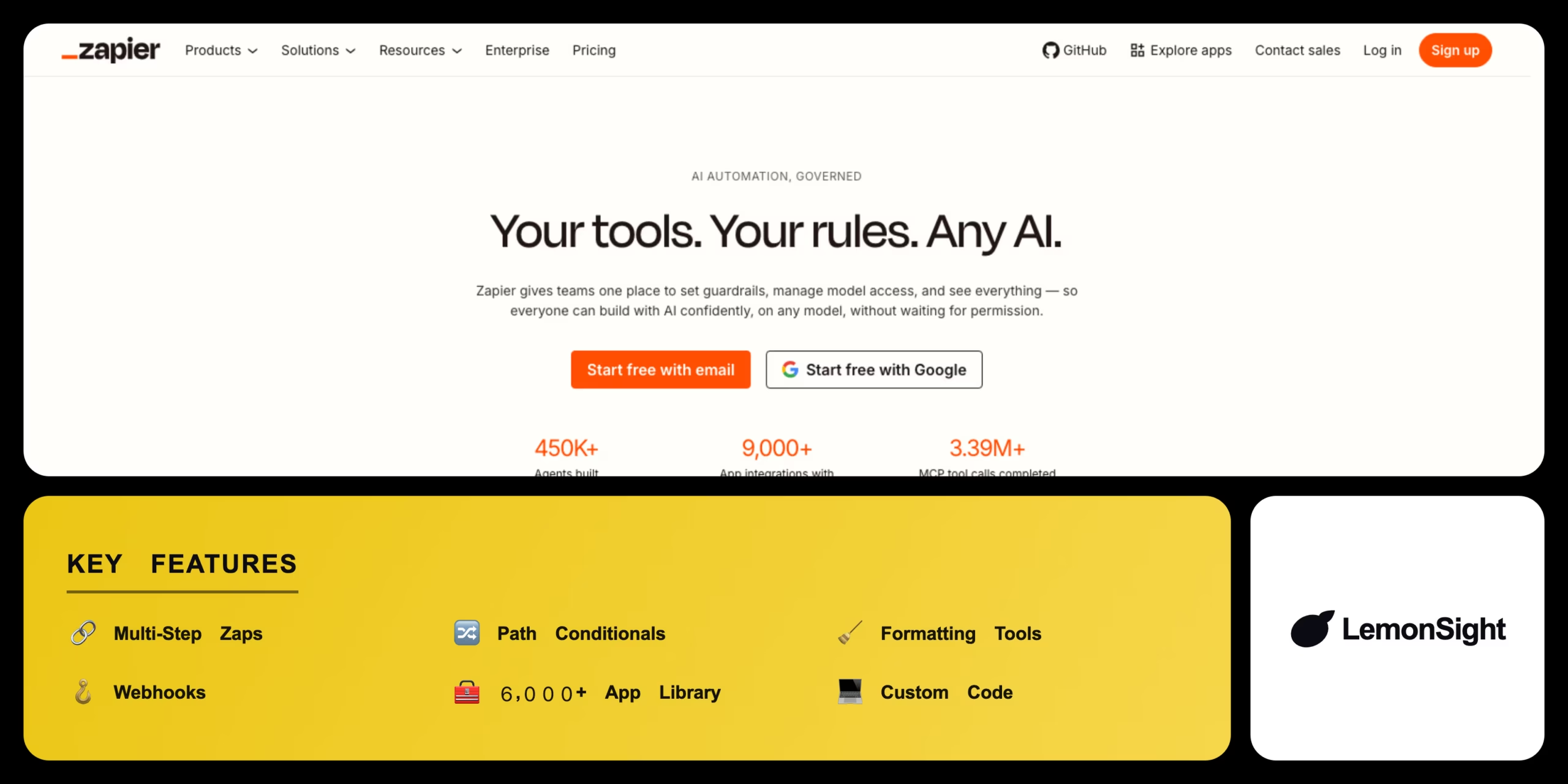
It listens for event triggers on connected services and performs specified actions when they occur — all built visually without code. Core concepts are Zaps (workflows), Triggers (events such as a form submission), and Actions (tasks such as sending an email), with multi-step chains, path conditionals, formatting tools, webhooks, custom code, and a library of 6,000+ apps.
Is Zapier safe, secure & legit?
Zapier is safe and legitimate — an established company serving millions of users on trusted cloud servers. It maintains SOC 2 compliance, applies TLS encryption to all connections, encrypts API keys at rest, and maintains GDPR compliance under a published privacy policy.
Our Verdict
Pros
- Integrates with over 6,000 web applications
- Visual builder requires no coding experience
- Multi-step workflows automate complex processes
- Webhooks connect custom APIs to the system
- SOC 2 compliance secures business API keys
Cons
- Subscription costs scale rapidly with task usage
- Free plan restricts users to single-step zaps
- Update interval is 15 minutes on the free plan
- Premium apps are locked behind paid tiers
- Overage fees apply if task quotas are exceeded
How It Works
Create Zap
Open the Zapier dashboard and click Create Zap.
Set trigger
Choose the source web application and trigger event.
Connect
Authorize secure API access to the app accounts.
Set action
Choose the target destination application and action.
Map fields
Map data fields between source and target apps.
Test
Test the steps to verify data transfers correctly.
Publish
Toggle the Zap on to activate the workflow.
Zapier Features
Multi-step zaps
Connects multiple actions to a single trigger.
Path conditionals
Splits workflows into logical branches.
Formatting tools
Cleans up text, dates, and numbers.
Webhooks
Connects custom APIs and web services.
App library
Integrates with 6,000+ web applications.
Custom code
Runs Python or JavaScript inside steps.
Zapier Pricing
- $29.99/mo billed monthly
- 750 tasks/month
- Multi-step zaps
- 3 premium apps
- $73.50/mo billed monthly
- 2,000 tasks/month
- Unlimited premium apps
- 2-minute updates & auto-replay
| Plan | Monthly | Annual (/mo) | Tasks |
|---|---|---|---|
| Free | $0 | $0 | 100/month |
| Starter | $29.99 | $19.99 | 750/month |
| Professional | $73.50 | $49.00 | 2,000/month |
Who Is Zapier Best For?
Sync customer leads with email lists automatically; handle lead capture with limited staff.
Route new leads into CRM platforms and alert reps in real time to improve response.
Sync spreadsheets with project boards and notify teams about progress changes.
Zapier Alternatives
| Tool | Best for | Price | Notes | Compare |
|---|---|---|---|---|
| Make | Visual routing | $9/mo | Free tier available | vs → |
| n8n | Developer custom logic | $20/mo | Free tier available | vs → |
| Workato | Enterprise workflows | Custom | No free tier | vs → |
| Zapier — this review | App selection | From $19.99/mo | Free tier available |
Zapier vs Make
Make offers a drag-and-drop visual editor for complex data routing at a lower starting price; Zapier provides a much larger native app library and quicker setup. Cost-first solopreneurs → Make; quick setup and breadth → Zapier.
Zapier FAQ
Is Zapier actually free?
Zapier offers a free plan with up to 100 tasks per month and single-step automations. It excludes multi-step Zaps, and premium plans start from $19.99 per month.
How does Zapier work?
Zapier connects applications through their APIs using a trigger-and-action model. When a trigger event occurs in one app, Zapier automatically performs the specified action in another.
Is Zapier hard to learn?
Zapier has a minimal learning curve thanks to its drag-and-drop visual builder and pre-made templates. No coding skills are needed for basic workflows.
Is Zapier safe to use?
Zapier is safe to use, applying data encryption in transit and at rest, maintaining GDPR compliance, and meeting SOC 2 security standards. API keys are stored in encrypted databases.
Are Zapier premium apps free?
Zapier premium apps are not free and require a paid Starter plan or higher. Examples include Salesforce, QuickBooks, and Shopify.
Ready to try Zapier?
Start free, or take the trial to explore premium features across all your devices.
Visit Zapier →Related Tools

Emergent is an agentic AI app builder that turns a plain-English prompt into a deployed full-stack web or mobile application.

A no-code app builder that turns Airtable and Google Sheets into secure, branded client portals with granular row-level access permissions.

An AI application builder that turns natural-language prompts into functional, production-ready React web apps with one-click deployment.

A no-code application builder that translates spreadsheet data from Google Sheets, Excel, or Airtable into functional mobile and web apps.

A visual no-code automation platform (formerly Integromat) that connects apps and builds complex multi-step workflows on a drag-and-drop canvas.

An affordable web-hosting platform and AI website builder offering shared hosting, VPS, and domains via the hPanel dashboard.