

ClickUp Review
An AI-powered project management platform that centralizes task tracking, docs, and workflow automation into a single customizable workspace.
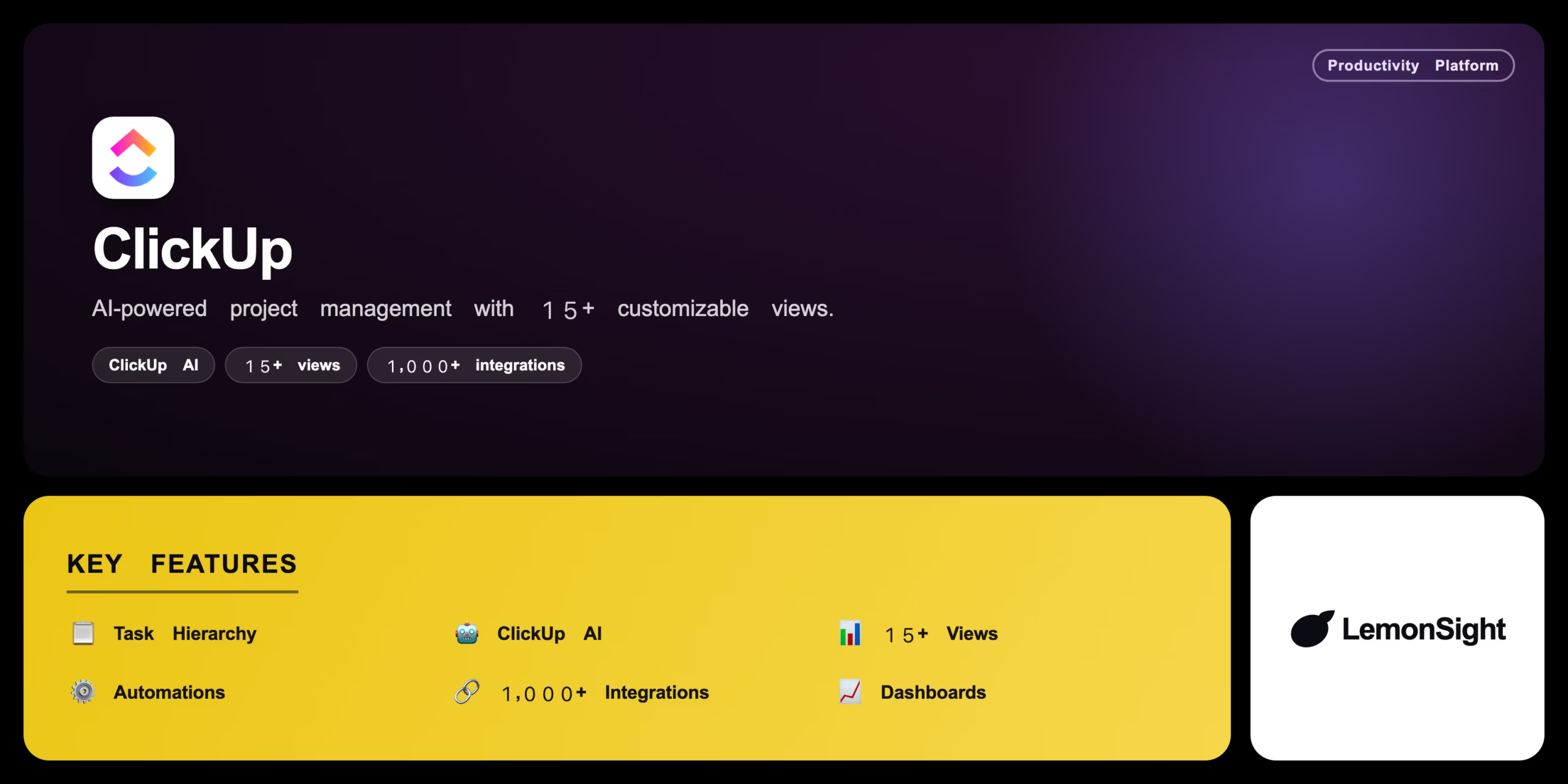
Is ClickUp Worth It?
ClickUp is worth it for growing teams that want deep customization without juggling five separate tools. Spaces/Folders/Lists hierarchy, 15+ views, and ClickUp AI for summarizing and drafting consolidate a lot of software into one subscription. The trade-off is a genuinely steep learning curve and an interface that can feel cluttered for new hires.
About ClickUp
ClickUp is an AI-powered project management platform that centralizes task tracking, document collaboration, and workflow automation for corporate teams. It runs via web, desktop, and mobile apps to replace multiple disconnected workplace tools, targeting businesses that want a highly customizable workspace to scale operations.
ClickUp organizes company operations into hierarchies of Spaces, Folders, and Lists, viewable as lists, Kanban boards, or Gantt charts from the same underlying data. ClickUp AI summarizes project threads, drafts documents, and automates repetitive status updates, while the platform integrates natively with Slack, Google Drive, GitHub, and 1,000+ apps via Zapier.
Is ClickUp safe for corporate data?
ClickUp is generally safe, offering SOC 2 Type 2 compliance, end-to-end encryption in transit, and granular user permissions to protect sensitive corporate data.
Our Verdict
Pros
- Highly customizable hierarchy for any workflow
- Excellent value by replacing multiple other tools
- Powerful AI writing and summarization tools
- 15+ views on the same underlying data
- 1,000+ integrations via Zapier
Cons
- Interface can feel cluttered and overwhelming
- Performance occasionally lags on heavy dashboards
- Setting up complex automations requires training
- ClickUp AI unavailable on the free tier
- Free plan caps storage at 100MB
How It Works
Create workspace
Set up a ClickUp workspace and hierarchy.
Build a Space
Create a Space for a department or project.
Add Lists
Categorize work and add custom fields.
Add tasks
Create tasks with subtasks and assignees.
Draft with AI
Use ClickUp AI inside a Doc for the brief.
Switch views
Use Board view to drag tasks across statuses.
Automate
Set an automation to notify Slack on completion.
ClickUp Features
Task Hierarchy
Spaces, Folders, and Lists for any workflow.
ClickUp AI
Summarizes threads and drafts documents.
15+ Views
Lists, Kanban, Gantt, and more.
Automations
Recurring tasks and status-based triggers.
1,000+ Integrations
Slack, Google Drive, GitHub, Zapier.
ClickUp Pricing
- Unlimited storage
- Gantt & timeline views
- Unlimited integrations
- Guest access
Who Is ClickUp Best For?
Track campaigns across clients in one hub.
Sprint boards, Gantt timelines, and dev workflows.
Replace multiple tools with one operational hub.
ClickUp Alternatives
| Tool | Best for | Price | Notes | Compare |
|---|---|---|---|---|
| Asana | Streamlined UI | Free + $10.99/mo | Free tier available | vs → |
| Monday.com | Visual spreadsheet boards | Free + $9/mo | Free tier available | vs → |
| ClickUp — this review | Deep customization | Free + $10/mo | Free tier available |
ClickUp vs Asana
Asana offers a more streamlined, user-friendly interface out of the box; ClickUp trades some simplicity for far deeper customization and more built-in views. Simplicity → Asana; customization & consolidation → ClickUp.
ClickUp FAQ
Is ClickUp free?
ClickUp has a Free Forever plan with 100MB storage and unlimited tasks, but ClickUp AI and advanced views require the Unlimited plan at $10/month.
Is ClickUp accurate?
ClickUp’s tracking and reporting are generally accurate, reflecting real-time task and time data across the workspace once set up correctly.
What is ClickUp AI?
ClickUp AI summarizes comment threads, drafts documents, and automates repetitive status updates directly inside tasks and Docs.
Does ClickUp replace other tools?
Yes, that’s its core pitch — ClickUp consolidates task management, docs, goals, time tracking, and whiteboards that would otherwise need separate subscriptions.
Ready to try ClickUp?
Start free, or take the trial to explore premium features across all your devices.
Visit ClickUp →Related Tools

Copyleaks is an AI content detector and plagiarism checker that combines both scan types with a low false-positive rate in one platform.

A browser-based autonomous AI agent whose GitHub repo was archived read-only on January 28, 2026, though the free demo still runs on frozen 2023 OpenAI models.

An AI meeting assistant whose bot auto-joins video calls to record, transcribe, and summarize them, with an AskFred chat assistant over your meetings.

A cloud-based work operating system with customizable boards for project management, CRM, and team collaboration.

A premium AI email client for Gmail and Outlook that uses keyboard speed and AI drafting to reach inbox zero.

A collaborative visual workspace combining flowcharts, wireframes, mind maps, and docs on one canvas, with AI diagram generation.