

Superhuman Review
A premium AI email client for Gmail and Outlook that uses keyboard speed and AI drafting to reach inbox zero.
Is Superhuman Worth It?
Superhuman is worth it for high-volume professionals who live in email. Keyboard-first navigation, AI drafting and thread summaries, Split Inbox, and read status make processing dramatically faster. It is premium-priced with no free tier and a mandatory onboarding call, so it suits executives and founders more than casual users.
About Superhuman
Superhuman is a premium AI-powered email client that automates inbox management, email drafting, and calendar scheduling for busy professionals. It runs as a standalone desktop and mobile app layered over existing Gmail and Outlook accounts, targeting executives and founders who want to hit inbox zero through keyboard shortcuts and rapid processing.
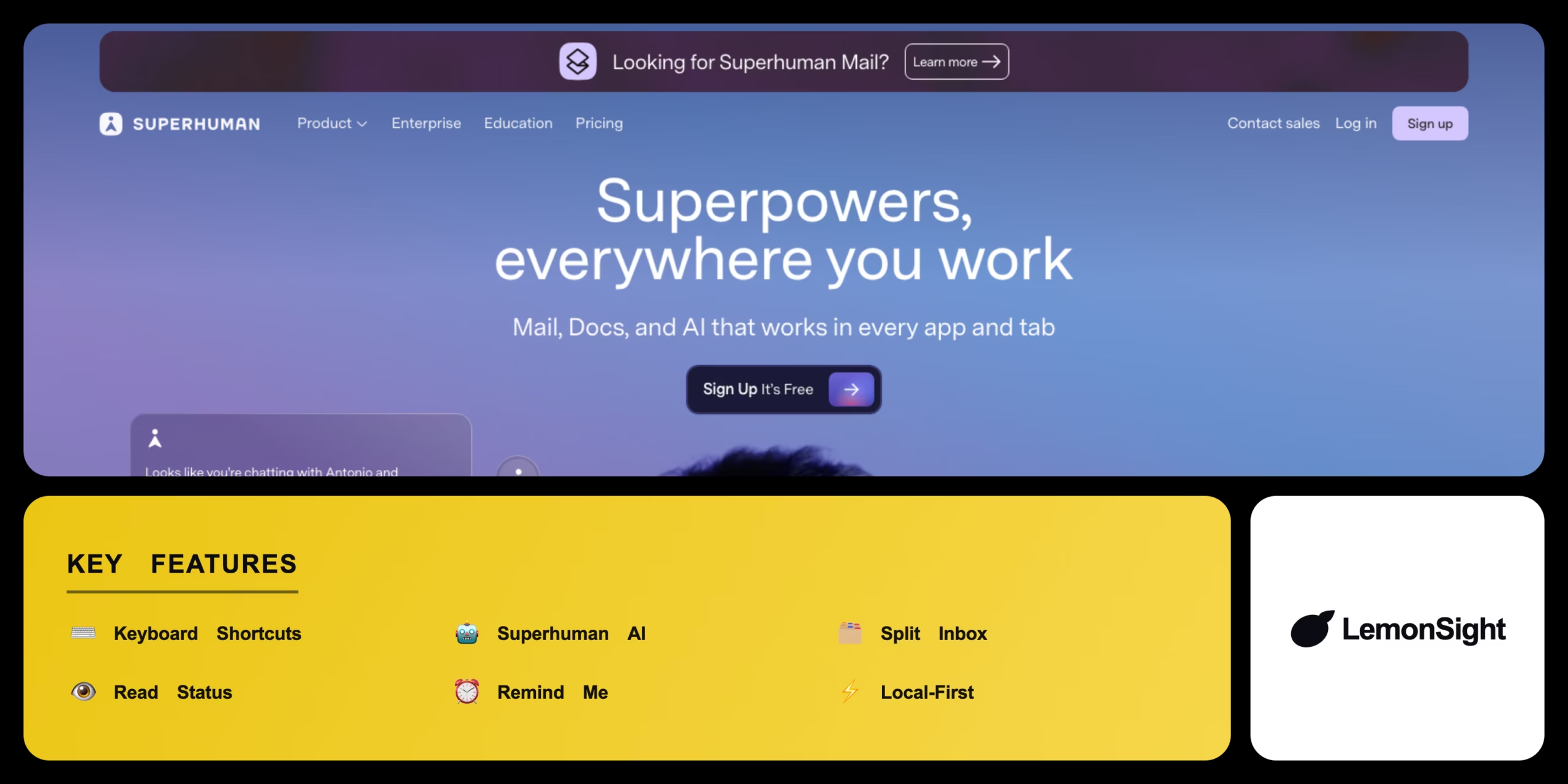
A keyboard-centric interface lets you work without a mouse. Superhuman AI drafts emails, summarises long threads, and matches your writing voice; Split Inbox auto-categorises mail into workflows; read receipts track opens; and the app runs locally for offline access and instant loading.
Is Superhuman worth $30 a month?
For people processing hundreds of emails a day, the speed gains can justify the price. Lighter email users will struggle to recoup the premium versus capable free clients.
Our Verdict
Pros
- Extremely fast keyboard-first workflow
- AI drafts replies and summarises threads
- Split Inbox separates priorities from noise
- Read status helps time follow-ups
- Local-first for speed and offline use
Cons
- No free tier or freemium option
- Premium $30/month price
- Mandatory onboarding call to start
- Only layers over Gmail and Outlook
- Overkill for low email volume
How It Works
Onboard
Sign up and complete the onboarding session.
Connect
Link a Gmail or Outlook account.
Set up Split Inbox
Create rules for specific senders.
Navigate
Use J/K shortcuts to move between emails.
Process
Press E to archive or H to snooze.
Draft with AI
Trigger Superhuman AI from a short prompt.
Send & track
Send and track open status.
Superhuman Features
Keyboard shortcuts
Navigate entirely via keystrokes.
Superhuman AI
Drafts replies and summarises threads.
Split Inbox
Priority streams for incoming mail.
Read status
See when emails are opened.
Remind Me
Snooze emails to reappear later.
Superhuman Pricing
- Shared snippets
- Team read statuses
- Collaboration
- All Individual features
Who Is Superhuman Best For?
Process high email volume fast and stay at inbox zero.
Read status and AI drafting speed up follow-ups.
Keyboard-first speed for people who live in email.
Superhuman Alternatives
| Tool | Best for | Price | Notes | Compare |
|---|---|---|---|---|
| Spark | Smart inbox + free tier | $0+/mo | Free tier available | vs → |
| Gmail | Native + basic AI | Free | Free tier available | vs → |
| Hey | Screener workflow | $99/yr | Free trial | vs → |
| Superhuman — this review | Speed + AI | From $30/mo | No free tier |
Superhuman vs Spark
Spark offers a smart inbox and team features with a generous free tier; Superhuman is paid and optimised for raw keyboard speed and AI. Free collaboration → Spark; fastest premium workflow → Superhuman.
Superhuman FAQ
Is Superhuman free?
No. Superhuman has no free tier. Plans start at $30/month per user, billed monthly or annually.
Does Superhuman work with Gmail and Outlook?
Yes. Superhuman layers over existing Gmail and Outlook accounts rather than replacing them.
What does Superhuman AI do?
It drafts emails in your voice, summarises long threads, and speeds up routine replies from short prompts.
Why does Superhuman require an onboarding call?
The call teaches the keyboard shortcuts and workflow that make the client fast, which is core to its value.
Ready to try Superhuman?
Start free, or take the trial to explore premium features across all your devices.
Visit Superhuman →Related Tools

Copyleaks is an AI content detector and plagiarism checker that combines both scan types with a low false-positive rate in one platform.

A browser-based autonomous AI agent whose GitHub repo was archived read-only on January 28, 2026, though the free demo still runs on frozen 2023 OpenAI models.

An AI-powered project management platform that centralizes task tracking, docs, and workflow automation into a single customizable workspace.

An AI meeting assistant whose bot auto-joins video calls to record, transcribe, and summarize them, with an AskFred chat assistant over your meetings.

A cloud-based work operating system with customizable boards for project management, CRM, and team collaboration.

A collaborative visual workspace combining flowcharts, wireframes, mind maps, and docs on one canvas, with AI diagram generation.