

Monday.com Review
A cloud-based work operating system with customizable boards for project management, CRM, and team collaboration.
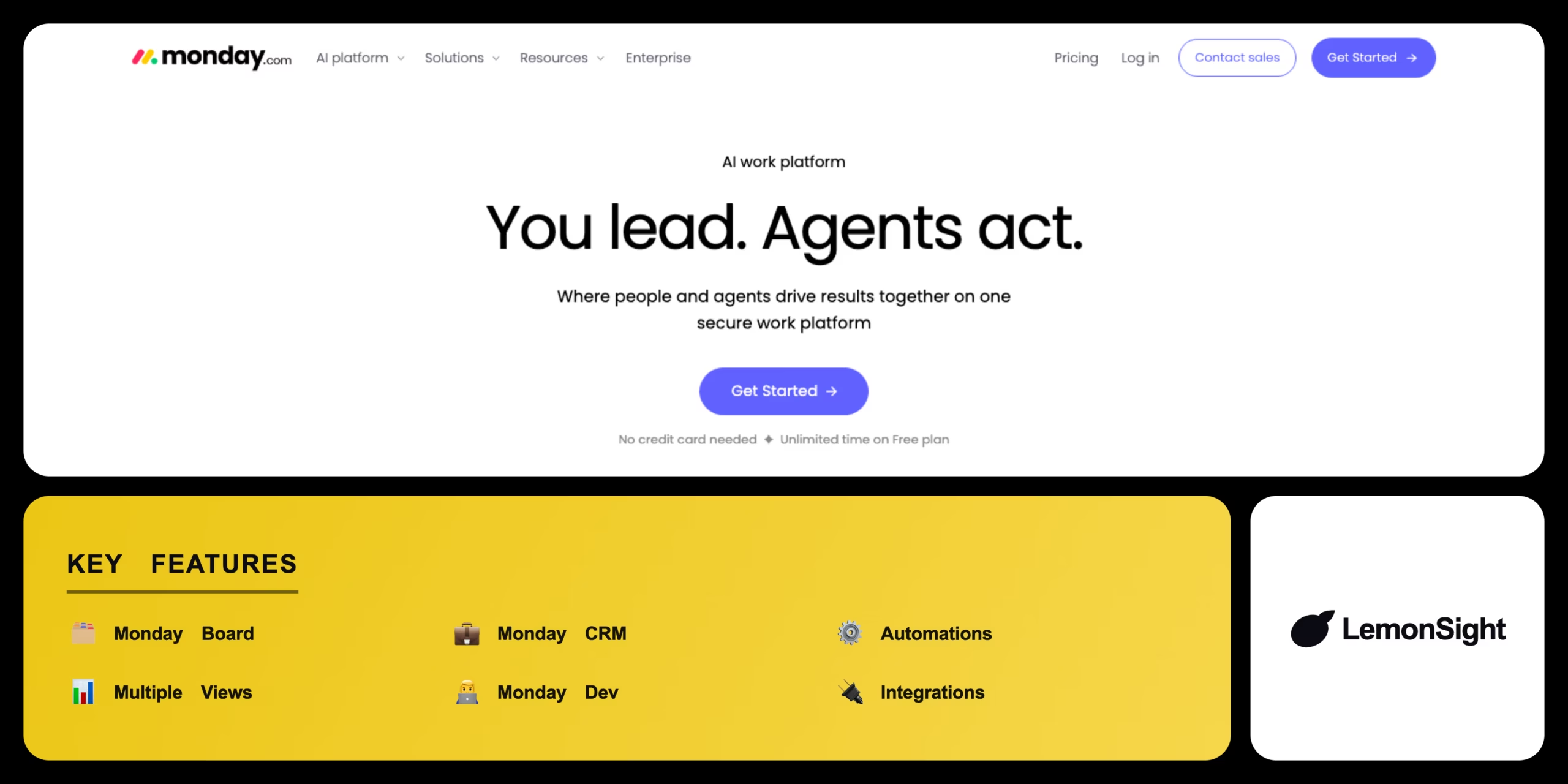
Is Monday.com Worth It?
Monday.com is worth it for businesses and remote teams that need a flexible, visual workspace across departments. Customizable boards adapt to project management, CRM, and dev work, with paid plans from $9/seat/month (annual). The free plan caps at 2 seats, so it’s mainly for evaluation.
About Monday.com
Monday.com is a cloud-based work operating system that provides customizable digital workspaces for project management, CRM, and team collaboration. It lets teams build custom workflows, track task progress, and automate repetitive actions, targeting businesses and remote teams that need a unified dashboard across departments. Primary modules include Work Management, Sales CRM, and Monday Dev.
The platform runs on customizable tables called boards, where items represent tasks, leads, or projects with columns for status, deadlines, and ownership. It generates Kanban boards, Gantt charts, and calendar views, integrates with third-party apps via APIs, and executes conditional automations on status changes or time triggers.
Our Verdict
Pros
- Highly customizable boards adapt to any workflow
- Multiple views: Kanban, Gantt, calendar
- Built-in CRM and dev modules
- Conditional automations cut manual work
- Broad third-party integrations
Cons
- Free plan limited to 2 seats
- Per-seat pricing scales up for big teams
- Advanced views gated to higher tiers
- Can feel complex for simple task lists
- Automation limits on lower plans
How It Works
Sign in
Go to the monday.com login page and sign in.
Open dashboard
Access the central dashboard.
Create workspace
Click Create Workspace or pick a template.
Build board
Add the columns your board needs.
Add tasks
Input tasks or import data via CSV.
Assign
Assign team members to specific items.
Automate
Configure automations and connect integrations.
Monday.com Features
Monday Board
Customizable columns and status tracking.
Monday CRM
Sales pipelines, contacts, and lead data.
Monday Automations
Predefined actions on conditions.
Multiple Views
Kanban, Gantt, and calendar layouts.
Monday Dev
Sprints and product-development workflows.
Integrations
Connects third-party apps via API.
Monday.com Pricing
- $12/mo billed monthly
- Unlimited free viewers
- Core boards & items
- $14/mo billed monthly
- Timeline & Gantt views
- Higher automation limits
- $24/mo billed monthly
- Advanced automations
- Private boards & dashboards
Who Is Monday.com Best For?
Unify projects across departments in one dashboard.
Track progress visually with shared boards.
Manage pipelines and leads with Monday CRM.
Monday.com Alternatives
| Tool | Best for | Price | Notes | Compare |
|---|---|---|---|---|
| Asana | Structured task handoffs | $10.99/seat/mo | Free tier available | vs → |
| ClickUp | Dense all-in-one suite | $7/mo | Free tier available | vs → |
| Notion | Document-based workspace | $10/mo | Free tier available | vs → |
| Monday.com — this review | Customizable work OS | From $9/seat/mo | Free tier |
Monday.com vs Asana
Asana centers on structured list and timeline task management; Monday.com is a board-first, highly customizable work OS that also covers CRM and dev. Structured tasks → Asana; flexible custom workflows → Monday.com.
Monday.com FAQ
Is Monday.com free?
Monday.com offers a free plan for up to 2 seats with basic board functionality. Paid plans with advanced views start from $9 per seat per month on annual billing.
What is Monday.com used for?
Monday.com is used for project management, sales CRM, and team collaboration through customizable boards with Kanban, Gantt, and calendar views.
How much does Monday.com cost?
Basic is $9/seat/month, Standard $12, and Pro $19 on annual billing, with custom Enterprise pricing.
How does Monday.com work?
You build boards of items (tasks, leads, projects), assign columns for status and ownership, and automate actions on status changes or time triggers.
Ready to try Monday.com?
Start free, or take the trial to explore premium features across all your devices.
Visit Monday.com →Related Tools

Copyleaks is an AI content detector and plagiarism checker that combines both scan types with a low false-positive rate in one platform.

A browser-based autonomous AI agent whose GitHub repo was archived read-only on January 28, 2026, though the free demo still runs on frozen 2023 OpenAI models.

An AI-powered project management platform that centralizes task tracking, docs, and workflow automation into a single customizable workspace.

An AI meeting assistant whose bot auto-joins video calls to record, transcribe, and summarize them, with an AskFred chat assistant over your meetings.

A premium AI email client for Gmail and Outlook that uses keyboard speed and AI drafting to reach inbox zero.

A collaborative visual workspace combining flowcharts, wireframes, mind maps, and docs on one canvas, with AI diagram generation.