

Mureka Review
An AI music generator that creates full songs, vocals, and instrumental stems from text prompts and lyrics.
Is Mureka Worth It?
Mureka is worth it for content creators, songwriters, and producers who need stems and MIDI export. Mureka generates songs, separates stems, and clones voices in one platform, with plans from $8 per month that grant commercial rights for streaming distribution. The free Mureka credits cover a short test of the generator.
About Mureka
Mureka is an AI music generator that creates full songs, vocals, and instrumental stems from text prompts and lyrics. Skywork AI, a Singapore-based subsidiary of Kunlun Tech, operates Mureka. Kunlun Tech is a Chinese technology company valued near $6 billion and the parent of the Opera browser. Skywork AI launched Mureka O1 and Mureka V6 in March 2025 and shipped the Mureka V9 model in 2026.
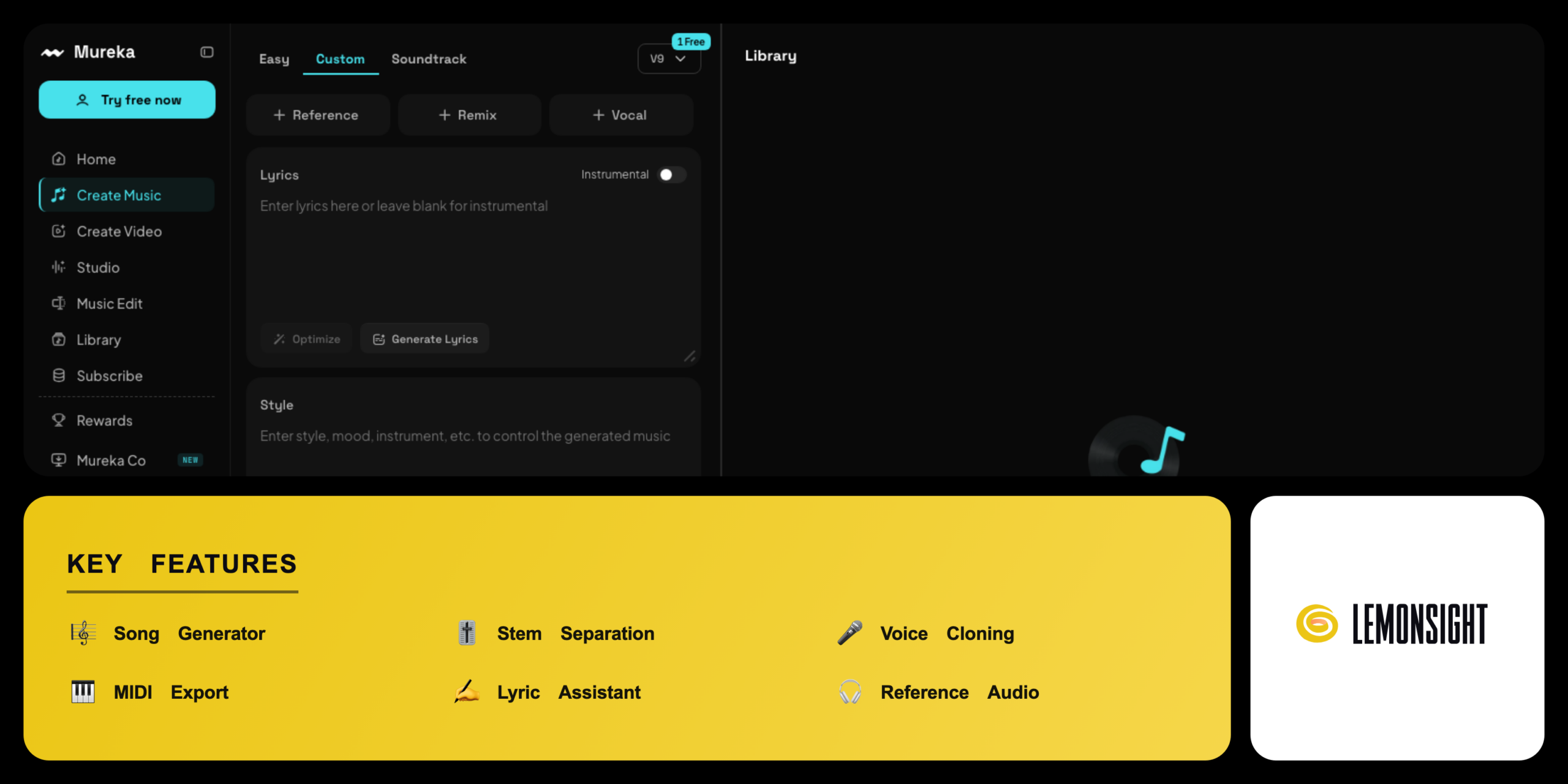
Mureka bundles several music tools into one platform. The song generator builds tracks from a text prompt or pasted lyrics. The stem separator splits any upload into vocals, drums, bass, and instruments. The voice cloning tool reproduces a recorded voice across new lyrics.
Mureka serves three main audiences. Content creators use Mureka for royalty-free background music. Songwriters use Mureka for vocal mockups and concept demos. Hobbyists use Mureka for custom songs. Mureka offers free credits and paid plans from $8 per month.
Is Mureka safe, private, and secure?
Mureka is a legitimate platform operated by Skywork AI under Kunlun Tech, and paid plans grant documented commercial rights. Mureka processes generation through encrypted account access. Skywork AI publishes the terms of service and licensing rules for output.
Commercial licensing and copyright safety
Mureka grants commercial usage rights for tracks generated on a paid plan, and paid users distribute Mureka songs to Spotify, YouTube, and advertising projects. Mureka issues an ownership certificate for output intellectual property rights. A US federal lawsuit over AI music training data remains pending across the sector, and free-tier Mureka tracks exclude commercial distribution.
✅ Worth it if you
- Need royalty-free background music for video and podcasts
- Build vocal mockups and concept demos as a songwriter
- Edit tracks in external software via stem and MIDI export
- Produce music frequently and want commercial rights for streaming
🤔 Look elsewhere if you
- Only need a single quick song now and then
- Want a fully free tool with no generation limits or watermark
- Need commercial use without paying for a plan
Our Verdict
Pros
- Stem separation into individual tracks
- MIDI export into a DAW
- Voice cloning on the Pro plan
- Commercial rights for streaming
- Web, iOS, and Android apps
Cons
- Free credits run out quickly
- Free videos carry a watermark
- Commercial use needs a paid plan
- Training-data lawsuit pending sector-wide
- Smaller song community than Suno
How It Works
Create account
Visit mureka.ai and create an account with email or Google.
Open generator
Open the Mureka song generator from the dashboard.
Enter prompt
Enter a text prompt or paste custom lyrics.
Pick settings
Select a genre, mood, and the Mureka V7 or V9 model.
Generate
Generate the track and review the two returned versions.
Refine
Edit the lyrics, separate stems, or clone a voice.
Export
Export the finished song as MP3 or WAV.
Mureka Features
Song Generator
Builds full songs from a prompt or custom lyrics.
Stem Separation
Splits a track into vocals, drums, bass, and instruments.
Voice Cloning
Maps a recorded voice onto generated vocals.
MIDI Export
Sends note data into a digital audio workstation.
Lyric Assistant
Writes lyrics from a topic or theme.
Reference Audio
Guides style from an uploaded track.
Mureka O1 Model
Reasons through structure with the MusiCoT method.
Web and Mobile Apps
Runs on web, iOS, and Android.
Mureka Pricing
- $10/mo billed monthly
- $96/year
- 400 songs per month
- MP3 download and commercial rights
- $30/mo billed monthly
- $288/year
- 1,600 songs per month
- WAV, stem, and instrumental downloads
- Voice cloning for commercial projects
Who Is Mureka Best For?
Need royalty-free background music; the commercial license clears tracks for YouTube monetization; the web app exports tracks in minutes.
Build vocal mockups and concept demos; paste custom lyrics for instant vocals; stem export sends the arrangement into a DAW; voice cloning sets a chosen voice across new lyrics.
Make custom songs for fun; generate tracks from a short prompt on free credits; the mobile apps create songs on a phone or tablet.
Mureka Alternatives
| Tool | Best for | Price | Notes | Compare |
|---|---|---|---|---|
| Suno | Fast finished songs | from $8/mo | Free tier available | vs → |
| Udio | High audio fidelity | from $10/mo | Free tier available | vs → |
| AIVA | Instrumental scoring | from $11/mo | Free tier available | vs → |
| Mureka — this review | Stem export and MIDI | From $8/mo | Free tier available |
Mureka vs Suno
Suno generates fast, fully mixed songs from a simple prompt, while Mureka exports stems and MIDI for external editing. Mureka splits a track into vocals, drums, bass, and instruments, a control Suno limits. Suno holds a larger community song database, while Mureka runs the O1 reasoning model with the MusiCoT method. Producers who work in a digital audio workstation choose Mureka, while users who want quick songs choose Suno.
Mureka FAQ
Is Mureka free?
Mureka offers free starter credits for new accounts that generate a small number of test songs. Free-tier tracks carry generation limits and exclude commercial use. Paid plans start from $8 per month on annual billing and grant commercial rights.
Does Mureka have a mobile app?
Mureka offers native apps for iOS and Android alongside the web dashboard. Users generate and play tracks on smartphones and tablets through the app. Mureka syncs projects across devices through a single account login.
Can you publish Mureka songs on Spotify?
Mureka songs ship to Spotify and other streaming platforms on a paid plan with commercial rights. Paid users hold an ownership certificate for the output. Free-tier tracks cannot be distributed commercially.
Who owns Mureka?
Mureka is owned and operated by Skywork AI, a Singapore-based subsidiary of Kunlun Tech. Kunlun Tech is a publicly listed Chinese technology company valued near $6 billion. Skywork AI launched the Mureka O1 model in March 2025.
How does Mureka compare to Suno?
Mureka offers stem separation and MIDI export that Suno limits, which suits producers who edit in external software. Suno generates fast, fully mixed songs from simple prompts and holds a larger community database. Mureka runs the O1 reasoning model on structured generation.
Ready to try Mureka?
Start free, or take the trial to explore premium features across all your devices.
Visit Mureka →Related Tools

An AI text-to-speech platform with 500+ realistic voices across 100+ languages, built for affordable, high-volume voiceover generation.

An AI transcription platform for journalists and media teams with a collaborative text editor, live transcription, and translation into 50+ languages.

An AI audio-recognition app that identifies songs from playback, humming, or singing, with a Houndify-powered hands-free voice assistant.

An AI media localization platform that automates transcription, subtitling, and voice-cloned voiceovers across 100+ languages.

A free web-based audio tool that uses AI to isolate vocals and extract instrumental tracks from any song in the browser.

An AI music generator with voice cloning, voice conversion, and stem separation for musicians and content creators.