

Cursor Review
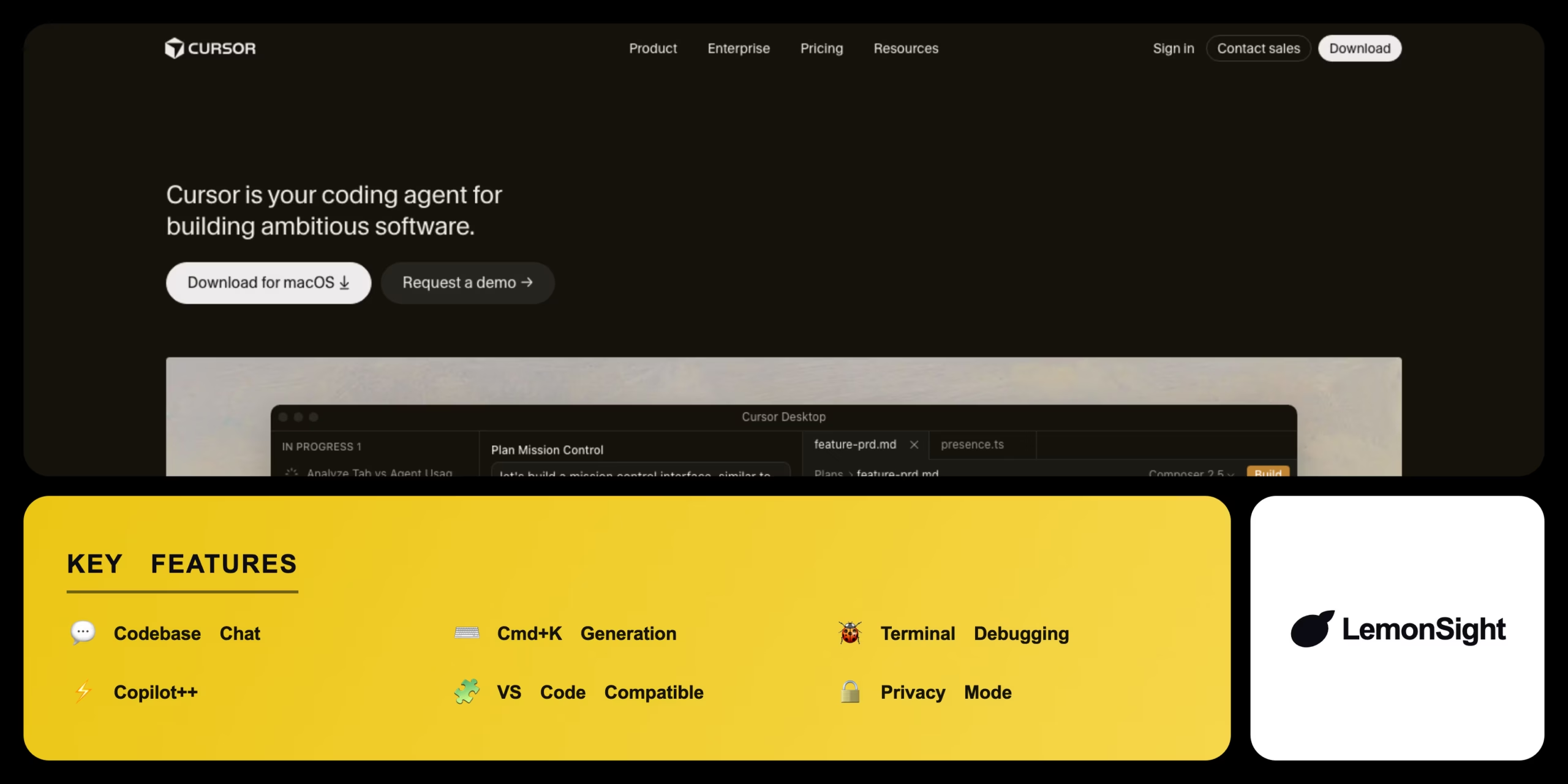
An AI-first code editor forked from VS Code with deep codebase indexing, inline Cmd+K generation, and automated terminal debugging.
Is Cursor Worth It?
Cursor is worth it for software engineers who want deep, context-aware AI across an entire repository. It outperforms standard autocomplete by understanding the whole codebase, and the Pro plan’s dedicated fast requests cut wait times during complex refactors. The free tier’s slow requests are usable but restrictive for high-velocity coding.
About Cursor
Cursor is an AI code editor built as a direct fork of VS Code, engineered specifically for AI integration. It scans the local repository and builds a vectorized index of every file and function, then exposes AI through a dedicated chat panel and inline keyboard shortcuts inside the core UI.
Core capabilities include deep codebase indexing and chat, inline Cmd+K code generation with a diff view, automated terminal debugging that catches and analyzes errors, and a Copilot++ next-edit autocomplete.
Is Cursor safe and legit?
Cursor is a legitimate development environment from a funded startup, used by thousands of professional engineers. Its Privacy Mode prevents the company from storing prompts or using local code to train future models, and it encrypts data in transit to meet standard enterprise security expectations.
Our Verdict
Pros
- Supports all VS Code extensions, themes, and keybindings
- Indexes the entire codebase for context-aware answers
- Integrates AI into the terminal to debug errors
- Inline Cmd+K editing with clear diffs
- Built-in Copilot++ autocomplete
Cons
- $20/month to keep fast premium requests
- Requires a separate IDE, not a simple plugin
- Occasional latency indexing very large projects
- Free tier limited to 50 premium requests/month
- Premium models gated behind Pro
How It Works
Download
Download Cursor from the official site and install it.
Onboard
Launch Cursor and follow the onboarding prompt.
Import
Import extensions, themes, and settings from VS Code.
Sign in
Sign in to activate your Basic or Pro tier.
Open repo
Open an existing local repository folder.
Index
Let the engine index the codebase.
Generate
Start coding or press Cmd+K for inline generation.
Cursor Features
Codebase Chat
Answers questions across the whole indexed repo.
Cmd+K Generation
Generates and refactors code inline.
Terminal Debugging
Analyzes terminal errors and suggests fixes.
Copilot++
Predicts the next edit with multi-line autocomplete.
VS Code Compatible
Supports existing extensions and themes.
Privacy Mode
Blocks prompt storage and model training.
Cursor Pricing
- 500 fast requests/month
- Unlimited slow requests
- Premium models (GPT-4, Claude)
- Team admin & billing
- Enforced privacy mode
- Centralized management
Who Is Cursor Best For?
Context-aware AI assistance across an entire project repository.
Accelerate prototyping and full-stack development.
Format scripts and analyze datasets with inline generation.
Cursor Alternatives
| Tool | Best for | Price | Notes | Compare |
|---|---|---|---|---|
| GitHub Copilot | Inline autocomplete | $10/mo | No | vs → |
| Zed | Fast collaborative editor | Free | Free tier | vs → |
| Codeium | Free AI autocomplete | Free | Free tier | vs → |
| Cursor — this review | Codebase-aware AI IDE | Free + paid | Free tier |
Cursor vs GitHub Copilot
Copilot is an extension focused on inline autocomplete inside your editor; Cursor is a full VS Code fork with codebase-wide chat, Cmd+K editing, and terminal debugging. Lightweight autocomplete → Copilot; deep codebase AI → Cursor.
Cursor FAQ
Is Cursor free?
Cursor offers a Basic free tier to download and use the IDE, but it limits premium models and enforces slow requests after 50 premium requests per month.
How much does Cursor cost?
Cursor Pro costs $20 per month, providing 500 fast requests to premium models and unlimited slow requests.
How is Cursor different from VS Code?
Cursor is a fork of VS Code, so it supports the same extensions, but adds deep native AI — a codebase chat panel and inline editing — built into the UI.
Does Cursor replace GitHub Copilot?
For many developers, yes. Cursor includes its own Copilot++ autocomplete plus more advanced codebase interaction tools.
Ready to try Cursor?
Start free, or take the trial to explore premium features across all your devices.
Visit Cursor →Related Tools

A serverless computing platform that provisions cloud GPUs in seconds for Python AI workloads, with no containers or Kubernetes required.

An AI-powered code review assistant that automatically analyzes pull requests, catches bugs, and suggests fixes directly in GitHub, GitLab, and Bitbucket.

A browser-based coding platform that writes, runs, and deploys software with an AI Agent.

An AI documentation platform that builds, hosts, and maintains developer docs optimized for humans and AI.

Extract and monitor web data without coding with Browse AI

Easily manage your data with Rose AI. Discover, clean, and create visualizations of your data with ease.