

NotebookLM Review
An AI-powered research and note-taking assistant that uploads sources, generates summaries, and answers questions grounded in a user's documents.
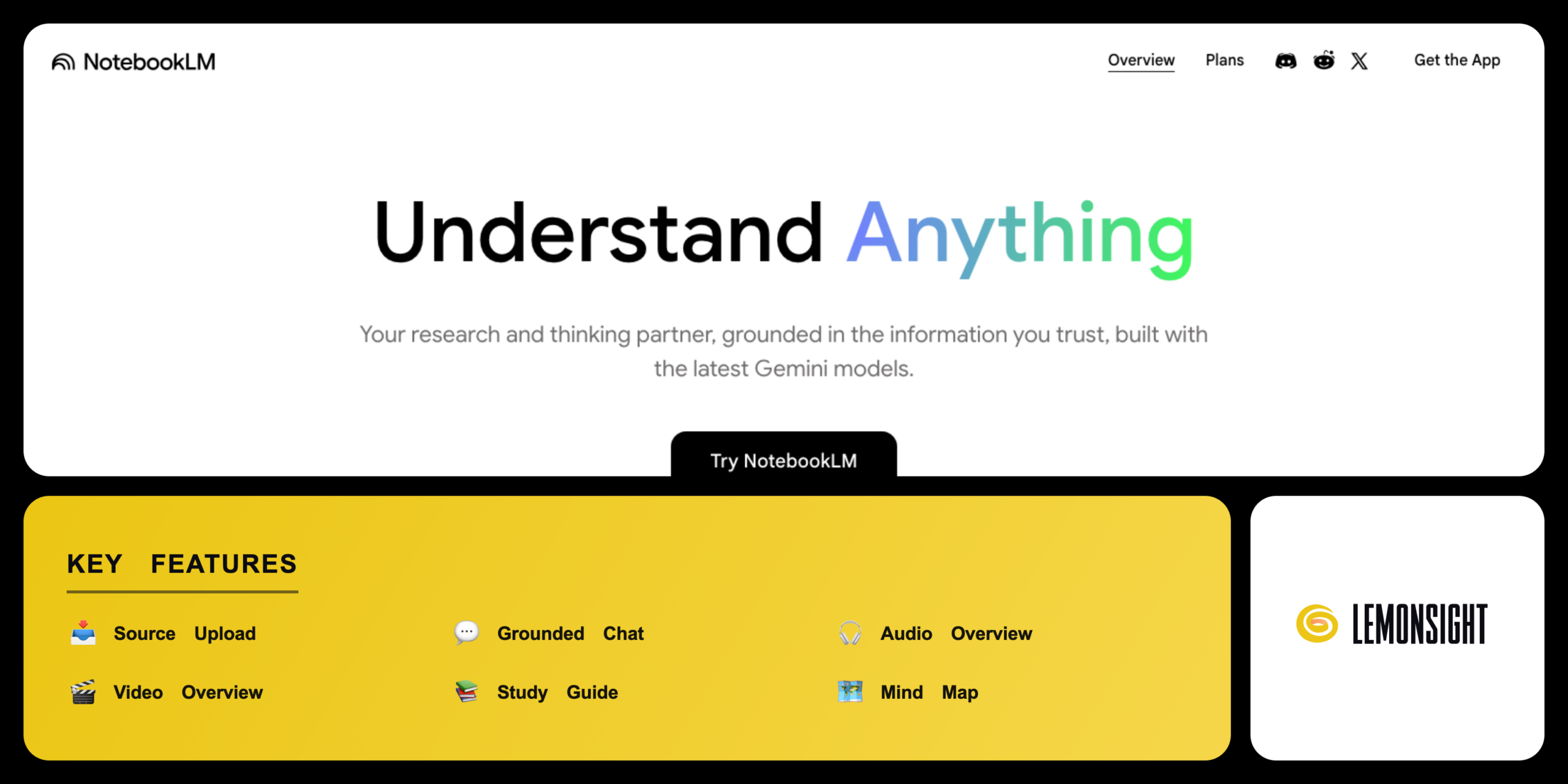
Is NotebookLM Worth It?
NotebookLM is worth it for students, researchers, and content creators who work with their own sources. It uploads documents, answers questions with citations, and generates Audio Overviews. NotebookLM Standard is free, and Plus raises the limits from $7.99 per month. The free plan covers everyday research and study tasks.
About NotebookLM
NotebookLM is an AI-powered research and note-taking assistant that uploads sources, generates summaries, and answers questions grounded in a user’s documents. Google Labs builds and operates NotebookLM from the United States. Steven Johnson and Raiza Martin led the product team that launched NotebookLM in 2023 under the project name Tailwind. NotebookLM runs on Google’s Gemini 3 models as of 2026.
NotebookLM bundles several research tools into one notebook workspace. The source panel imports PDFs, Google Docs, and YouTube transcripts. The chat panel answers questions with citations back to the source. The Studio panel generates Audio Overviews, Video Overviews, study guides, and mind maps.
NotebookLM serves three main audiences. Students use NotebookLM for study guides and summaries. Researchers use NotebookLM for source grounding and analysis. Content creators use NotebookLM for podcast outlines and brainstorming. NotebookLM offers a free plan and a paid Plus plan from $7.99 per month.
Is NotebookLM safe, private & secure?
NotebookLM is safe and legitimate, and Google states that it does not use personal notebook data to train its models. NotebookLM encrypts data in transit and at rest. Google Labs operates NotebookLM under the Google privacy policy.
Data privacy and AI training policy
NotebookLM stores uploaded sources inside the user’s Google account. Google states that it does not use NotebookLM data to train its models without permission. NotebookLM keeps each notebook private to the signed-in account, and applies Workspace and Enterprise data controls for business accounts.
✅ Worth it if you
- Reason over a fixed set of your own sources
- Want each answer cited back to the source passage
- Study from lecture notes and readings
- Analyze a large set of research papers
- Outline scripts and podcasts from research
🤔 Look elsewhere if you
- Need open-web answers rather than source-grounded ones
- Want a single general chat assistant
- Prefer a tool that does not require a Google account
Our Verdict
Pros
- Source-grounded answers with citations
- Realistic two-host Audio Overviews
- Free Standard plan with 50 sources
- Imports PDFs, Docs, and YouTube
- Gemini 3 with 1 million token context
Cons
- Output limited to uploaded sources
- Requires a Google account
- Daily caps on Audio Overviews
- No standalone purchase option
- Occasional audio hallucination
How It Works
Sign in
Visit notebooklm.google and sign in with a Google account.
Create notebook
Create a new notebook from the dashboard.
Upload sources
Upload sources such as PDFs, Google Docs, or YouTube links.
Index sources
Wait for NotebookLM to index each source.
Ask questions
Ask a question in the chat panel to query the sources.
Generate aids
Open the Studio panel to generate an Audio Overview or study guide.
Save notes
Save answers and summaries to the notes panel.
NotebookLM Features
Source Upload
Imports PDFs, Google Docs, websites, and YouTube transcripts.
Grounded Chat
Answers questions with citations to the source.
Audio Overview
Generates a two-host AI podcast from the sources.
Video Overview
Generates a narrated slide video from the sources.
Study Guide
Builds quizzes, FAQs, and key-term lists.
Mind Map
Visualizes the topics across all sources.
Summary
Condenses each source into a briefing document.
Notes Panel
Saves answers and summaries inside the notebook.
NotebookLM Pricing
- 300 sources per notebook
- Higher daily caps
- Inside Google AI Plus
- 300 sources per notebook
- Inside Google AI Pro
- Higher daily limits
- 600 sources per notebook
- Cinematic Video Overviews
- Highest daily limits
Who Is NotebookLM Best For?
Build quizzes and key-term lists with the study guide; convert readings into a podcast via Audio Overview; ask questions answered with citations back to the source.
Analyze a large set of papers; source grounding keeps answers tied to the documents; summaries condense each paper into a briefing; every claim cites the exact passage.
Outline scripts and podcasts; brainstorm drafts from research; turn notes into a podcast draft with Audio Overview; organize source material for a content series in one notebook.
NotebookLM Alternatives
| Tool | Best for | Price | Notes | Compare |
|---|---|---|---|---|
| Claude | Long-document analysis in chat | from $17/mo | Free tier available | vs → |
| ChatGPT | Open-ended writing and research | from $20/mo | Free tier available | vs → |
| Notion AI | Notes and workspace AI | from $10/mo | Free tier available | vs → |
| PDFGear | PDF reading and editing | Free desktop app | Free tier available | vs → |
| NotebookLM — this review | Source-grounded research | From $7.99/mo | Free tier available |
Claude vs ChatGPT vs NotebookLM
Claude reads long documents inside a chat thread, while NotebookLM organizes sources into a persistent notebook. ChatGPT generates open-ended text, while NotebookLM restricts answers to the uploaded sources. NotebookLM cites each answer back to the source, while Claude and ChatGPT cite less consistently. Claude and ChatGPT start from a paid plan around $17 to $20 per month; NotebookLM starts from $7.99 per month inside Google AI Plus.
NotebookLM FAQ
Is NotebookLM free?
NotebookLM offers a free Standard plan with 100 notebooks, 50 sources per notebook, and 3 Audio Overviews per day. Higher source counts and daily caps require a paid Google AI plan such as Plus.
How much does NotebookLM cost?
NotebookLM Plus costs from $7.99 per month inside Google AI Plus. NotebookLM Pro costs from $19.99 per month, and NotebookLM Ultra costs from $99.99 per month. NotebookLM ships as a benefit of a Google AI or Workspace plan rather than a standalone purchase.
What AI model does NotebookLM use?
NotebookLM runs on Google’s Gemini 3 large language models as of 2026. The model reads up to 1 million tokens across the uploaded sources. The grounding keeps each answer tied to the user’s documents.
Who owns NotebookLM?
Google Labs builds and operates NotebookLM. Steven Johnson and Raiza Martin led the team that launched NotebookLM in 2023. Google runs NotebookLM from the United States.
Is NotebookLM safe?
NotebookLM is safe to use, with encryption in transit and at rest under the Google privacy policy. Google states that it does not use personal notebook data to train its models without permission. NotebookLM keeps each notebook private to the signed-in account.
Is NotebookLM worth it?
NotebookLM is worth it for students, researchers, and content creators who work with their own sources. The source grounding and Audio Overviews justify the Plus subscription for heavy users. Users with light research needs find the free NotebookLM plan sufficient.
Ready to try NotebookLM?
Start free, or take the trial to explore premium features across all your devices.
Visit NotebookLM →Related Tools

Copyleaks is an AI content detector and plagiarism checker that combines both scan types with a low false-positive rate in one platform.

A browser-based autonomous AI agent whose GitHub repo was archived read-only on January 28, 2026, though the free demo still runs on frozen 2023 OpenAI models.

An AI-powered project management platform that centralizes task tracking, docs, and workflow automation into a single customizable workspace.

An AI meeting assistant whose bot auto-joins video calls to record, transcribe, and summarize them, with an AskFred chat assistant over your meetings.

A cloud-based work operating system with customizable boards for project management, CRM, and team collaboration.

A premium AI email client for Gmail and Outlook that uses keyboard speed and AI drafting to reach inbox zero.