

Bing Image Creator Review
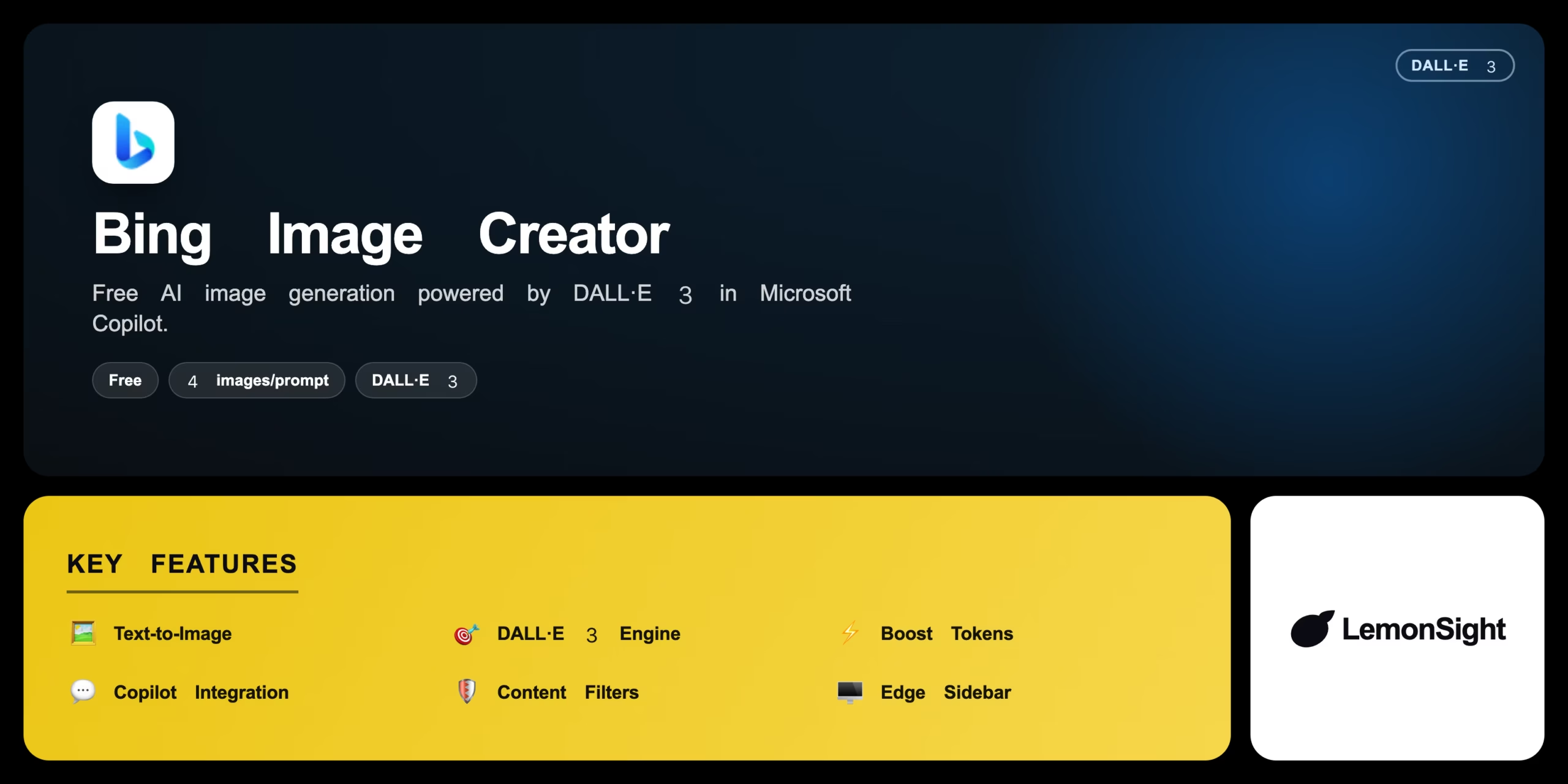
A free AI image generator powered by DALL·E 3 inside Microsoft Copilot, producing four 1024px images per prompt with a Boost token system.
Is Bing Image Creator Worth It?
Bing Image Creator is worth it as the easiest free way to use DALL·E 3. It generates four 1024px images per prompt, renders text in images well, and integrates into Microsoft Copilot — all free with a Microsoft account. Strict content filters and Boost-token queues are the trade-offs; Copilot Pro adds faster generation.
About Bing Image Creator
Bing Image Creator is an AI image-generation platform that turns text prompts into digital artwork and photographs, operating entirely within the Microsoft Copilot ecosystem. It targets users who want free access to OpenAI’s DALL·E 3 model and generates four unique 1024×1024 images per prompt.
A “Boost” token system accelerates rendering speed, strict content-moderation filters block violent, explicit, or sensitive requests, and the tool integrates natively into the Microsoft Edge sidebar and Copilot chats for conversational follow-up edits.
Our Verdict
Pros
- Free DALL·E 3 access with a Microsoft account
- Four 1024px images per prompt
- Strong in-image text rendering
- Native Copilot and Edge integration
- No per-image charges
Cons
- Strict content filters block many prompts
- Boost tokens limit fast generations
- Queues slow down at peak hours
- Less artistic control than Midjourney
- Tied to the Microsoft ecosystem
How It Works
Open
Open the Bing Image Creator site or Microsoft Copilot.
Sign in
Sign in with a Microsoft account.
Prompt
Type a descriptive prompt in the search bar.
Create
Click Create to spend one Boost token.
Wait
Wait for the four image variations.
Open
Click a preferred image for full resolution.
Save
Download or share the final image.
Bing Image Creator Features
Text-to-Image
Creates four images from a text prompt.
DALL·E 3 Engine
Nuanced prompts and accurate in-image text.
Boost Tokens
Accelerates generation time.
Copilot Integration
Generate within conversational AI chats.
Content Filters
Blocks harmful or policy-violating imagery.
Edge Sidebar
Native generation in the Edge browser.
Bing Image Creator Pricing
- 100 daily Boost tokens
- Faster peak performance
- Copilot Pro features
Who Is Bing Image Creator Best For?
Free, fast image generation for everyday use.
Quick visual assets with readable in-image text.
Generate and refine images inside AI chats.
Bing Image Creator Alternatives
| Tool | Best for | Price | Notes | Compare |
|---|---|---|---|---|
| Midjourney | Stylized artistic imagery | $10/mo | No | vs → |
| DALL·E 3 (ChatGPT Plus) | Conversational editing | $20/mo | No | vs → |
| Stable Diffusion | Open-source local control | Free | Free | vs → |
| Bing Image Creator — this review | Free DALL·E 3 | Free + paid | Free |
Bing Image Creator vs Midjourney
Midjourney produces highly stylized, artistic imagery but needs a paid Discord subscription; Bing Image Creator offers free DALL·E 3 with strong text rendering and Copilot integration. Artistic style → Midjourney; free & accessible → Bing.
Bing Image Creator FAQ
Is Bing Image Creator free?
Yes — Bing Image Creator is free with a Microsoft account, giving 15 daily Boost tokens. Copilot Pro ($20/month) adds 100 daily tokens and faster peak performance.
What model does Bing Image Creator use?
It uses OpenAI’s DALL·E 3 model, which renders nuanced prompts and accurate text within images.
What are Boost tokens?
Boost tokens accelerate generation speed. Free users get 15 per day that replenish automatically; running out means slower queued generations.
Can I use Bing Image Creator images commercially?
Microsoft’s terms govern usage; review the current content policy, as outputs are subject to Microsoft’s usage and content-moderation rules.
Ready to try Bing Image Creator?
Start free, or take the trial to explore premium features across all your devices.
Visit Bing Image Creator →Related Tools
A free AI image and video generator from ByteDance's CapCut brand, combining Seedream image generation with Seedance video generation on one shared credit balance.

A web-based AI image generator built on Stable Diffusion XL with a large community prompt library, ControlNet, and custom model training.

A community platform for discovering, downloading, and reviewing Stable Diffusion checkpoints, LoRAs, and textual inversion models.

Desktop AI software that upscales, denoises, and sharpens photos and video locally on your GPU using trained neural networks.

An AI photo editor that removes backgrounds, retouches images, and creates product photography for ecommerce sellers and small businesses.

A free, open-source node-based interface for Stable Diffusion that gives precise control over image-generation workflows via a visual graph.