

Topaz Labs Review
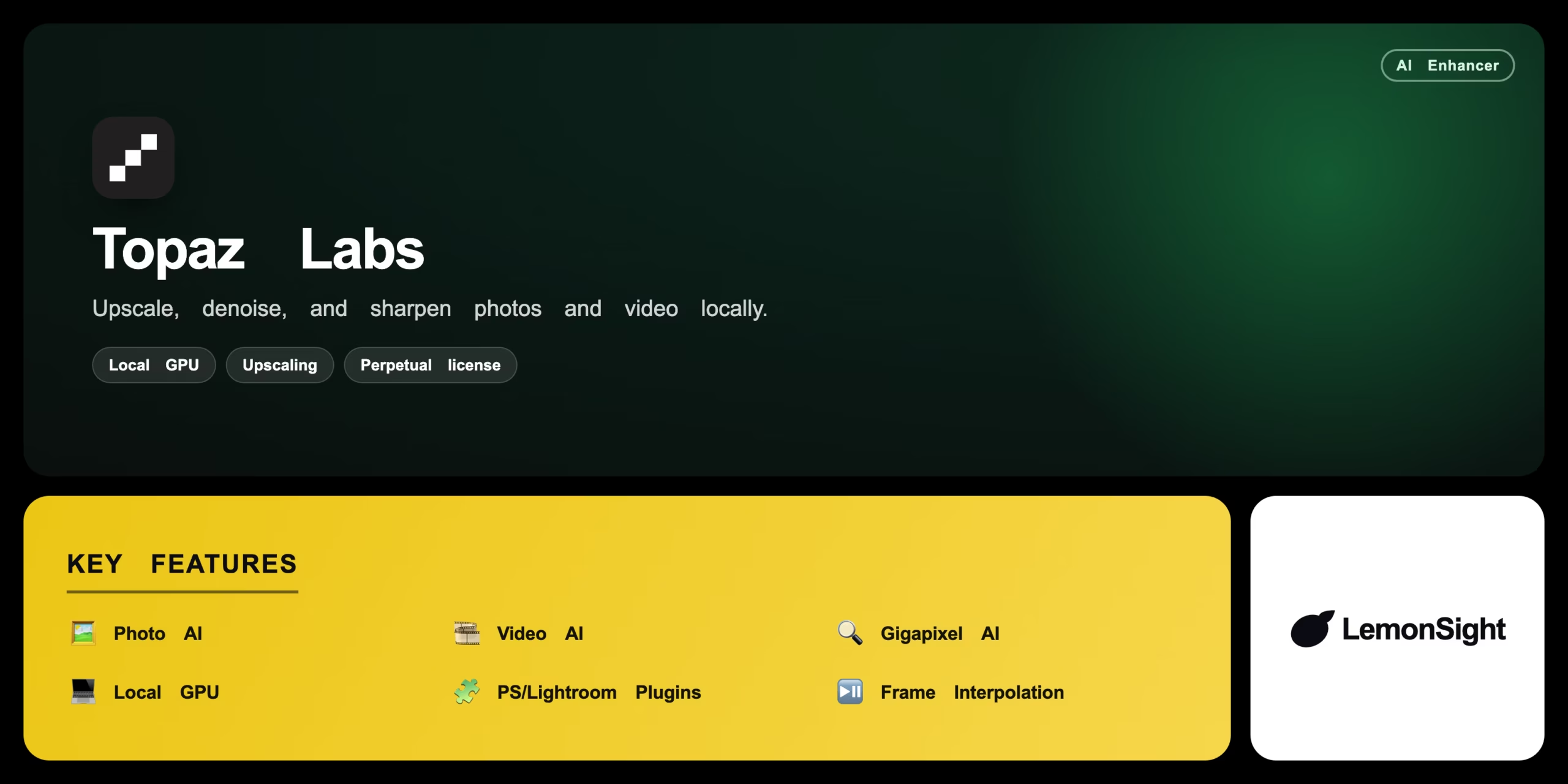
Desktop AI software that upscales, denoises, and sharpens photos and video locally on your GPU using trained neural networks.
Is Topaz Labs Worth It?
Topaz Labs is worth it for photographers and videographers who need high-fidelity upscaling and noise reduction without the cloud. It processes entirely on your local GPU and plugs into Photoshop and Lightroom. The trade-offs: a high upfront price, GPU-heavy processing, and an annual fee for updates after year one.
About Topaz Labs
Topaz Labs builds desktop applications that use AI models to upscale, denoise, and sharpen digital media. The software runs entirely on local hardware, heavily using the GPU, and targets professional editors who want high-fidelity enhancement without cloud processing. It works standalone or as plugins for Adobe Photoshop and Lightroom.
Trained neural networks analyze pixels, identify noise patterns, and generate missing visual information — applying frame interpolation for video and advanced sharpening for stills. Core products are Topaz Photo AI (noise reduction and sharpening), Topaz Video AI (upscaling, stabilization, interpolation), and Topaz Gigapixel AI (enlarging images up to 600%).
Our Verdict
Pros
- 100% local GPU processing — no cloud
- Best-in-class upscaling and detail recovery
- Photoshop and Lightroom plugins
- Perpetual license (own the version)
- Frame interpolation for video restoration
Cons
- High upfront purchase price
- GPU-intensive on older hardware
- Annual renewal needed for new updates
- Free trial watermarks exports
- No mobile or cloud version
How It Works
Install
Download and install on a Mac or Windows PC.
Launch
Launch the app or open it as a Lightroom plugin.
Import
Drag and drop an image into the workspace.
Autopilot
Let Autopilot analyze and recommend settings.
Adjust
Tweak denoise, sharpen, and upscale sliders.
Compare
Use split-screen to compare against the original.
Export
Click export to save the enhanced file locally.
Topaz Labs Features
Photo AI
Auto noise reduction and sharpening.
Video AI
Upscales, stabilizes, interpolates frames.
Gigapixel AI
Enlarges images up to 600%.
Local GPU
Processes entirely on your hardware.
PS/Lightroom Plugins
Runs inside Adobe apps.
Frame Interpolation
Smooths and restores video.
Topaz Labs Pricing
- Noise reduction & sharpening
- Gigapixel upscaling
- 1 year of updates
- $99/yr renewal after
- Video upscaling & stabilization
- Frame interpolation
- 1 year of updates
- $149/yr renewal after
Who Is Topaz Labs Best For?
Recover detail and remove noise in stills.
Upscale and restore old or compressed footage.
High-fidelity local processing in Adobe apps.
Topaz Labs Alternatives
| Tool | Best for | Price | Notes | Compare |
|---|---|---|---|---|
| Adobe Lightroom | Built-in denoise & upscale | $9.99/mo | No | vs → |
| DxO PureRAW | RAW denoise & optics | $119 | Free tier available | vs → |
| HitPaw Video Enhancer | Consumer video upscaling | $25.99/mo | Free tier available | vs → |
| Topaz Labs — this review | Pro local enhancement | From $99 | Free trial |
Topaz Labs vs Adobe Lightroom
Lightroom builds noise reduction and AI upscaling into its RAW workflow with a subscription; Topaz offers more aggressive, dedicated recovery on a perpetual license with deeper upscaling. Integrated workflow → Lightroom; maximum recovery → Topaz.
Topaz Labs FAQ
How much does Topaz Labs cost?
Topaz uses perpetual licensing: Photo AI is $199 and Video AI is $299, each including one year of updates, with annual renewals ($99/$149) for further updates.
Does Topaz Labs run in the cloud?
No — Topaz processes entirely on your local hardware, heavily using the GPU, with no cloud upload required.
Does Topaz work with Photoshop?
Yes — Topaz Photo AI runs standalone or as a plugin for Adobe Photoshop and Lightroom.
Is there a free trial?
Yes — a free trial is available, but exported files carry a prominent watermark until you purchase.
Ready to try Topaz Labs?
Start free, or take the trial to explore premium features across all your devices.
Visit Topaz Labs →Related Tools

A free AI image and video generator from ByteDance's CapCut brand, combining Seedream image generation with Seedance video generation on one shared credit balance.

A web-based AI image generator built on Stable Diffusion XL with a large community prompt library, ControlNet, and custom model training.

A community platform for discovering, downloading, and reviewing Stable Diffusion checkpoints, LoRAs, and textual inversion models.

A free AI image generator powered by DALL·E 3 inside Microsoft Copilot, producing four 1024px images per prompt with a Boost token system.

An AI photo editor that removes backgrounds, retouches images, and creates product photography for ecommerce sellers and small businesses.

A free, open-source node-based interface for Stable Diffusion that gives precise control over image-generation workflows via a visual graph.