

ComfyUI Review
A free, open-source node-based interface for Stable Diffusion that gives precise control over image-generation workflows via a visual graph.
Is ComfyUI Worth It?
ComfyUI is worth it for advanced AI artists, developers, and researchers who want precise, repeatable control over Stable Diffusion. Its node graph exposes every step of the diffusion process and is completely free and open-source. The trade-off is a steep learning curve and the need for compatible local GPU hardware.
About ComfyUI
ComfyUI is a graphical interface that connects Stable Diffusion models through a node-based architecture. Users link distinct nodes — checkpoints, prompts, samplers, decoders — with visual cables, exposing the underlying mechanics of the diffusion process. It runs locally on Windows, macOS, and Linux with a compatible GPU and targets advanced artists, developers, and researchers.
A workflow chains a model loader to a text encoder, an empty latent image, a K-Sampler, and a VAE decoder. Workflows save as JSON or embed in PNG metadata, and an output-caching system recalculates only the nodes you change — reducing generation time and conserving GPU memory.
Our Verdict
Pros
- Granular, repeatable control over every generation step
- Completely free and open-source (GPL-3.0)
- Output caching recalculates only changed nodes
- ControlNet and SDXL support
- Shareable workflows via JSON or PNG metadata
Cons
- Steep learning curve for beginners
- Requires a compatible local GPU
- No managed cloud or support tier
- Cloud GPU rental needed without local hardware
- Setup is more technical than tab-based UIs
How It Works
Download
Get the ComfyUI package from the official GitHub repo.
Launch
Extract and run the script to start the local server.
Open
Open the local host address in a browser.
Load workflow
Drag a workflow JSON or image into the workspace.
Prompt
Enter positive and negative prompts in the CLIP nodes.
Tune
Adjust steps and CFG scale in the K-Sampler node.
Generate
Click Queue Prompt to generate and save the image.
ComfyUI Features
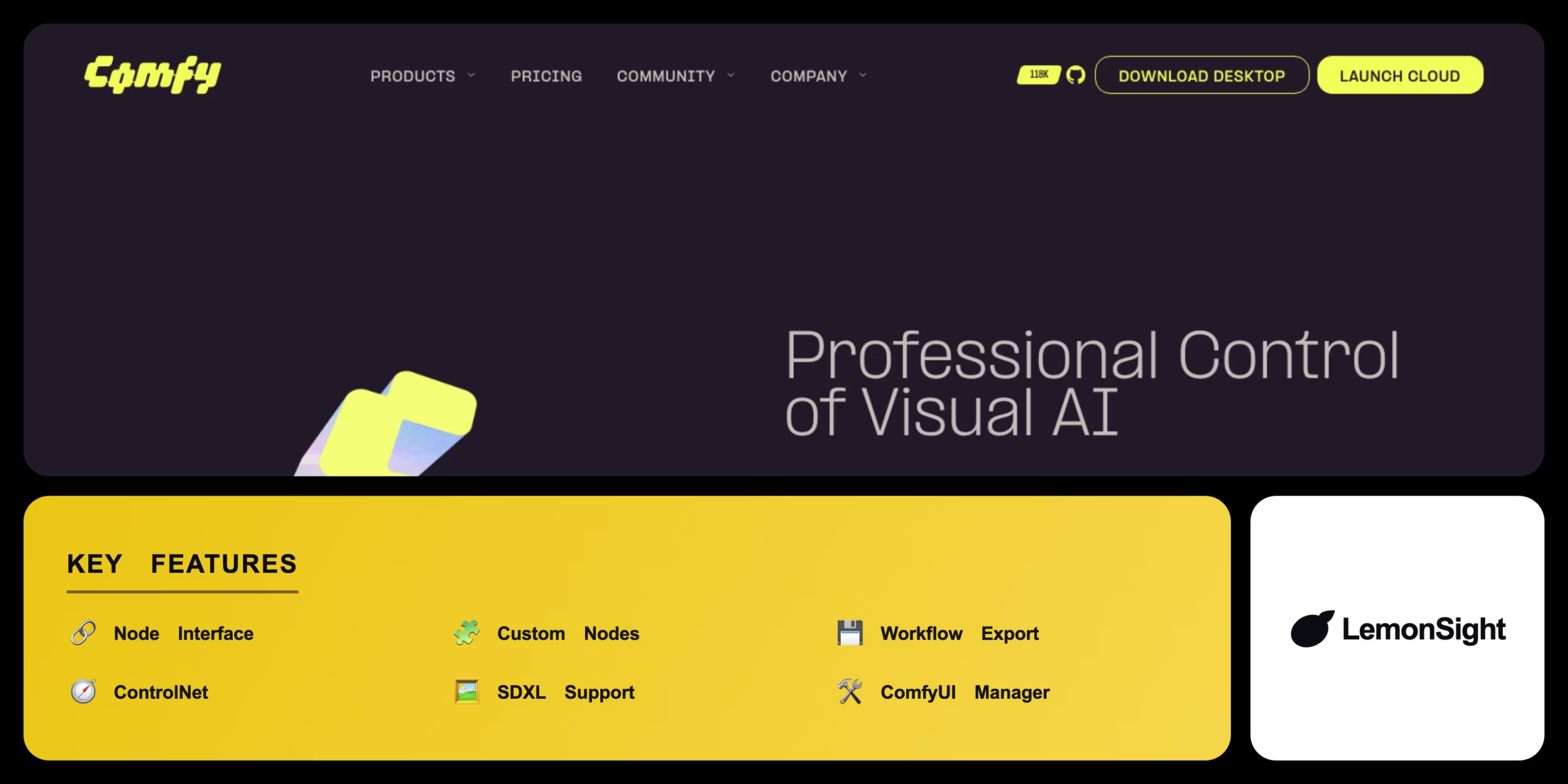
Node Interface
Connects generation steps via visual cables.
Custom Nodes
Integrates third-party scripts and features.
Workflow Export
Saves setups as shareable JSON files.
ControlNet
Applies structural reference images.
SDXL Support
Loads SDXL base and refiner models.
ComfyUI Manager
Installs and updates custom nodes.
ComfyUI Pricing
- GPL-3.0 license
- No token limits or tiers
- Download from GitHub
- Runs locally on your GPU
Who Is ComfyUI Best For?
Build precise, repeatable generation pipelines.
Integrate custom nodes and automate workflows.
Inspect and control every step of diffusion.
ComfyUI Alternatives
| Tool | Best for | Price | Notes | Compare |
|---|---|---|---|---|
| Automatic1111 | Tab-based SD UI | Free | Free tier available | vs → |
| Fooocus | Beginner SDXL UI | Free | Free tier available | vs → |
| Midjourney | Cloud Discord generator | $10/mo | No | vs → |
| ComfyUI — this review | Node-based control | Free (open-source) | Free |
ComfyUI vs Automatic1111
Automatic1111 offers a traditional tab-based web UI that's quicker to learn; ComfyUI exposes the full pipeline as a node graph for granular, repeatable control. Simple UI → Automatic1111; deep workflow control → ComfyUI.
ComfyUI FAQ
Is ComfyUI free?
Yes — ComfyUI is completely free and open-source under the GPL-3.0 license, with no premium tiers or token limits. You download it from the official GitHub repository.
What is ComfyUI used for?
ComfyUI is used to design, save, and execute Stable Diffusion image-generation workflows with precise control via a node-based interface.
Do I need a GPU to run ComfyUI?
Running ComfyUI locally requires a compatible GPU. Users without one can rent cloud GPU hosting to run it remotely.
How does ComfyUI work?
It passes data through connected nodes — model loader, text encoder, K-Sampler, VAE decoder — and caches outputs so only changed nodes recalculate.
Ready to try ComfyUI?
Start free, or take the trial to explore premium features across all your devices.
Visit ComfyUI →Related Tools

A free AI image and video generator from ByteDance's CapCut brand, combining Seedream image generation with Seedance video generation on one shared credit balance.

A web-based AI image generator built on Stable Diffusion XL with a large community prompt library, ControlNet, and custom model training.

A community platform for discovering, downloading, and reviewing Stable Diffusion checkpoints, LoRAs, and textual inversion models.

Desktop AI software that upscales, denoises, and sharpens photos and video locally on your GPU using trained neural networks.

A free AI image generator powered by DALL·E 3 inside Microsoft Copilot, producing four 1024px images per prompt with a Boost token system.

An AI photo editor that removes backgrounds, retouches images, and creates product photography for ecommerce sellers and small businesses.