

Photoroom Review
An AI photo editor that removes backgrounds, retouches images, and creates product photography for ecommerce sellers and small businesses.
Is Photoroom Worth It?
Photoroom is worth it for ecommerce sellers and small businesses that need clean product shots without a studio. Its background remover, Magic Retouch, AI backgrounds, and batch editing standardize catalogs fast, with Pro at $9.99/month. The free plan watermarks exports and caps resolution.
About Photoroom
Photoroom is an AI photo-editing app that automates background removal, retouching, and product photography for ecommerce sellers and small businesses. It runs on mobile apps and a web interface, targeting merchants who want to standardize product shots without studio equipment.
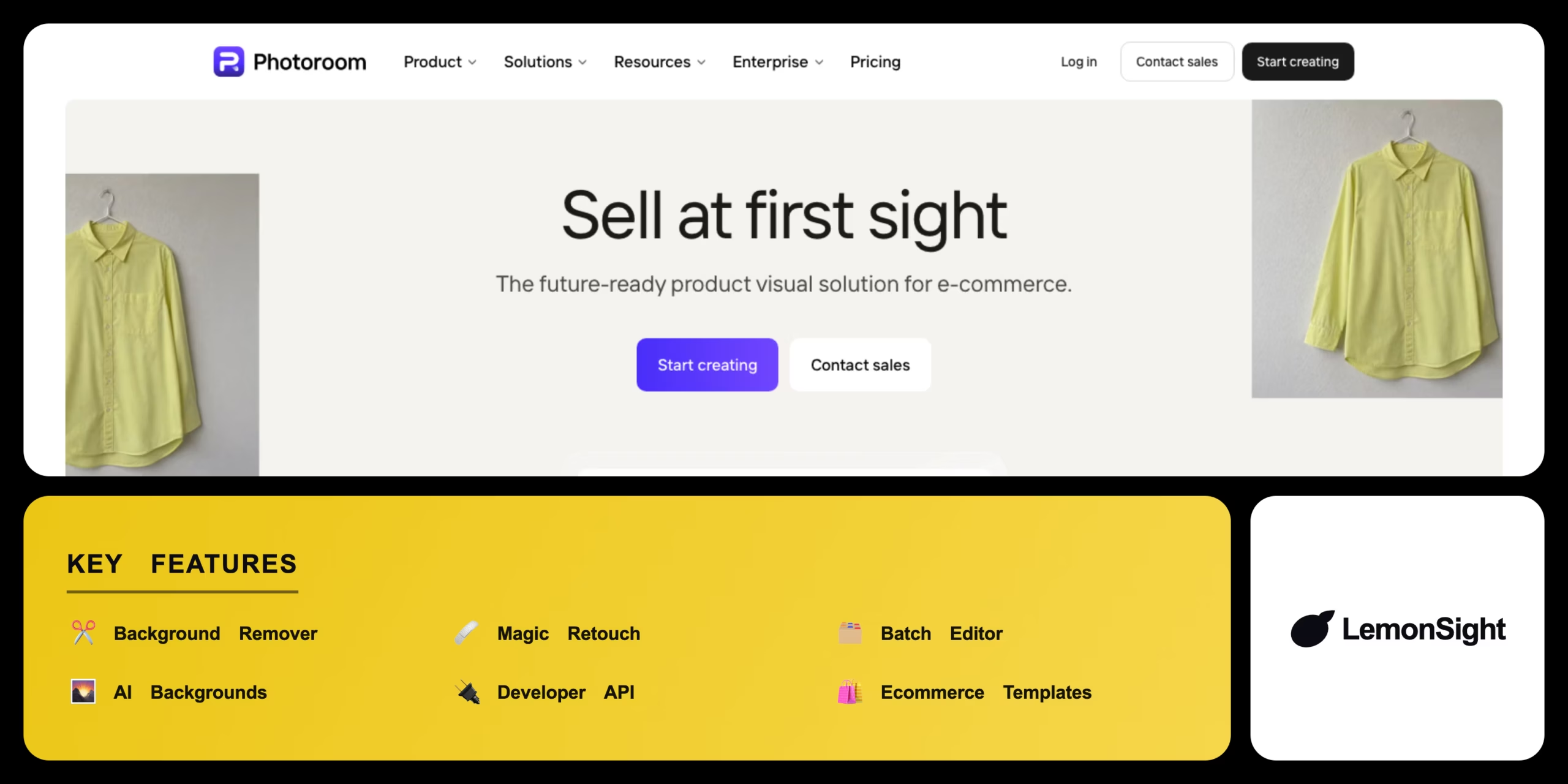
Machine-learning models isolate subjects and remove backgrounds instantly, a Magic Retouch module erases unwanted objects, and hundreds of templates are optimized for Shopify, Instagram, and Poshmark. Batch editing processes many images at once, AI Backgrounds generates synthetic lifestyle scenes, and a developer API embeds the background-removal engine elsewhere.
Our Verdict
Pros
- Instant, accurate background removal
- Magic Retouch removes objects and blemishes
- Ecommerce templates (Shopify, Instagram, Poshmark)
- Batch editing for large catalogs
- Developer API for integrations
Cons
- Free plan watermarks exports
- Free exports capped to standard resolution
- Batch mode is Pro-only
- API billed per image processed
- Best features need a subscription
How It Works
Open
Open the Photoroom app or web interface.
Upload
Upload a source image.
Auto-remove
Wait for automated background removal.
Background
Pick a template or solid color background.
Retouch
Apply Magic Retouch if needed.
Adjust
Tweak lighting and shadows.
Export
Export the final image.
Photoroom Features
Background Remover
Isolates subjects and removes backgrounds.
Magic Retouch
Erases unwanted objects and blemishes.
Batch Editor
Applies templates across many photos.
AI Backgrounds
Generates synthetic lifestyle scenes.
Developer API
Embeds background removal in apps.
Ecommerce Templates
Optimized for Shopify and Instagram.
Photoroom Pricing
- HD exports
- Batch mode
- No watermark
- 7-day free trial
Who Is Photoroom Best For?
Standardize product shots without a studio.
Quick, on-brand visuals for listings and social.
Embed background removal via the API.
Photoroom Alternatives
| Tool | Best for | Price | Notes | Compare |
|---|---|---|---|---|
| Canva | Design suite w/ bg removal | $10/mo | Free tier available | vs → |
| Remove.bg | Dedicated bg removal | $9/mo | Free tier available | vs → |
| Pixelcut | Mobile AI photo tools | $4.99/mo | Free tier available | vs → |
| Photoroom — this review | Ecommerce photo editing | Free + paid | Free tier |
Photoroom vs Remove.bg
Remove.bg is a dedicated background remover with a simple API; Photoroom adds retouching, ecommerce templates, AI backgrounds, and batch editing. Pure removal → Remove.bg; full product-photo workflow → Photoroom.
Photoroom FAQ
Is Photoroom free?
Photoroom offers a free plan with standard-resolution exports and a watermark. Pro at $9.99/month unlocks HD exports, batch mode, and removes the watermark, with a 7-day trial.
What is Photoroom used for?
Photoroom is used to remove backgrounds, retouch images, and create product photography for ecommerce listings and social media.
Does Photoroom have an API?
Yes — Photoroom offers a developer API that charges per image processed via a credit system to embed its background-removal engine.
Photoroom vs Remove.bg — which is better?
Remove.bg is simpler for pure background removal; Photoroom is better for a complete product-photo workflow with templates and batch editing.
Ready to try Photoroom?
Start free, or take the trial to explore premium features across all your devices.
Visit Photoroom →Related Tools

A free AI image and video generator from ByteDance's CapCut brand, combining Seedream image generation with Seedance video generation on one shared credit balance.

A web-based AI image generator built on Stable Diffusion XL with a large community prompt library, ControlNet, and custom model training.

A community platform for discovering, downloading, and reviewing Stable Diffusion checkpoints, LoRAs, and textual inversion models.

Desktop AI software that upscales, denoises, and sharpens photos and video locally on your GPU using trained neural networks.

A free AI image generator powered by DALL·E 3 inside Microsoft Copilot, producing four 1024px images per prompt with a Boost token system.

A free, open-source node-based interface for Stable Diffusion that gives precise control over image-generation workflows via a visual graph.