

Buffer Review
A social media management platform that schedules posts, measures performance, and drafts captions with an AI assistant across all major networks.
Is Buffer Worth It?
Buffer is worth it for small businesses, freelance social media managers, and creators who need consistent, scheduled posting. It centralizes drafting, queuing, and analytics across networks, with paid plans from $6 per channel per month. The free plan covers 3 channels and 10 scheduled posts each — enough to start.
About Buffer
Buffer is a social media management platform that automates content scheduling and measures post performance for brands and creators. It connects to Instagram, Facebook, X (formerly Twitter), LinkedIn, and Pinterest, and targets small business owners, freelance social media managers, and individual content creators.
Core modules include the Publishing queue (draft once, customize per network, auto-publish on a schedule), an Analytics dashboard for engagement and follower growth, a unified Engagement inbox, and a Canva integration. The Buffer AI Assistant generates and refines captions, suggests hashtags, and rewrites tone natively inside the post composer.
Our Verdict
Pros
- Clean, beginner-friendly scheduling interface
- Drafts captions and hashtags with the AI Assistant
- Unified analytics across connected accounts
- Canva integration for in-composer graphics
- Free plan and 14-day trial on paid tiers
Cons
- Pricing is per connected channel — adds up fast
- Free plan caps at 3 channels, 10 queued posts each
- Analytics are lighter than Sprout Social
- Approval workflows need the Team plan
- No advanced social listening
How It Works
Create account
Create a Buffer account and connect your social profiles.
Set schedule
Define your default posting times in settings.
Create post
Click Create Post to open the composer.
Draft
Type a caption or use the AI Assistant to generate copy.
Add visuals
Upload images or import graphics via Canva.
Customize
Tailor tags and formatting per network.
Queue
Click Add to Queue to schedule automated publishing.
Buffer Features
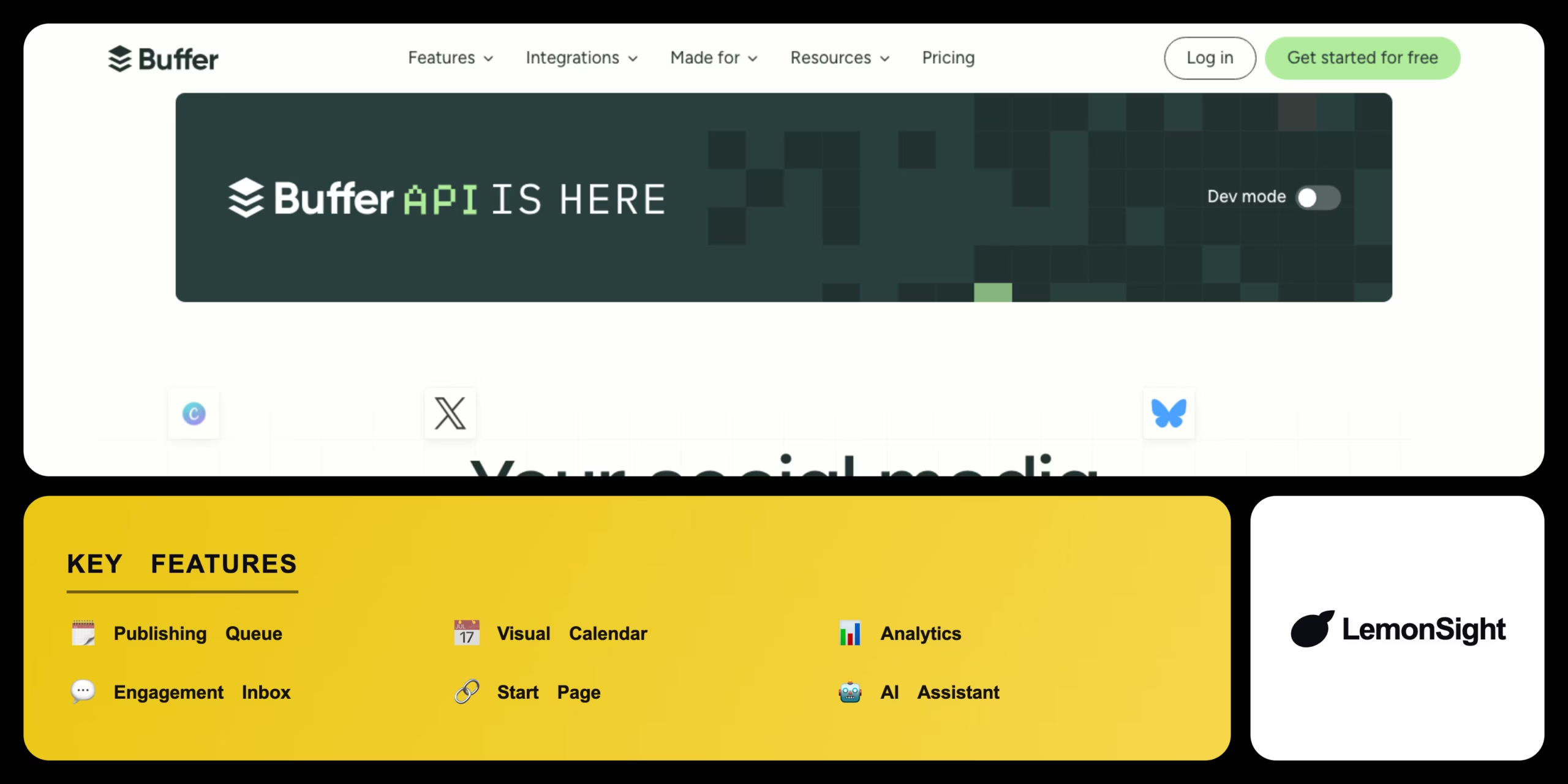
Publishing Queue
Auto-publishes drafted posts at scheduled times.
Visual Calendar
Plans all content on a weekly/monthly view.
Analytics
Tracks performance, audience, and engagement.
Engagement Inbox
Aggregates comments and replies in one screen.
Start Page
Builds a mobile-friendly link landing page.
AI Assistant
Generates captions, hashtags, and rewrites.
Buffer Pricing
- Up to 3 social channels
- 10 scheduled posts per channel
- Basic publishing & landing page
- Full analytics & engagement
- Unlimited scheduling
- AI Assistant
- Unlimited users
- Draft approval workflows
- All Essentials features
Who Is Buffer Best For?
Maintain consistent visibility with a simple, scheduled queue.
Plan campaigns across clients with a visual calendar.
Generate caption variations and post on a steady cadence.
Buffer Alternatives
| Tool | Best for | Price | Notes | Compare |
|---|---|---|---|---|
| Hootsuite | Enterprise monitoring | $99/mo | No | vs → |
| Later | Visual IG/TikTok planning | $25/mo | Free tier available | vs → |
| Sprout Social | Corporate analytics & CRM | $199/mo | No | vs → |
| Buffer — this review | Simple scheduling & AI | From $6/channel/mo | Free tier |
Buffer vs Hootsuite
Hootsuite offers a dense, multi-column dashboard built for enterprise monitoring and listening; Buffer focuses on simple scheduling, clean analytics, and an AI Assistant at a far lower entry price. Enterprise listening → Hootsuite; simple scheduling → Buffer.
Buffer FAQ
Is Buffer free?
Buffer offers a free plan supporting up to 3 social channels with 10 scheduled posts per channel. Paid plans with full analytics start from $6 per channel per month.
How much does Buffer cost?
Buffer Essentials is $6 per channel per month, Team is $12 per channel, and Agency is $120/month for 10 channels. Pricing is billed per connected channel.
What is Buffer used for?
Buffer is used to schedule social media posts, measure performance, and manage engagement across Instagram, Facebook, X, LinkedIn, and Pinterest from one dashboard.
Does Buffer have AI?
Yes — the Buffer AI Assistant generates captions, suggests hashtags, and rewrites post tone directly in the composer.
Ready to try Buffer?
Start free, or take the trial to explore premium features across all your devices.
Visit Buffer →Related Tools

A credit-based on-brand image generator that ingests a brand from a URL, Instagram or Figma file, then produces unlimited on-brand marketing assets from it.

A marketing automation platform that combines email, SMS, and a built-in CRM with machine-learning predictive sending and Site Tracking.

A social media management platform that centralizes scheduling, engagement, and analytics across networks with OwlyWriter AI caption generation.

An email marketing platform for online creators to automate campaigns, build landing pages, and sell digital products via a tag-based system.

An AI YouTube growth tool for keyword research, SEO scoring, and competitor tracking via a browser extension and dashboard.

An ecommerce marketing automation platform that coordinates email, SMS, and push campaigns with real-time store data.