

vidIQ Review
An AI YouTube growth tool for keyword research, SEO scoring, and competitor tracking via a browser extension and dashboard.
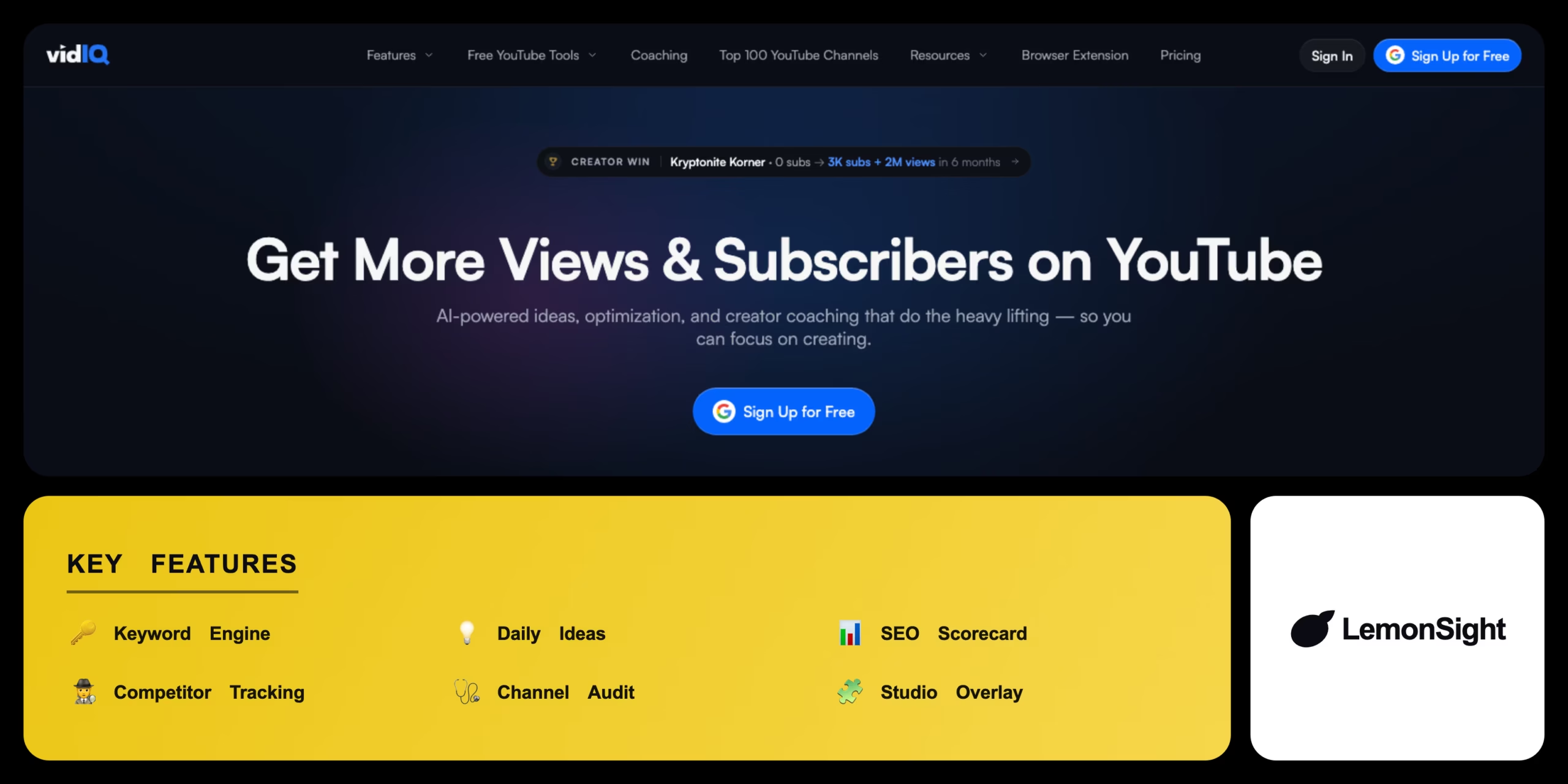
Is vidIQ Worth It?
vidIQ is worth it for YouTube creators who want data-driven growth. The keyword engine, SEO Scorecard, Daily Ideas, and competitor tracking turn guesswork into a repeatable workflow, and the YouTube Studio overlay keeps metrics in context. The free tier is useful, but the most valuable research and ideation features sit behind paid plans.
About vidIQ
vidIQ is an AI-powered YouTube channel-management and growth tool that automates keyword research, SEO optimisation, and performance tracking for video creators. It runs as a browser extension and web dashboard that analyses YouTube metrics in real time, targeting creators who want data-driven insights to improve search rankings and engagement.
Machine-learning models evaluate search volume and keyword competitiveness. A Daily Ideas module suggests topics based on niche and history, an SEO Scorecard audits videos and recommends title/description/tag improvements, competitor tracking benchmarks growth, and vidIQ overlays metrics directly inside YouTube Studio.
Is vidIQ worth it for small channels?
Yes — the free tier and keyword research help new channels pick winnable topics, while Daily Ideas and the SEO Scorecard on paid plans support consistent, optimised publishing.
Our Verdict
Pros
- Strong keyword research with competition scores
- SEO Scorecard guides metadata optimisation
- Daily Ideas keeps a content calendar full
- Competitor tracking spots trends early
- Useful free tier and Studio overlay
Cons
- Best features require paid plans
- Higher tiers (Boost/Max) get expensive
- Data overload for beginners
- YouTube-only focus
- No public lifetime option
How It Works
Install extension
Add the vidIQ browser extension.
Link channel
Connect a YouTube channel.
Research
Search a keyword in the Keyword Engine.
Check scores
Review search volume and competition.
Create
Make content around the chosen keyword.
Optimise
Use the SEO Scorecard during upload.
Track
Monitor performance via Channel Audit.
vidIQ Features
Keyword engine
Search volume and competition scores.
Daily Ideas
Predictive video topic suggestions.
SEO scorecard
Audits metadata and suggests fixes.
Competitor tracking
Monitors rival view and sub growth.
Channel audit
Reviews historical channel performance.
vidIQ Pricing
Who Is vidIQ Best For?
Pick winnable topics with keyword and competition data.
Optimise metadata and benchmark competitors.
Manage multiple channels with audits and tracking.
vidIQ Alternatives
| Tool | Best for | Price | Notes | Compare |
|---|---|---|---|---|
| TubeBuddy | Bulk processing | $0+/mo | Free tier available | vs → |
| Morningfame | Visual keyword research | $4.75+/mo | Invite only | vs → |
| Ahrefs YT Tool | Search volume data | Free | Free tier available | vs → |
| vidIQ — this review | Growth + SEO suite | Free + $10/mo | Free tier available |
vidIQ vs TubeBuddy
TubeBuddy leans into bulk-processing and channel-management utilities; vidIQ emphasises keyword research, Daily Ideas, and SEO scoring. Bulk tools → TubeBuddy; research and ideation → vidIQ.
vidIQ FAQ
Is vidIQ free?
Yes. vidIQ has a free Basic plan with core analytics and the browser extension. Paid plans start at $10/month (Pro) and unlock historical data and advanced research.
What does vidIQ do?
vidIQ helps YouTube creators with keyword research, SEO scoring, video ideas, and competitor tracking to grow views and subscribers.
vidIQ vs TubeBuddy — which is better?
vidIQ is stronger for keyword research and ideation; TubeBuddy is stronger for bulk processing. Many creators choose based on which workflow they value more.
Does vidIQ work inside YouTube?
Yes. Its browser extension overlays metrics and tools directly inside the YouTube Studio interface.
Ready to try vidIQ?
Start free, or take the trial to explore premium features across all your devices.
Visit vidIQ →Related Tools

A credit-based on-brand image generator that ingests a brand from a URL, Instagram or Figma file, then produces unlimited on-brand marketing assets from it.

A marketing automation platform that combines email, SMS, and a built-in CRM with machine-learning predictive sending and Site Tracking.

A social media management platform that centralizes scheduling, engagement, and analytics across networks with OwlyWriter AI caption generation.

An email marketing platform for online creators to automate campaigns, build landing pages, and sell digital products via a tag-based system.

A social media management platform that schedules posts, measures performance, and drafts captions with an AI assistant across all major networks.

An ecommerce marketing automation platform that coordinates email, SMS, and push campaigns with real-time store data.