

Bubble Review
A visual no-code platform to build and host fully functional web apps using a drag-and-drop editor, logic workflows, and a built-in database.
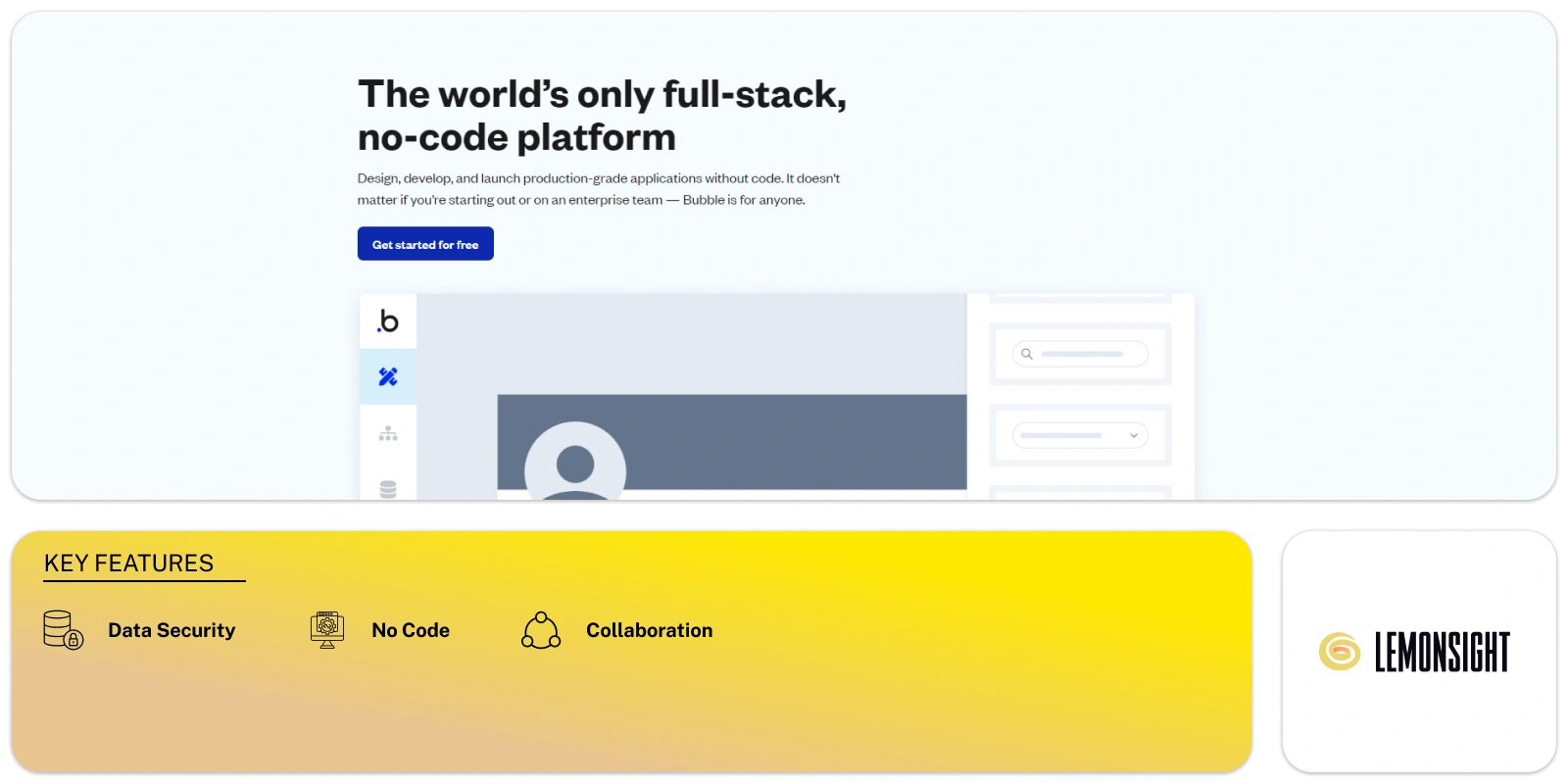
Is Bubble Worth It?
Bubble.io is worth it for startup founders, citizen developers, and product teams who need to launch web apps fast without code. It combines a visual editor, a logic workflow engine, and a built-in database in one workspace, with paid plans from $32/month. The free plan is fine for learning, but production apps need a paid tier for a custom domain and capacity.
About Bubble
Bubble.io is a visual programming platform that lets users build and host fully functional web applications without writing code. It replaces traditional development with a drag-and-drop interface connected to a logic-based workflow editor, where users design the layout, structure a relational database, and define behaviors in a single workspace. It targets startup founders, citizen developers, and product teams, and runs entirely in cloud-based browsers.
Development is split into three layers — design, logic, and data. The design canvas places buttons, text fields, and dynamic repeating groups; the Workflow Engine assigns actions to user interactions; and a built-in PostgreSQL database stores text, images, and relational records. Bubble translates the visual inputs into HTML, CSS, and JavaScript at runtime, and an API connector sends and receives data from third-party services.
Our Verdict
Pros
- Build full-stack web apps with no code
- Built-in relational PostgreSQL database
- Logic Workflow Engine for complex behaviors
- API connector for third-party services (e.g. Stripe)
- Native AI integration for GPT-powered apps
Cons
- Free plan restricts you to a Bubble-branded domain
- Capacity metered by Workload Units (WU)
- Learning curve for advanced workflows
- Costs scale with usage and seats
- Less front-end design control than Webflow
How It Works
Register
Create a Bubble account and a new app instance.
Design
Open the Design tab and drag elements onto the canvas.
Data
Open the Data tab to define data types and fields.
Workflows
Open the Workflow tab to assign logical actions.
Connect
Add third-party services via the API Connector.
Preview
Click Preview to test the app safely.
Deploy
Click Deploy to publish to the live URL.
Bubble Features
Visual Editor
Drag-and-drop canvas for responsive UIs.
Workflow Engine
Defines logic, conditionals, and actions.
Database Manager
Structures data types and privacy rules.
API Connector
Integrates external third-party endpoints.
Version Control
Saves history and manages deployments.
AI Integration
Connects OpenAI APIs for AI app features.
Bubble Pricing
- Custom domain hosting
- Increased server capacity
- Removes Bubble branding
- Two-factor authentication
- Higher workflow capacity
- More Workload Units
Who Is Bubble Best For?
Launch MVPs and full web apps without engineers.
Build internal tools with no coding background.
Prototype and ship products quickly.
Bubble Alternatives
| Tool | Best for | Price | Notes | Compare |
|---|---|---|---|---|
| Webflow | Front-end design & CMS | $14/mo | Free tier available | vs → |
| FlutterFlow | Native mobile apps | $30/mo | Free tier available | vs → |
| Glide | Apps from spreadsheets | $25/mo | Free tier available | vs → |
| Bubble — this review | Full-stack no-code web apps | Free + paid | Free tier |
Bubble vs Webflow
Webflow leads on front-end design control and CMS for marketing sites but lacks complex backend logic; Bubble builds full-stack web apps with a relational database and workflow engine. Design-led sites → Webflow; functional apps → Bubble.
Bubble FAQ
Is Bubble free?
Bubble offers a free plan to build and test apps, but it restricts you to a Bubble-branded subdomain and limits database records. Custom domains and capacity start from $32/month.
What is Bubble used for?
Bubble is used to build and host fully functional web applications — including databases, user logins, and payments — without writing code.
Do you need to code to use Bubble?
No — Bubble uses a drag-and-drop visual editor and a logic-based Workflow Engine, so you build apps without writing code, though API and logic concepts help.
What are Workload Units?
Workload Units (WU) are Bubble’s server-processing metric. Plans include a WU allowance that determines how much computation your app can run each cycle.
Ready to try Bubble?
Start free, or take the trial to explore premium features across all your devices.
Visit Bubble →Related Tools

A no-code app builder that turns Airtable and Google Sheets into secure, branded client portals with granular row-level access permissions.

An AI application builder that turns natural-language prompts into functional, production-ready React web apps with one-click deployment.

A no-code application builder that translates spreadsheet data from Google Sheets, Excel, or Airtable into functional mobile and web apps.

A visual no-code automation platform (formerly Integromat) that connects apps and builds complex multi-step workflows on a drag-and-drop canvas.

An affordable web-hosting platform and AI website builder offering shared hosting, VPS, and domains via the hPanel dashboard.

A drag-and-drop no-code platform to design and publish native mobile apps — connecting UIs to databases and APIs without writing code.