

FlutterFlow Review
A visual low-code platform that designs, builds, and ships native mobile and web apps and exports clean Flutter and Dart source code.
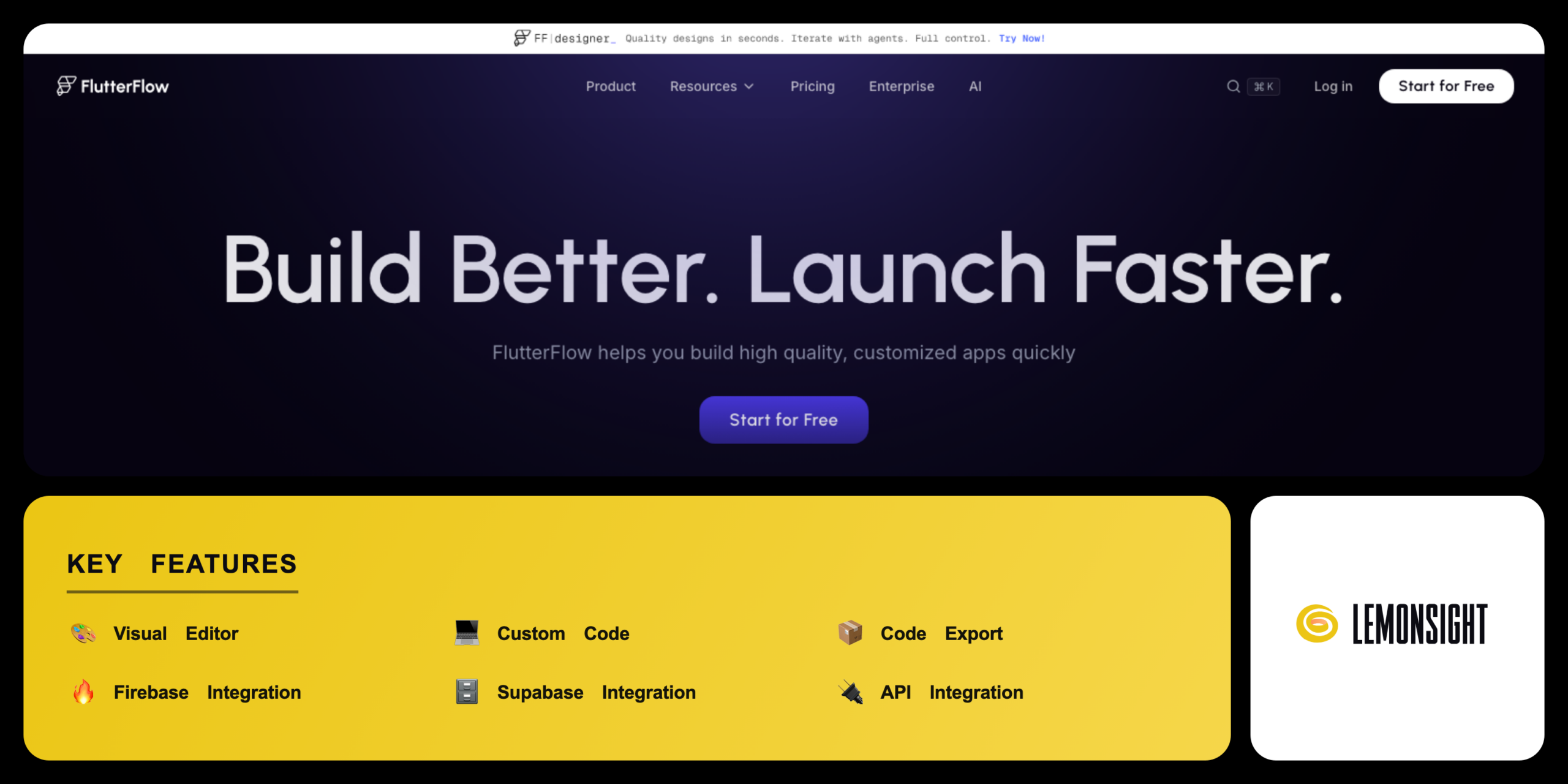
Is FlutterFlow Worth It?
FlutterFlow is worth the subscription cost for developers and teams that ship native mobile apps and want full code ownership. FlutterFlow builds screens on a visual canvas and exports clean Flutter and Dart source code. FlutterFlow Basic starts from $29.25 per month on annual billing and unlocks code download and app store deployment. The free tier covers prototyping and learning.
About FlutterFlow
FlutterFlow is a visual low-code app development platform that lets builders design, build, and ship native mobile and web apps from a browser-based drag-and-drop editor. FlutterFlow, Inc. operates FlutterFlow from the San Francisco Bay Area. Alex Greaves and Abel Mengistu, two former Google engineers, launched FlutterFlow in 2020. FlutterFlow generates clean Flutter and Dart source code from every visual project.
FlutterFlow bundles several build tools into one workspace. The visual editor maps screens and layouts on a drag-and-drop canvas. The custom code layer adds Dart functions, custom widgets, and custom actions. The database layer connects projects to Firebase and Supabase. The deployment tools compile finished projects for the App Store and Google Play.
FlutterFlow serves three main audiences. Non-technical founders use FlutterFlow to prototype products without code. Professional developers use FlutterFlow to export and extend native Flutter code. Product teams use FlutterFlow to design and ship apps together. FlutterFlow offers a free tier and paid plans from $29.25 per month.
Is FlutterFlow safe, legit, and secure?
FlutterFlow is safe and legitimate, operated by FlutterFlow, Inc. and backed by Google Ventures. FlutterFlow processes project edits on managed cloud servers. FlutterFlow, Inc. runs the platform under a documented privacy policy.
Code ownership and developer IP security
FlutterFlow gives paid users full ownership of the exported source code. Builders download the complete Flutter and Dart project on Basic plans and above. The platform connects to GitHub so teams version their own code, and code export rights mean a FlutterFlow project survives outside the platform.
✅ Worth it if you
- Ship native mobile apps rather than wrapped web views
- Want full ownership of exported Flutter and Dart code
- Connect projects to Firebase and Supabase for live data
- Shorten the gap between a visual prototype and a production app
🤔 Look elsewhere if you
- Want a pure no-code web tool with no learning curve
- Need only a simple web app
- Want to avoid per-seat pricing that rises with team size
Our Verdict
Pros
- Native Flutter and Dart code export
- Firebase and Supabase integration
- One-click app store deployment
- Figma import and responsive layouts
- Real cross-platform native output
Cons
- Steeper learning curve than no-code tools
- Per-seat pricing rises with team size
- Visual complexity on large projects
- Code export locked behind paid plans
- Occasional editor performance limits
How It Works
Create account
Visit flutterflow.io and create an account with email or Google.
Start a project
Start a new project from a blank canvas or a template.
Design screens
Design the screens with drag-and-drop widgets in the visual editor.
Connect a database
Connect a Firebase or Supabase database for live data.
Add logic
Add custom logic and actions through the logic builder.
Test the app
Test the app in the FlutterFlow run mode or on a device.
Deploy or export
Deploy the app to the App Store and Google Play, or export the code.
FlutterFlow Features
Visual Editor
Builds screens with drag-and-drop widgets.
Custom Code
Adds Dart functions, widgets, and actions.
Code Export
Downloads full Flutter source code.
Firebase Integration
Connects projects to Firebase backend services.
Supabase Integration
Connects projects to a Supabase database.
API Integration
Sends and receives data through REST endpoints.
Figma Import
Converts Figma designs into editable screens.
App Store Deployment
Compiles and publishes to App Store and Google Play.
FlutterFlow Pricing
- 2 active projects
- 1 editor
- No code download or app store deployment
- AI generation limited to 5 requests (lifetime)
- $39/mo billed monthly
- Unlimited projects
- Code download
- App store deployment
- $80/mo first seat, $55 second seat
- GitHub integration
- Real-time collaboration for 2 users
- $150/mo first seat, $85 each added seat (up to 5 users)
- Automated tests
- 5 branches per project
Who Is FlutterFlow Best For?
Build a first app without code; design screens through drag-and-drop; connect to Firebase or Supabase; start from the template library.
Prototype and ship native apps faster; add Dart functions and widgets via custom code; code export hands full source control back; API integration connects to client systems.
Design and build together; custom widgets keep a shared component system; Figma import turns design files into working screens; collaborate on one project through branching.
FlutterFlow Alternatives
| Tool | Best for | Price | Notes | Compare |
|---|---|---|---|---|
| Bubble | No-code web applications | from $32/mo | Free tier available | vs → |
| Adalo | Simple no-code mobile apps | from $45/mo | Free tier available | vs → |
| Spline | 3D and interactive design | from $9/mo | Free tier available | vs → |
| FlutterFlow — this review | Native mobile apps and code export | from $29.25/mo | Free tier available |
Bubble vs Adalo vs FlutterFlow
Bubble builds web apps with a visual designer but exports no native code, while FlutterFlow generates downloadable Flutter source. Adalo ships simple mobile apps with a lighter feature set than FlutterFlow. FlutterFlow connects to Firebase and Supabase, where Adalo relies more on its own backend. Bubble pricing starts from $32 per month, Adalo from $45 per month, and FlutterFlow from $29.25 per month on annual billing. Developers who need native code choose FlutterFlow, while no-code web builders choose Bubble.
FlutterFlow FAQ
Is FlutterFlow free?
FlutterFlow offers a free tier with the full visual editor, up to 2 projects, and 1 editor. The free version disables code download and app store deployment. Unlimited projects and code export require a paid FlutterFlow plan.
How much does FlutterFlow cost?
FlutterFlow paid plans start from $29.25 per month on the Basic tier with annual billing. The Growth plan costs from $60 per month per seat, and the Business plan costs from $112.50 per month per seat. FlutterFlow Enterprise uses custom pricing.
Can FlutterFlow connect to Firebase?
FlutterFlow connects natively to Firebase through prebuilt database connectors. Developers configure the Firebase integration inside the visual workspace to sync tables, authentication, and cloud functions. FlutterFlow also connects to Supabase as a database alternative.
Can FlutterFlow run offline?
FlutterFlow does not run without an internet connection, because the editor runs in a web browser. Building and editing a project requires continuous cloud synchronization. Apps compiled by FlutterFlow run offline on physical devices once installed.
Is FlutterFlow safe?
FlutterFlow is safe to use, operated by FlutterFlow, Inc. on managed cloud servers. FlutterFlow secures user credentials with authentication tokens. The database connectors apply Firebase and Supabase security rules to protect data.
Is FlutterFlow worth it?
FlutterFlow is worth the subscription cost for developers and teams that ship native mobile apps and want full code ownership. The visual builder compiles clean Dart code and exports the full source. Builders who only need a simple web app find a no-code web tool sufficient.
Ready to try FlutterFlow?
Start free, or take the trial to explore premium features across all your devices.
Visit FlutterFlow →Related Tools

A no-code app builder that turns Airtable and Google Sheets into secure, branded client portals with granular row-level access permissions.

An AI application builder that turns natural-language prompts into functional, production-ready React web apps with one-click deployment.

A no-code application builder that translates spreadsheet data from Google Sheets, Excel, or Airtable into functional mobile and web apps.

A visual no-code automation platform (formerly Integromat) that connects apps and builds complex multi-step workflows on a drag-and-drop canvas.

An affordable web-hosting platform and AI website builder offering shared hosting, VPS, and domains via the hPanel dashboard.

A drag-and-drop no-code platform to design and publish native mobile apps — connecting UIs to databases and APIs without writing code.