

InVideo Review
An AI video platform that turns text prompts into fully edited videos with stock media, AI voiceover, and a browser-based timeline editor.
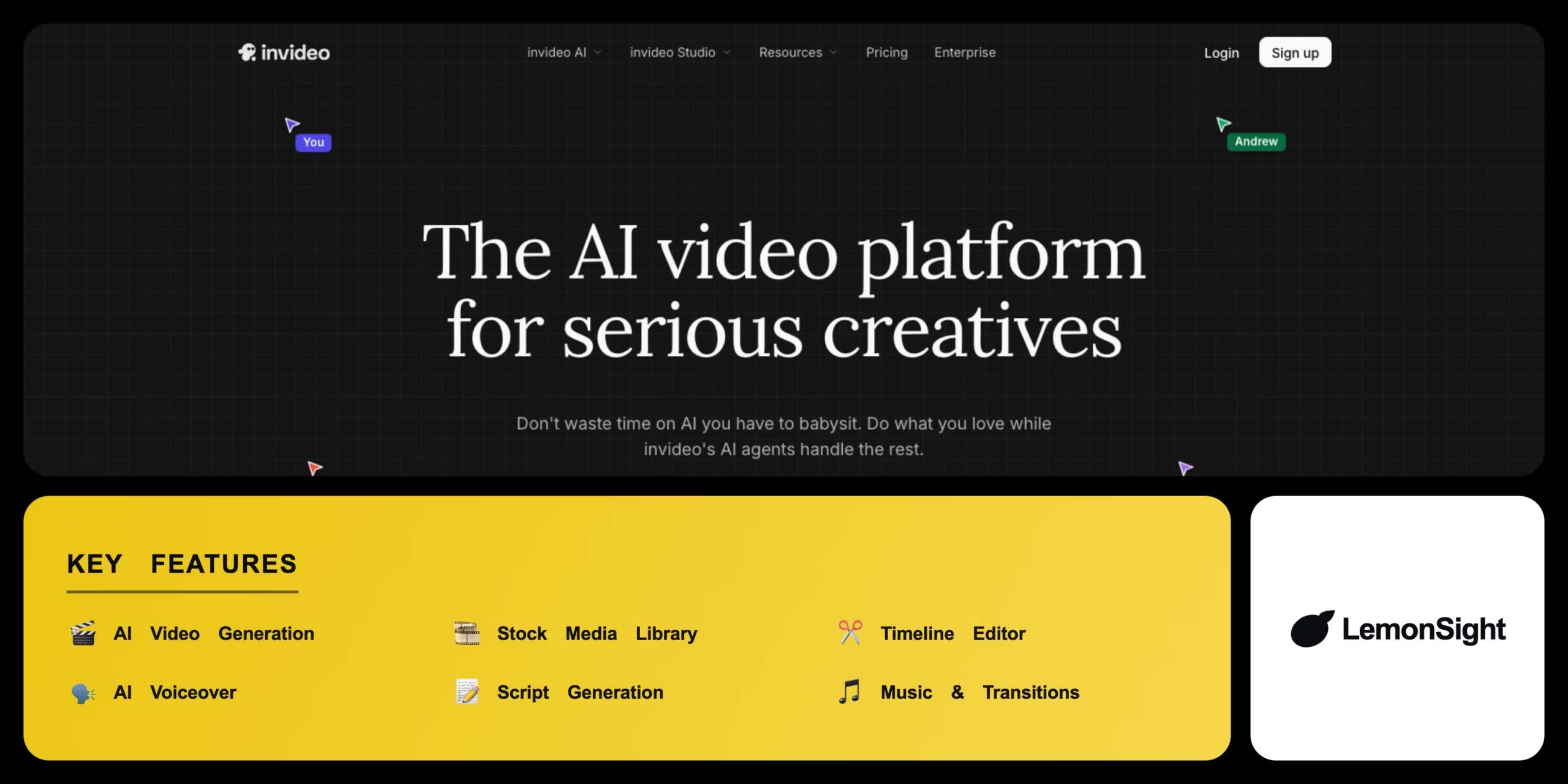
Is InVideo Worth It?
InVideo is worth it for creators who need fast, automated video drafts and premium stock footage. The AI pieces together relevant clips and a cohesive voiceover from a single prompt. The free version’s watermark makes it unsuitable for professional publishing — the Plus plan removes it and grants stock licensing.
About InVideo
InVideo is an AI video generator and browser-based editor that automates video creation. It analyzes a text prompt, generates a script, fetches matching stock footage, synchronizes a synthesized voiceover, and applies music and transitions automatically — then lets you refine the result on a manual timeline.
Core capabilities include AI text-to-video generation, a premium stock media library (iStock and Shutterstock), a browser timeline editor, and AI voiceover synced to the script.
Is InVideo safe and legit?
InVideo is a legitimate platform used by millions of creators. It provides proper commercial rights for stock media used in the app, protecting users from copyright strikes, and secures accounts with standard encryption.
Our Verdict
Pros
- Fast AI video assembly from simple text prompts
- Massive iStock and Shutterstock stock library
- Full manual timeline editor in the browser
- AI voiceover synced to the script
- Auto music and transitions
Cons
- Prominent watermark on free-plan exports
- AI generation minutes are limited on Plus
- Needs a stable, fast internet connection
- Premium stock requires a paid tier
- Not for high-end cinematic editing
How It Works
Sign in
Sign in and select the AI text-to-video module.
Enter prompt
Describe the topic, audience, and tone.
Generate
Click Generate to draft the script and assemble footage.
Review
Review the generated video in the preview.
Edit
Open the timeline to swap clips or trim footage.
Adjust audio
Tweak audio tracks or pick a different AI voiceover.
Export
Export the video to render the final file.
InVideo Features
AI Video Generation
Full video draft from a single text prompt.
Stock Media Library
Millions of royalty-free clips (iStock).
Timeline Editor
Manual trimming and sequencing.
AI Voiceover
Synthetic narration synced to the script.
Script Generation
Auto-writes the video script.
Music & Transitions
Adds background music and transitions.
InVideo Pricing
- $25/mo billed monthly
- Watermark removed
- Premium iStock media
- Generation minutes
Who Is InVideo Best For?
High-volume content and faceless-channel B-roll assembly.
Generate promo videos and social ads quickly.
Produce branded video without an editor.
InVideo Alternatives
| Tool | Best for | Price | Notes | Compare |
|---|---|---|---|---|
| Pictory | Long-form to highlights | $25/mo | Free tier available | vs → |
| Synthesia | AI avatar videos | $18/mo | No | vs → |
| Canva | Templates & design | $10/mo | Free tier available | vs → |
| InVideo — this review | Text-to-video & stock | Free + paid | Free tier |
InVideo vs Pictory
Pictory specializes in extracting highlights from long-form content like webinars and podcasts; InVideo builds full videos from a text prompt with premium stock media. Repurposing long content → Pictory; text-to-video drafting → InVideo.
InVideo FAQ
Is InVideo free?
InVideo offers a free plan to access the AI generator, but it places an InVideo watermark on all exports and restricts premium media.
How much does InVideo cost?
InVideo Plus costs $25/month billed monthly, or about $20/month on an annual subscription.
How does InVideo AI work?
You type a descriptive prompt and the AI drafts a script, fetches relevant stock footage, and synchronizes a voiceover automatically.
Does InVideo remove the watermark?
InVideo removes the watermark only on paid plans like Plus or Max. Free-tier exports always include it.
Ready to try InVideo?
Start free, or take the trial to explore premium features across all your devices.
Visit InVideo →Related Tools

A browser-based AI avatar video generator with genuinely free daily credits, watermarked at 720p until you upgrade.

An AI video generation platform that creates video from text prompts or static images, with style transfer and resolution upscaling.

A cloud-based drag-and-drop animation platform that produces professional 2D training videos and presentations with automated lip-syncing and AI-drafted scripts.

An AI text-to-video and image-to-video generator with Motion Brush, camera controls, and cinematic diffusion models for short-form clips.

Professional video-editing software with AI-assisted timeline editing, color grading, and audio mixing inside Adobe Creative Cloud.

An AI video generator that turns text prompts and still images into short cinematic clips.