

Kling AI Review
An AI video generation platform that creates video from text prompts or static images, with style transfer and resolution upscaling.
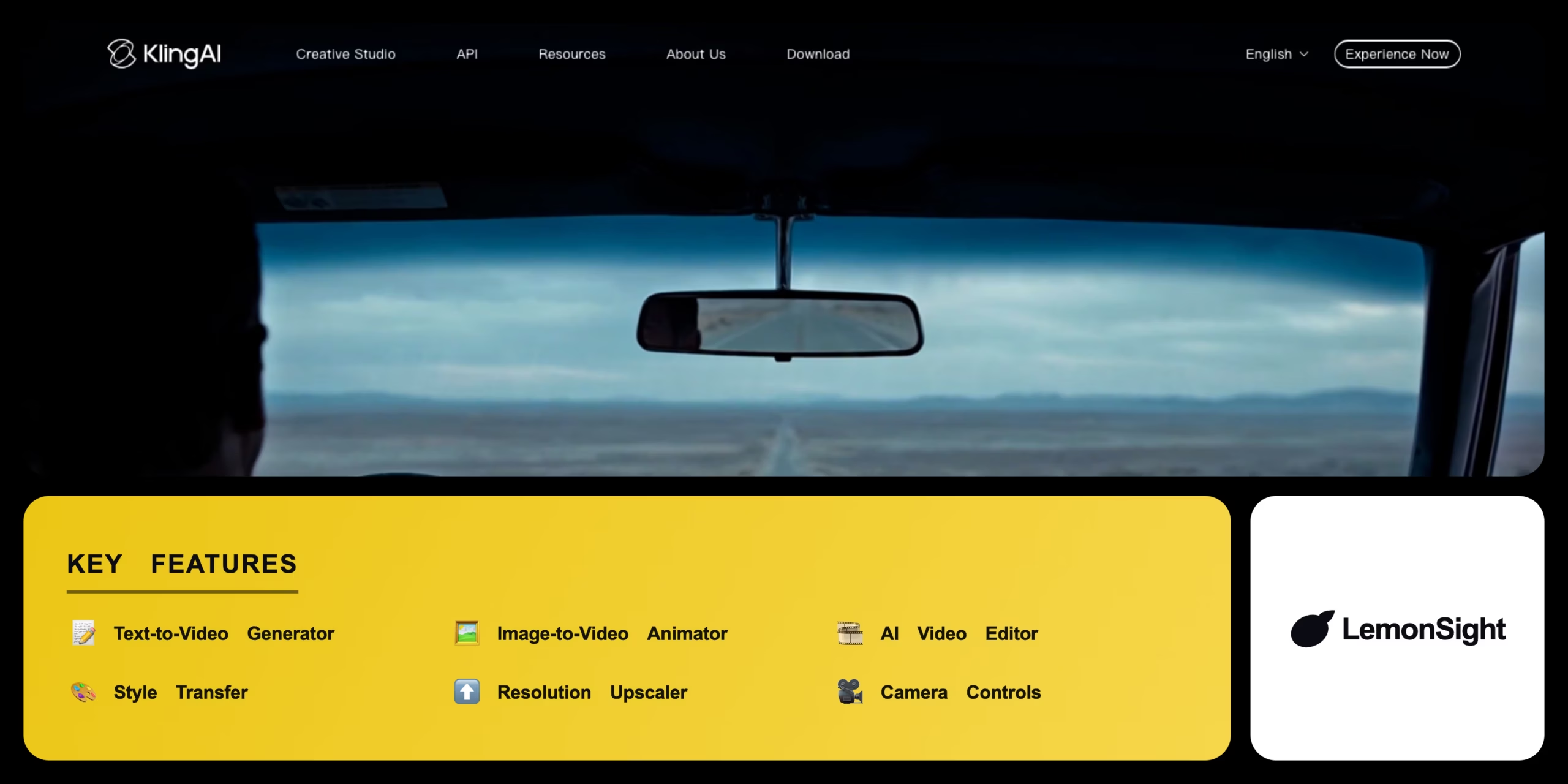
Is Kling AI Worth It?
Kling AI is worth it for creators who want fast, accessible video generation without a professional editing suite. The Text-to-Video Generator and Image-to-Video Animator cover the core use cases, and Style Transfer plus a Resolution Upscaler round out post-processing. The free tier caps generations and adds a watermark; Standard at $15/month removes it and raises resolution.
About Kling AI
Kling AI is an AI-powered video generation platform that automates high-quality video creation, animation, and visual effects for digital creators and video editors. It generates realistic and stylized video content from text prompts and static images, built around the Text-to-Video Generator, Image-to-Video Animator, and AI Video Editor.
Kling AI takes text prompts or image inputs and generates coherent video sequences using custom diffusion models, with users setting motion style, camera angles, and frame rates. The Text-to-Video Generator creates entirely new scenes from descriptive text, while the Image-to-Video Animator brings static photos to life with realistic motion and depth.
Is Kling AI good for social video?
Yes. Style Transfer applies specific visual aesthetics to clips and the Resolution Upscaler finalizes outputs for broadcast-quality exports, making it well suited to fast-turnaround social and marketing video.
Our Verdict
Pros
- Generates coherent video from both text and static images
- Style Transfer applies specific visual aesthetics quickly
- Resolution Upscaler finalizes outputs for HD export
- Accessible free tier to test core generation
- Fast turnaround from concept to downloadable video
Cons
- Free tier limits monthly generations and adds a watermark
- Refunds are typically not offered for used credits
- Less advanced compositing than dedicated tools like Runway
- Camera control precision trails professional VFX suites
- Higher resolution exports require a paid plan
How It Works
Sign up
Create a free account on Kling AI.
Choose a module
Select Text-to-Video from the dashboard.
Add input
Type text or upload an initial image.
Set parameters
Choose aspect ratio, motion intensity, camera movement.
Generate
Click submit to render the video.
Refine
Iterate using the timeline editing tools.
Export
Download the final video as an MP4.
Kling AI Features
Text-to-Video Generator
Dynamic clips from text descriptions.
Image-to-Video Animator
Realistic motion from static images.
AI Video Editor
Enhances and modifies generated sequences.
Style Transfer
Applies visual styles and aesthetics.
Resolution Upscaler
Increases resolution for HD output.
Kling AI Pricing
- Limited monthly generations
- Watermarked output
- Core text/image-to-video
- Standard resolution
- More credits
- Higher resolution exports
- Watermark removed
- Faster processing
Who Is Kling AI Best For?
Fast, stylized clips for Reels and Shorts.
Quick promotional video without a shoot.
Animate concept art and illustrations.
Kling AI Alternatives
| Tool | Best for | Price | Notes | Compare |
|---|---|---|---|---|
| Runway Gen-2 | Professional filmmaking | $12+/mo | Free tier available | vs → |
| Pika Labs | Discord-based stylized video | $8+/mo | Free tier available | vs → |
| Sora | Long, realistic clips | $20+/mo | Limited access | vs → |
| Kling AI — this review | Accessible text/image-to-video | Free + $15/mo | Free tier available |
Kling AI vs Runway Gen-2
Runway Gen-2 offers a broader professional suite with advanced masking and compositing; Kling AI is purpose-built for rapid, accessible video generation. Professional VFX → Runway; fast accessible generation → Kling AI.
Kling AI FAQ
What does Kling AI do?
Kling AI automates AI video generation for creative workflows, letting users create animated clips and realistic video sequences from text or image prompts.
Is Kling AI free?
Kling AI offers a free plan with a limited number of generation credits per month, providing basic features with a mandatory watermark on outputs.
How does Kling AI compare to Runway Gen-2?
Kling AI is purpose-built for rapid, accessible video generation and animation, while Runway Gen-2 provides a broader suite of professional editing and compositing features alongside its generation models.
Ready to try Kling AI?
Start free, or take the trial to explore premium features across all your devices.
Visit Kling AI →Related Tools
A cloud-based drag-and-drop animation platform that produces professional 2D training videos and presentations with automated lip-syncing and AI-drafted scripts.

An AI text-to-video and image-to-video generator with Motion Brush, camera controls, and cinematic diffusion models for short-form clips.

Professional video-editing software with AI-assisted timeline editing, color grading, and audio mixing inside Adobe Creative Cloud.

An AI video platform that turns text prompts into fully edited videos with stock media, AI voiceover, and a browser-based timeline editor.

An AI video generator that turns text prompts and still images into short cinematic clips.

A timeline-based video editor with AI tools that trims clips, adds effects, and generates captions across mobile, desktop, and web.