

Asana Review
A project management and task tracker that coordinates team workflows through list, board, timeline, and portfolio views with custom automation.
Is Asana Worth It?
Asana is worth it for mid-sized teams and enterprises that need structured task handoffs and visible project timelines. It excels at tracking complex dependencies across departments, with paid plans from $10.99/seat/month (annual). The free tier’s 10-user cap and locked timeline view get restrictive as teams scale.
About Asana
Asana is a task manager that uses cloud databases to organize project tracking and enforce deadlines. It breaks large organizational goals into discrete, assignable tasks — assigning owners, scheduling due dates, and routing notifications automatically based on completion status.
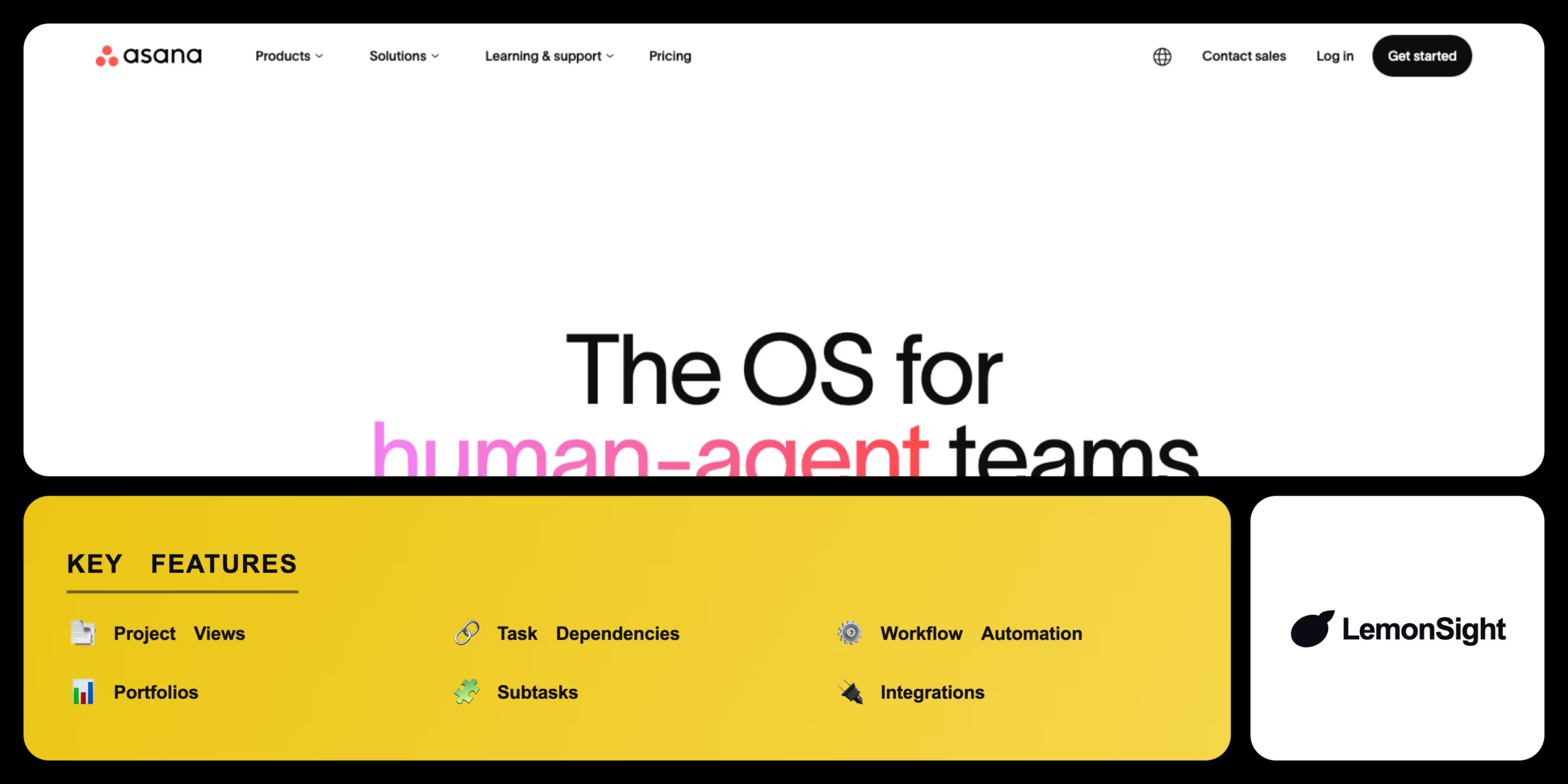
Tasks live in projects you view as lists, boards, calendars, or timelines. Core capabilities include multiple project views, task dependencies and subtasks, custom workflow automation rules, and portfolios for executive-level monitoring.
Is Asana safe and legit?
Asana is a legitimate, publicly traded software company (NYSE: ASAN) with robust enterprise security. It complies with SOC 2, ISO 27001, and GDPR, encrypts data in transit and at rest, and provides administrative controls for user provisioning and secure access.
Our Verdict
Pros
- Clean interface that balances power with ease of use
- Integrates with hundreds of third-party apps
- Automates repetitive workflow handoffs via the rule builder
- Multiple views: list, board, calendar, timeline
- Deep task dependencies for strict scheduling
Cons
- Timeline view is locked on the free tier
- Per-user pricing is expensive for large teams
- Advanced features require significant onboarding
- Free plan caps at 10 users
- Can be excessive for simple to-do lists
How It Works
Sign in
Sign in to your Asana workspace.
Create project
Click the plus icon to create a project from a blank template.
Set layout
Name the project and pick List or Board.
Add tasks
Create action items and assign them to team members.
Set dates
Add due dates to establish a timeline.
Group
Group related tasks into sections or columns.
Visualize
Switch to Timeline view to see the schedule.
Asana Features
Project Views
List, board, calendar, and timeline layouts.
Task Dependencies
Links tasks so teams see what blocks what.
Workflow Automation
Triggers status updates and reassignments.
Portfolios
Groups projects for executive monitoring.
Subtasks
Breaks deliverables into smaller assignments.
Integrations
Connects hundreds of business apps.
Asana Pricing
- $13.49/mo billed monthly
- Timeline view
- Custom fields & forms
- $30.49/mo billed monthly
- Portfolios & goals
- Advanced workflow automation
Who Is Asana Best For?
Orchestrate complex campaigns with strict deadlines and dependencies.
Track content calendars and creative-request workflows.
Align high-level strategy with daily departmental tasks.
Asana Alternatives
| Tool | Best for | Price | Notes | Compare |
|---|---|---|---|---|
| Monday.com | Customizable databases | $9/seat/mo | Free tier available | vs → |
| Trello | Simple kanban boards | $5/mo | Free tier available | vs → |
| ClickUp | All-in-one productivity | $7/mo | Free tier available | vs → |
| Asana — this review | Structured task handoffs | Free + paid | Free tier |
Asana vs Trello
Trello is a simpler, visual kanban board that's easy to learn; Asana adds multiple views, deep dependencies, and automation for complex projects. Simple boards → Trello; structured project management → Asana.
Asana FAQ
Is Asana free?
Asana offers a permanent free Personal plan for teams of up to 10 users with unlimited tasks and projects, but it restricts premium features.
How much does Asana cost per user?
Asana Starter costs $10.99 per user per month billed annually, rising to $13.49 per user month-to-month.
How does Asana work?
Asana works by breaking large projects into manageable tasks. You create a project, add tasks, and assign them to team members with deadlines.
What is the difference between Asana and Trello?
Asana provides structured project management with multiple views and deep dependencies, while Trello is a simpler, more visual kanban board.
Ready to try Asana?
Start free, or take the trial to explore premium features across all your devices.
Visit Asana →Related Tools

An AI-powered project management platform that centralizes task tracking, docs, and workflow automation into a single customizable workspace.

An AI meeting assistant whose bot auto-joins video calls to record, transcribe, and summarize them, with an AskFred chat assistant over your meetings.

A cloud-based work operating system with customizable boards for project management, CRM, and team collaboration.

A premium AI email client for Gmail and Outlook that uses keyboard speed and AI drafting to reach inbox zero.

A collaborative visual workspace combining flowcharts, wireframes, mind maps, and docs on one canvas, with AI diagram generation.

An AI-powered productivity system that auto-schedules tasks onto your calendar and manages meetings and projects.