

Motion Review
An AI-powered productivity system that auto-schedules tasks onto your calendar and manages meetings and projects.
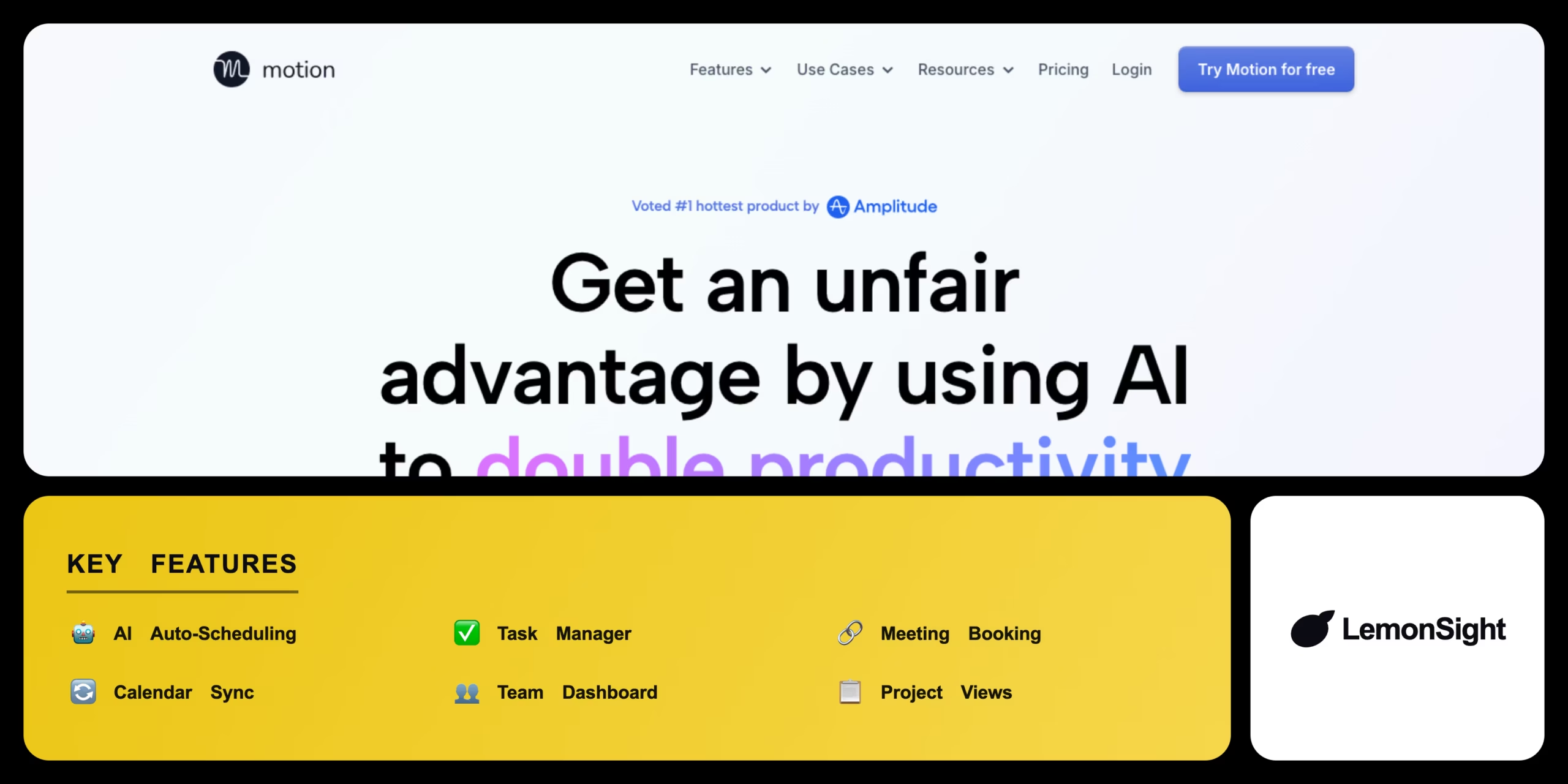
Is Motion Worth It?
Motion is worth it for busy professionals and teams who manage multiple daily meetings. Its AI auto-scheduler reorganizes tasks automatically when meetings run over, with paid plans from $19/month on annual billing. There is no permanent free plan — only a 7-day trial — so casual planners may prefer a cheaper task list.
About Motion
Motion is a task management and calendar scheduling application that automates daily planning using AI. UseMotion, Inc. operates the software from San Francisco, California, launched in 2019 with Y Combinator backing, serving busy professionals, freelancers, and remote agency teams.
It analyzes deadlines, task priorities, and connected calendar events, then automatically blocks time slots and recalculates the schedule in real time as new events appear. Core modules include an AI calendar, an auto-scheduler, and a meeting booker that generates custom scheduling links.
Is Motion safe, secure & legit?
Motion is safe and legitimate — a Y Combinator-backed developer serving thousands of professional customers. It requires read-write calendar access to manage events but encrypts authentication tokens in transit and at rest, hides private meeting descriptions, and complies with GDPR.
Our Verdict
Pros
- AI auto-scheduling places tasks onto the calendar
- Multi-calendar sync connects Google and Outlook
- Scheduling links prevent double-booking
- Real-time recalculation adjusts missed deadlines
- Shared team projects coordinate group calendars
Cons
- Subscription cost is high on monthly billing
- Mobile app limits task management
- Trial requires credit-card details
- Interface has a steep learning curve
- Limited offline functionality in browser
How It Works
Sign up
Visit usemotion.com or install the mobile app.
Create account
Sign in and create an account with your email.
Link calendar
Connect your Google or Outlook account.
Grant access
Allow the calendar permissions to modify events.
Set hours
Set working hours and meeting availability.
Add tasks
Import tasks or enter them manually.
Auto-plan
Let the AI scheduler calculate your first daily plan.
Motion Features
Auto scheduling
Places tasks onto the calendar automatically with AI.
Task manager
Tracks deadlines, project status, and priority.
Meeting booking
Generates custom scheduling links and booking pages.
Calendar sync
Integrates Google and Outlook in real time.
Team dashboard
Coordinates shared tasks and calendars.
Project views
Displays tasks in Kanban and list formats.
Motion Pricing
- All features unlocked
- Google & Outlook connections
- Credit card required
- Renews on day 8
- $34/mo billed monthly
- AI scheduling
- Meeting booking
- Calendar integrations
- $20/user billed monthly
- Shared calendars
- Team projects
- Collaboration tools
Who Is Motion Best For?
AI calendar blocks focused work time; automatic recalculation handles conflicts in real time.
Scheduling links let clients book slots; project timelines build around bookings.
Shared calendars show availability without exposing private details.
Motion Alternatives
| Tool | Best for | Price | Notes | Compare |
|---|---|---|---|---|
| Sunsama | Mindful planning | $20/mo | Free tier available | vs → |
| Akiflow | Inbox consolidation | $15/mo | Free tier available | vs → |
| Todoist | Task lists | $5/mo | Free tier available | vs → |
| Motion — this review | AI time blocking | From $19/mo | 7-day trial |
Motion vs Sunsama
Motion automates scheduling with AI-driven time blocking and suits frequently changing schedules; Sunsama focuses on manual planning through a structured daily review. Automation → Motion; mindful manual planning → Sunsama.
Motion FAQ
Does Motion have a free trial?
Motion offers a seven-day free trial with full access to its calendar and task features. Sign-up requires a credit card, and subscriptions renew from $19 per month if not cancelled.
How does the Motion app work?
Motion automatically schedules tasks onto your calendar using AI-driven time blocking, analyzing task priorities and deadlines to build a daily plan around existing events.
Can Motion sync with multiple calendars?
Motion syncs with multiple Google and Outlook calendars simultaneously, with real-time updates so a meeting on one calendar blocks time on the others.
Is the Motion app safe?
The Motion app is safe to use, encrypting your data and adhering to GDPR. It requires read-write permissions to modify calendar events but does not share private meeting details.
How much is the Motion app per month?
Motion costs $34 per month on monthly billing, or $19 per month on annual billing — a single upfront payment of $228.
Ready to try Motion?
Start free, or take the trial to explore premium features across all your devices.
Visit Motion →Related Tools

An AI-powered project management platform that centralizes task tracking, docs, and workflow automation into a single customizable workspace.

An AI meeting assistant whose bot auto-joins video calls to record, transcribe, and summarize them, with an AskFred chat assistant over your meetings.

A cloud-based work operating system with customizable boards for project management, CRM, and team collaboration.

A premium AI email client for Gmail and Outlook that uses keyboard speed and AI drafting to reach inbox zero.

A collaborative visual workspace combining flowcharts, wireframes, mind maps, and docs on one canvas, with AI diagram generation.

A project management and task tracker that coordinates team workflows through list, board, timeline, and portfolio views with custom automation.