

Coda Review
An all-in-one collaborative document platform that combines docs, tables, and no-code apps in one workspace.
Is Coda Worth It?
Coda is worth it for project managers, operations teams, and startups that run work from connected documents. Coda combines docs, relational tables, formulas, and Coda AI in one workspace. Coda Pro starts from $10 per Doc Maker per month and bills only makers. The free Coda plan covers basic document building.
About Coda
Coda is an all-in-one collaborative document platform that combines docs, tables, and no-code apps in one workspace. Superhuman, the company formerly named Grammarly, operates Coda from San Francisco, California. Shishir Mehrotra and Alex DeNeui co-founded Coda in 2014. Coda serves project teams, operations groups, and startups across more than 50,000 organizations.
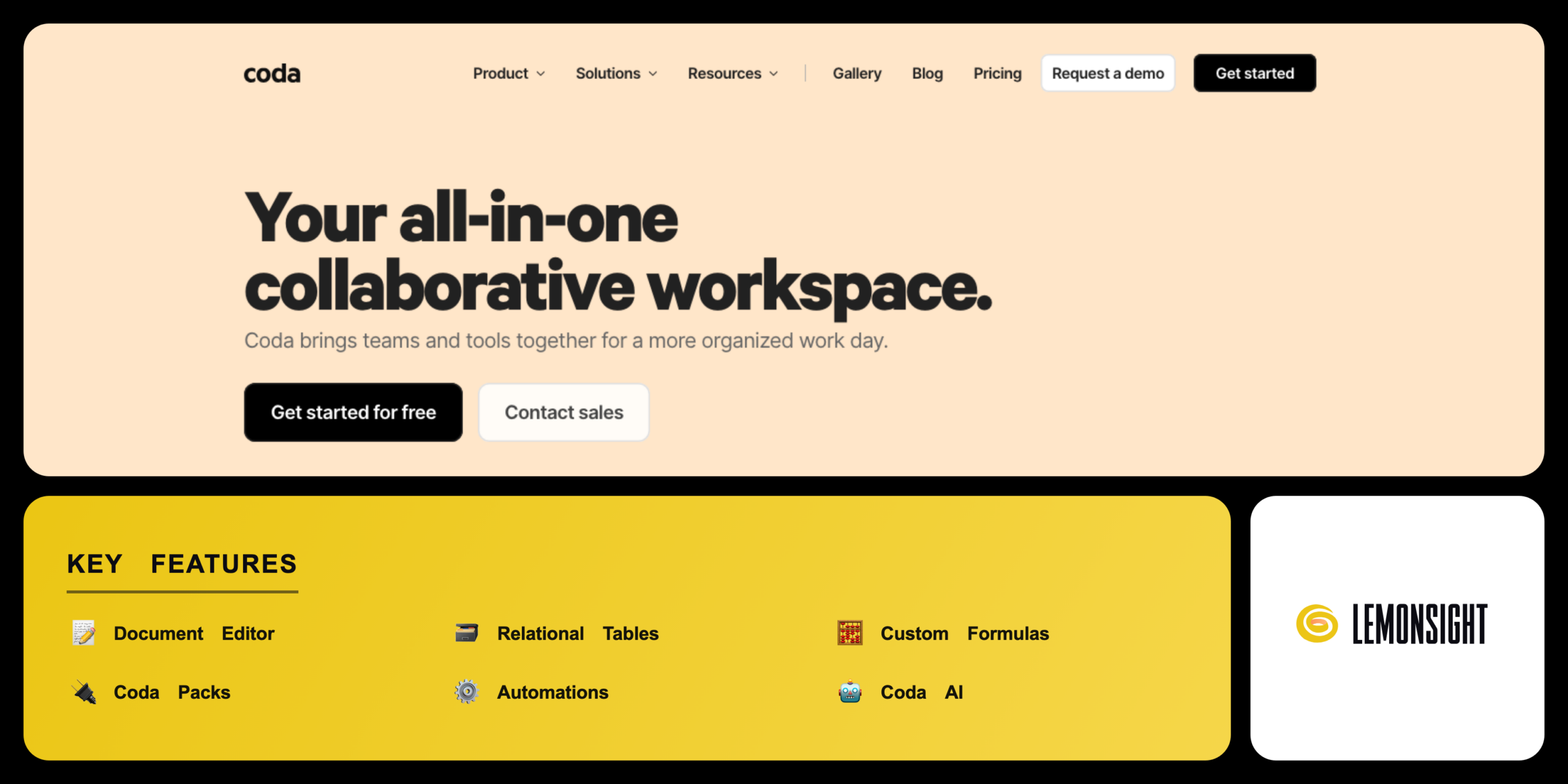
Coda bundles several building tools into one document. The document editor blends text, blocks, and connected tables. Coda Packs link the document to outside apps. Coda AI generates and summarizes content inside the page.
Coda merges a document, a database, and an app builder into one surface. Coda treats each document as a flexible canvas of text, tables, and buttons. Adding a connected table turns plain notes into structured, queryable data.
Is Coda safe, private & secure?
Coda is safe and legitimate, with SOC 2 Type II certification and documented data controls. Coda encrypts data in transit and at rest. Superhuman operates Coda under a published privacy policy.
Corporate background and developer legitimacy
Coda operates as part of Superhuman, the company formerly named Grammarly. Shishir Mehrotra, a former Vice President of Product at YouTube, co-founded Coda in 2014. Grammarly acquired Coda in early 2025 and rebranded to Superhuman in October 2025. Coda runs from San Francisco, California, United States.
✅ Worth it if you
- Run roadmaps, operations, and data from connected documents
- Outgrow plain notes and static spreadsheets
- Want a structured, automated workspace
- Reduce the number of separate tools a team runs
🤔 Look elsewhere if you
- Need only a simple notes app
- Want to avoid the building-block and formula learning curve
- A team unwilling to pay $30 per Doc Maker for the Team plan
Our Verdict
Pros
- Docs, tables, and apps in one canvas
- Bills only Doc Makers, viewers free
- Powerful relational tables and formulas
- Coda Packs for app integrations
- SOC 2 Type II security controls
Cons
- Steeper learning curve than notes apps
- Free plan caps document size
- AI credits run out under heavy use
- Team plan costs $30 per maker monthly
- Large docs can slow in the browser
How It Works
Create account
Visit coda.io and create an account with email or Google.
Start a doc
Open a blank document or pick a template from the gallery.
Build the page
Add text, headings, and connected tables to the page.
Connect apps
Insert a Coda Pack to sync an outside app or data source.
Add logic
Build a formula or automation to drive the document logic.
Use Coda AI
Open Coda AI to draft, summarize, or fill a table column.
Share
Share the document with viewers and editors for free.
Coda Features
Document Editor
Combines text, blocks, and tables on one canvas
Relational Tables
Stores and links structured records across pages
Custom Formulas
Calculates values and drives in-doc logic
Coda Packs
Connects docs to Slack, Google Calendar, and apps
Automations
Triggers actions on a schedule or data change
Coda AI
Drafts, summarizes, and extracts content
Templates
Starts documents from prebuilt layouts
Mobile App
Syncs documents to iOS and Android
Coda Pricing
- Individuals and small docs
- Connected tables, basic Packs, automations
- Document size capped
- Free Doc Viewers and editors
- $12/maker/mo billed monthly
- Unlimited doc size
- Hidden pages
- 30-day version history
- $36/maker/mo billed monthly
- Unlimited version history
- Doc locking
- Unlimited automations
Who Is Coda Best For?
Track roadmaps and tasks in one document; build connected tables for sprints; Coda formulas roll up status and dates across pages.
Automate repeated workflows; Coda Packs sync records from Slack, Jira, and Google Calendar; Coda Buttons push updates across linked tables.
Run wikis, trackers, and CRMs from connected documents; Coda bills only Doc Makers, lowering cost; the free plan covers early-stage needs.
Coda Alternatives
| Tool | Best for | Price | Notes | Compare |
|---|---|---|---|---|
| Notion | Wiki docs and notes | $10/user/mo | Free tier available | vs → |
| Airtable | Relational databases | $20/seat/mo | Free tier available | vs → |
| ClickUp | Project task management | $7/user/mo | Free tier available | vs → |
| Coda — this review | Docs, tables, and apps | From $10/maker/mo | Free tier available |
Coda vs Notion
Notion structures content as a clean text wiki, while Coda builds documents that behave like apps. Coda offers stronger relational tables and custom formulas than Notion. Notion bills every member, while Coda bills only Doc Makers. Database-heavy teams choose Coda, while note-focused teams choose Notion.
Coda FAQ
Is Coda free?
Coda is free to use for basic document creation and database building. On Coda, only the Doc Makers who design documents need a paid account, while Doc Viewers and editors access and edit documents for free. Paid plans start from $10 per Doc Maker per month.
Does Coda have a mobile app?
Coda offers a native mobile app for Apple iOS and Google Android devices. The app syncs document changes in real time. The app reformats complex desktop layouts into mobile-friendly views.
How is Coda different from Notion?
Coda differs from Notion by offering stronger relational database engines and custom table formulas. Notion focuses on a clean text wiki hierarchy. Coda builds documents that behave like structured software applications.
Who owns Coda?
Superhuman, the company formerly named Grammarly, owns and operates Coda. Shishir Mehrotra co-founded Coda in 2014 and now serves as CEO of Superhuman. Coda is headquartered in San Francisco, California.
Is Coda safe to use?
Coda is safe to use, with SOC 2 Type II certification and SSL encryption in transit and at rest. The admin dashboard sets granular sharing permissions and folder access controls. Coda documents these practices in the security policy.
Is Coda worth it?
Coda is worth the cost for teams that run roadmaps, operations, and data from connected documents. The combined doc, table, and AI toolset justifies the subscription for workflow-heavy teams. Users who need only a simple notes app find the free Coda plan sufficient.
Ready to try Coda?
Start free, or take the trial to explore premium features across all your devices.
Visit Coda →Related Tools

An AI-powered project management platform that centralizes task tracking, docs, and workflow automation into a single customizable workspace.

An AI meeting assistant whose bot auto-joins video calls to record, transcribe, and summarize them, with an AskFred chat assistant over your meetings.

A cloud-based work operating system with customizable boards for project management, CRM, and team collaboration.

A premium AI email client for Gmail and Outlook that uses keyboard speed and AI drafting to reach inbox zero.

A collaborative visual workspace combining flowcharts, wireframes, mind maps, and docs on one canvas, with AI diagram generation.

A project management and task tracker that coordinates team workflows through list, board, timeline, and portfolio views with custom automation.