
Notion Review
An all-in-one workspace that combines notes, documents, databases, wikis, and project tools in one app.
Is Notion Worth It?
Notion is worth it for students, project managers, and remote teams that centralize notes, docs, and databases. Notion combines a block editor, databases, wikis, and Notion AI in one workspace, and paid plans from $10 per member per month unlock unlimited blocks and history. The free Notion plan covers individual notes and pages.
About Notion
Notion is an all-in-one workspace that combines notes, documents, databases, wikis, and project tools in one app. Notion Labs, Inc. operates Notion from San Francisco, California, US. Ivan Zhao and Simon Last co-founded Notion in 2013, and Akshay Kothari joined as co-founder and chief operating officer. Notion serves more than 100 million users worldwide.
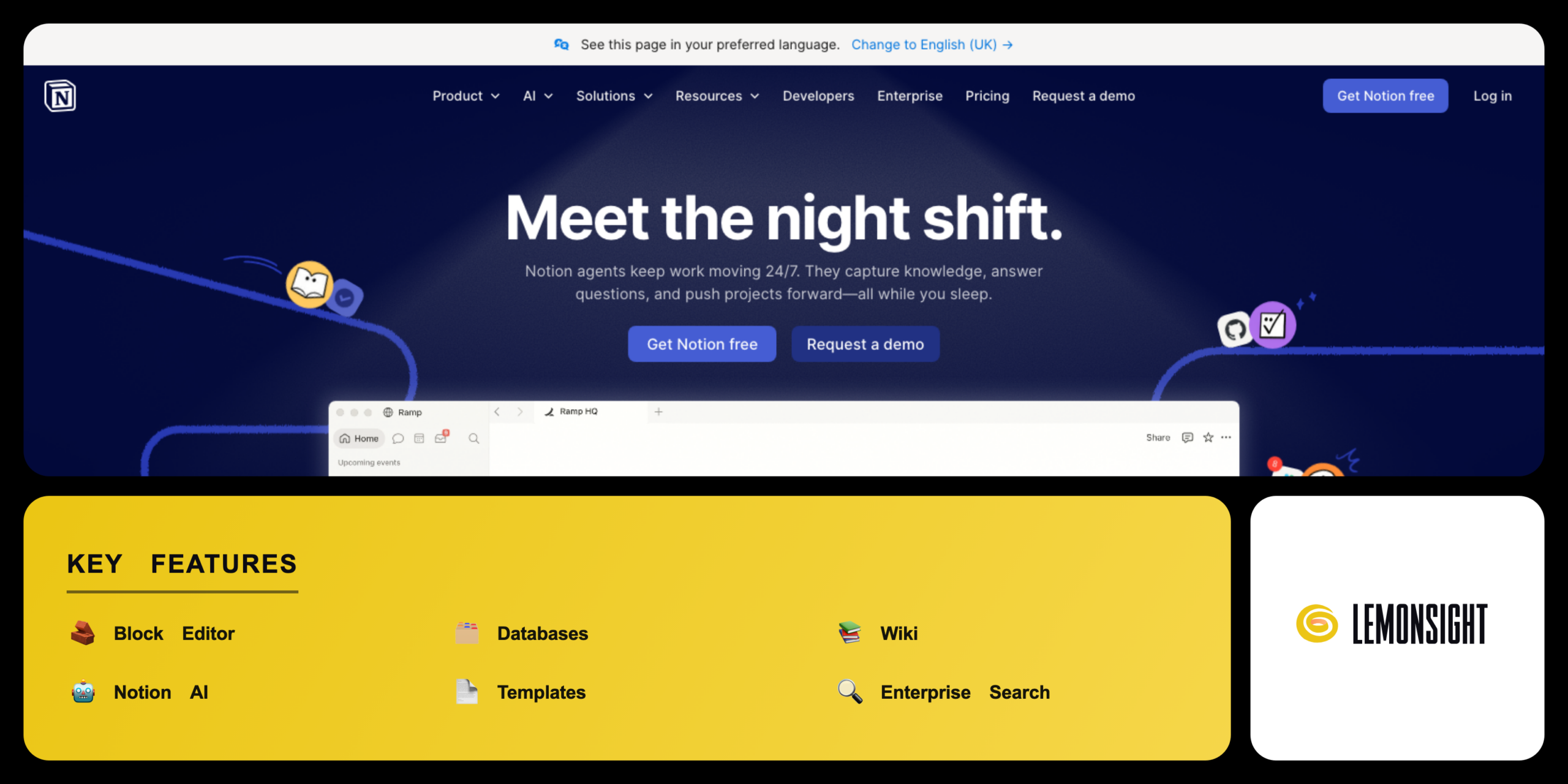
Notion bundles several workspace tools into one editor. The block editor builds notes, docs, and pages. The database engine stores structured records in tables, boards, and calendars. The wiki feature centralizes team knowledge, and Notion AI drafts and answers from a prompt.
Notion organizes work around connected pages and databases. Notion AI now ships inside the Business and Enterprise plans at no separate cost. Notion offers a free plan, and paid plans start from $10 per member per month on annual billing.
Is Notion safe, private & secure?
Notion is safe and legitimate, with SOC 2 Type 2 and ISO 27001 certification and encryption in transit and at rest. Notion Labs, Inc. operates Notion under a documented privacy policy. Notion encrypts data with TLS in transit and AES-256 at rest.
Data security & user privacy
Notion holds SOC 2 Type 2 and ISO 27001 certification for security controls. Enterprise plans add zero data retention with LLM providers and audit logs. Notion states that it does not train its AI models on customer data without consent.
✅ Worth it if you
- Centralize notes, docs, and databases in one app
- Connect many workflows as a student, project manager, or remote team
- Reduce the number of separate tools a team pays for
- Want built-in Notion AI for drafting and search
🤔 Look elsewhere if you
- Want only a simple note app
- Prefer to avoid a block-and-database learning curve
- Need a no-code app builder (try Softr instead)
Our Verdict
Pros
- Flexible block editor and databases
- Notion AI included in Business plan
- Thousands of templates available
- SOC 2 Type 2 and ISO 27001 security
- Free plan for individual use
Cons
- Steeper learning curve than note apps
- Full Notion AI needs a paid plan
- Free plan caps team blocks
- Limited offline functionality
- Per-member pricing scales with team size
How It Works
Create account
Visit notion.com and create an account with email or Google.
Get the app
Install the Notion desktop or mobile app, or open the web app.
Set up workspace
Create a workspace and invite team members or guests.
Build a page
Add a new page and build content from blocks.
Add a database
Create a database and choose a table, board, or calendar view.
Use Notion AI
Open Notion AI with the space bar to draft or summarize text.
Apply a template
Apply a template from the gallery to speed up setup.
Notion Features
Block Editor
Builds notes, docs, and pages from draggable blocks.
Databases
Stores records as tables, boards, calendars, and timelines.
Wiki
Centralizes and verifies team knowledge pages.
Notion AI
Drafts, edits, and answers from workspace content.
Templates
Applies prebuilt page and database layouts.
Enterprise Search
Finds answers across pages and connected apps.
Connections
Links Slack, Google Drive, GitHub, and Asana.
Automations
Triggers repeated actions inside a database.
Notion Pricing
- Unlimited pages for individual use
- Limited Notion AI trial
- 5MB file uploads · 10 guests
- $12/member/mo billed monthly
- Unlimited blocks
- Unlimited file uploads
- 30-day page history
- Limited Notion AI trial
- $24/member/mo billed monthly
- Notion AI included
- Enterprise Search
- SAML SSO
- Notion AI included
- SCIM provisioning
- Audit logs
- Dedicated success manager
Who Is Notion Best For?
Organize notes, assignments, and study schedules; track coursework and deadlines in databases; apply ready-made planner and note templates on the free plan.
Plan and track work in one workspace; use Notion AI to draft briefs and summaries; display tasks as boards, timelines, and calendars linked by relations and rollups.
Centralize knowledge across locations; verify shared documentation with wiki templates; sync Slack, Google Drive, and GitHub and keep every page in sync.
Notion Alternatives
| Tool | Best for | Price | Notes | Compare |
|---|---|---|---|---|
| Obsidian | Local markdown notes | Free personal use | Privacy-focused; stores notes locally; $4/mo sync | vs → |
| ClickUp | Project and task management | $7/user/mo | Task-management focused with free tier | vs → |
| Trello | Kanban board tracking | $5/user/mo | Kanban boards with free tier | vs → |
| Notion — this review | Docs and databases combined | from $10/mo | Pairs a block editor with relational databases and built-in AI |
Notion vs Obsidian
Obsidian stores markdown notes locally on a device, while Notion stores pages in the cloud. Notion adds relational databases and built-in Notion AI that Obsidian lacks. Obsidian stays free for personal use and charges $4 per month for sync; Notion paid plans start from $10 per member per month. Privacy-focused writers choose Obsidian, while database-driven teams choose Notion.
Notion FAQ
Is Notion free?
Notion offers a free plan with unlimited pages for individual use and a limited Notion AI trial. The free plan caps team blocks for workspaces with two or more members and limits file uploads to 5MB. Unlimited blocks and full Notion AI require a paid plan.
How much does Notion cost?
Notion Plus costs $10 per member per month on annual billing and $12 on monthly billing. Notion Business costs $20 per member per month and includes Notion AI. Notion quotes Enterprise pricing by team size.
Who owns Notion?
Notion Labs, Inc. owns and operates Notion from San Francisco, California, US. Ivan Zhao and Simon Last co-founded Notion in 2013. Notion serves more than 100 million users worldwide.
Is Notion safe?
Notion is safe to use, with SOC 2 Type 2 and ISO 27001 certification and encryption in transit and at rest. Notion encrypts data with TLS in transit and AES-256 at rest. Notion documents these controls in the privacy policy.
Is Notion legit?
Notion is a legitimate platform operated by Notion Labs, Inc. Notion serves more than 100 million users worldwide. Notion maintains documented terms of service and active customer support.
Is Notion worth it?
Notion is worth the cost for students, project managers, and remote teams that centralize notes, docs, and databases. The combined workspace and Notion AI cut the number of separate tools a team pays for. Users who need only a simple note app find the learning curve harder to justify.
Ready to try Notion?
Start free, or take the trial to explore premium features across all your devices.
Visit Notion →Related Tools

An AI-powered project management platform that centralizes task tracking, docs, and workflow automation into a single customizable workspace.

An AI meeting assistant whose bot auto-joins video calls to record, transcribe, and summarize them, with an AskFred chat assistant over your meetings.

A cloud-based work operating system with customizable boards for project management, CRM, and team collaboration.

A premium AI email client for Gmail and Outlook that uses keyboard speed and AI drafting to reach inbox zero.

A collaborative visual workspace combining flowcharts, wireframes, mind maps, and docs on one canvas, with AI diagram generation.

A project management and task tracker that coordinates team workflows through list, board, timeline, and portfolio views with custom automation.