

Descript Review
An AI editor that edits video and audio by editing the transcript like a text document.
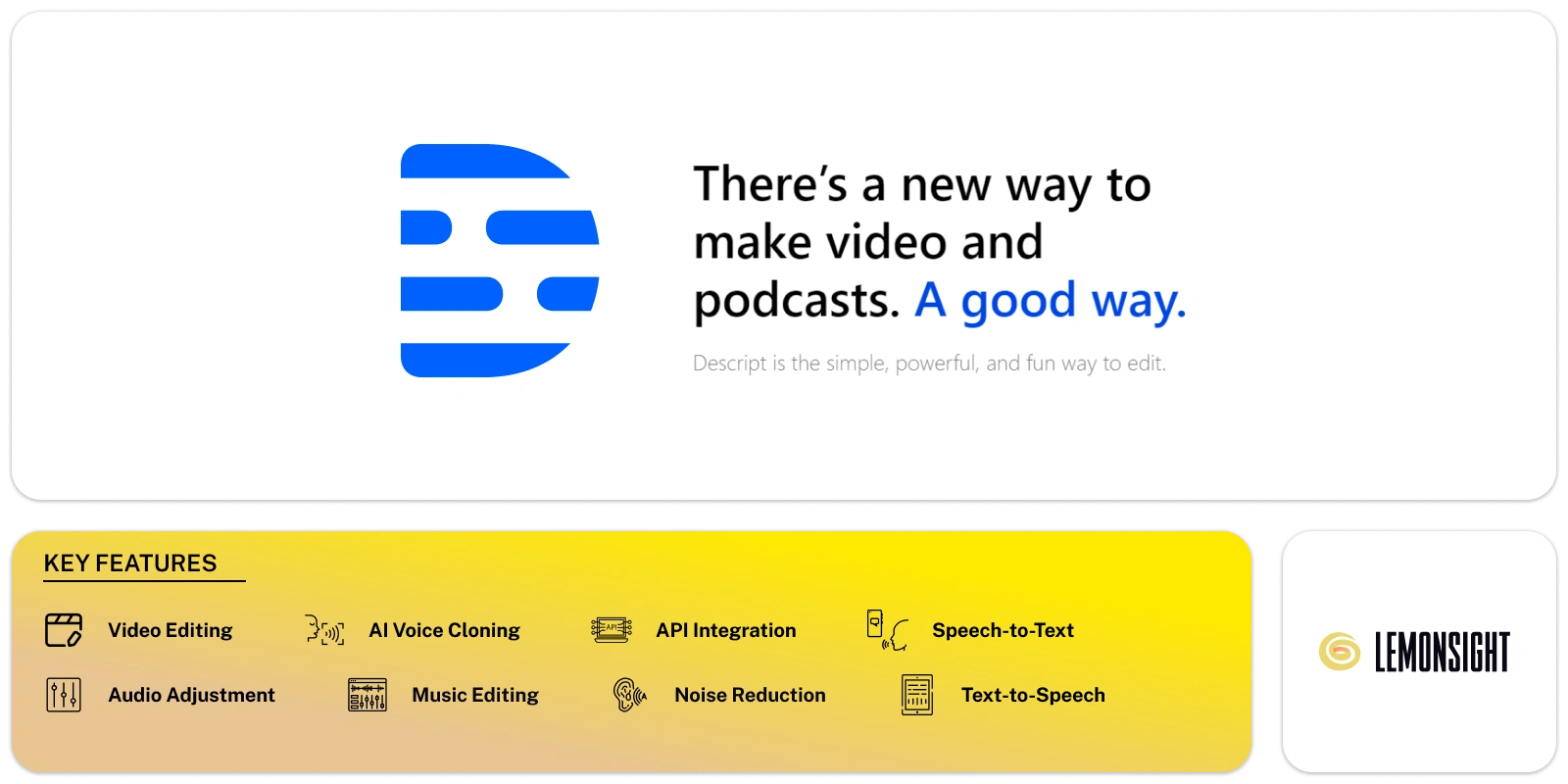
Is Descript Worth It?
Descript is worth it for podcasters, content creators, and corporate teams who edit media often. Descript edits video and audio through the transcript, which cuts post-production time. Descript paid plans start from $16 per month and remove free-plan limits. The free Descript plan covers light, occasional editing.
About Descript
Descript is an AI-powered editor that edits video and audio by editing the transcript like a text document. Descript, Inc. operates the platform from San Francisco, California, in the United States. Andrew Mason, the founder of Groupon, founded Descript. Descript serves podcasters, content creators, and corporate teams.
Descript turns recorded media into an editable transcript. Editing the text edits the video and audio in sync. Deleting a word in the transcript deletes that word from the recording.
Descript bundles several editing tools into one workspace. The Underlord AI co-pilot writes scripts and applies edits. Studio Sound cleans up audio. Overdub clones a voice for corrections. The Transcription, Filler Word Removal, Eye Contact, and Screen Recording tools complete the set. Descript offers a free plan and paid plans from $16 per month.
Is Descript safe, private, and secure?
Descript is safe and legitimate, with SSL encryption and voice-consent controls on its cloning tools. Descript protects uploads, transcripts, and media files with standard encryption. Descript, Inc. operates under documented terms of service and a privacy policy.
Overdub safety guidelines and voice authentication
Descript requires voice authentication before creating an Overdub clone. The platform records a consent statement from the voice owner. Descript blocks voice cloning without that verification step. Descript stores voice models under the owner’s account controls.
✅ Worth it if you
- Produce recurring video or audio
- Edit media often as a podcaster, creator, or team
- Want to cut post-production time via transcript editing
- Need Studio Sound and one-click filler-word removal
🤔 Look elsewhere if you
- Edit only a few clips a year
- Need just light, occasional editing (the free plan may be enough)
- Cannot justify a monthly cost from $16
Our Verdict
Pros
- Fast text-based editing
- Accurate automatic transcription
- Studio Sound audio cleanup
- All-in-one editing workspace
- Free plan with 720p exports
Cons
- Learning curve for new users
- Free plan caps at 1 media hour
- Heavy projects need strong hardware
- Monthly cost from $16
- Occasional sync glitches reported
How It Works
Create account
Visit descript.com and create an account with email or Google.
Get the app
Download the Descript app or open the web editor.
Import media
Create a new project and import or record media.
Auto-transcribe
Wait for Descript to generate the transcript.
Edit the text
Edit the video and audio by editing the transcript.
Clean up
Apply Studio Sound and remove filler words.
Export
Export the file or publish it directly.
Descript Features
Text-based editing
Edits video and audio through the transcript
Transcription
Converts speech to text in 20+ languages
Underlord
AI co-pilot for scripts, clips, and show notes
Studio Sound
Removes noise and enhances voice quality
Remove Filler Words
Deletes "um," "uh," and "like" automatically
Overdub
Clones an approved voice for typed corrections
Eye Contact
Redirects speaker gaze toward the camera
Screen recording
Captures screen, camera, and remote calls
Descript Pricing
- $24/mo billed monthly
- 10 media hours/month
- 400 AI credits/month
- 1080p export
- $35/mo billed monthly
- 30 media hours/month
- 800 AI credits/month
- 4K export
- $65/mo billed monthly
- 40 media hours/month
- 1,500 AI credits/month
- 4K export
Who Is Descript Best For?
Edit long multitrack episodes; multitrack editing manages separate speakers; Studio Sound cleans remote recordings; Filler Word Removal tightens conversational audio.
Turn long videos into short clips; Create Clips finds shareable moments; Eye Contact improves talking-head videos; templates apply captions and layouts in one step.
Produce training and update videos; repurpose meeting recordings from transcripts; reviewers comment in the editor; export captioned video for internal and external use.
Descript Alternatives
| Tool | Best for | Price | Notes | Compare |
|---|---|---|---|---|
| VEED | Subtitles and social video | $12/mo | Free tier available | vs → |
| Otter | Meeting transcription | $8.33/mo | Free tier available | vs → |
| Podcastle | Podcast recording | $11.99/mo | Free tier available | vs → |
| HeyGen | AI avatar video | $24/mo | Free tier available | vs → |
| Descript — this review | Text-based editing | From $16/mo | Free tier available |
Descript vs VEED
VEED edits video and subtitles in a browser with less setup than Descript. Descript edits through the transcript with deeper audio tools than VEED. VEED plans start at $12 per month. Descript plans start from $16 per month. Creators who need fast captions choose VEED, while podcasters who need transcript editing choose Descript.
Descript FAQ
Is Descript free?
Descript offers a free plan with 1 media hour of transcription per month, 100 one-time AI credits, and 720p exports. Longer transcription, higher resolution, and full AI tools require a paid Descript plan.
How much does Descript cost?
Descript paid plans start from $16 per month on the Hobbyist plan billed annually. The Creator plan costs $24 per month billed annually. Monthly billing costs more on both Descript plans.
Who owns Descript?
Descript, Inc. owns and operates Descript. Andrew Mason, the founder of Groupon, founded Descript. Descript, Inc. is headquartered in San Francisco, California.
Is Descript safe?
Descript is safe to use, with SSL encryption protecting uploads, transcripts, and media files. Descript requires voice authentication and consent before creating an Overdub voice clone.
Is Descript legit?
Descript is a legitimate platform backed by major venture capital firms and led by the Groupon founder Andrew Mason. Descript serves millions of users and offers active customer support.
Is Descript worth it?
Descript Premium is worth the cost for creators and podcasters who edit media frequently. The text-based editing workflow reduces post-production time. Light users find the free Descript plan sufficient.
Ready to try Descript?
Start free, or take the trial to explore premium features across all your devices.
Visit Descript →Related Tools

An AI text-to-speech platform with 500+ realistic voices across 100+ languages, built for affordable, high-volume voiceover generation.

An AI transcription platform for journalists and media teams with a collaborative text editor, live transcription, and translation into 50+ languages.

An AI audio-recognition app that identifies songs from playback, humming, or singing, with a Houndify-powered hands-free voice assistant.

An AI media localization platform that automates transcription, subtitling, and voice-cloned voiceovers across 100+ languages.

A free web-based audio tool that uses AI to isolate vocals and extract instrumental tracks from any song in the browser.

An AI music generator with voice cloning, voice conversion, and stem separation for musicians and content creators.